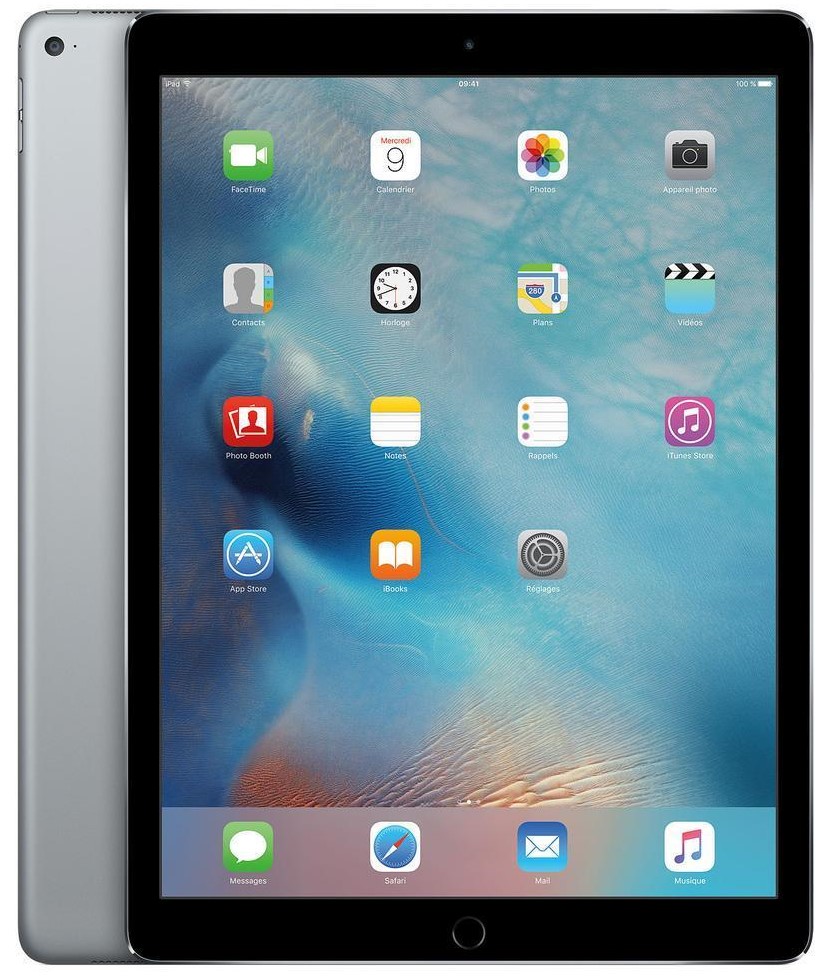
Models: A2436, A2764
iPad Pro 12.9″ 6th Gen (2022) Repair
Is your iPad Pro 12.9" 6th Gen (2022) showing signs of wear or malfunctioning? Whether it’s a cracked screen, battery draining too fast, or charging issues, iExpert Repairs is your go-to repair shop for A2436, A2764 models. We offer high-quality iPad repairs using premium parts and expert service to ensure your device performs like new. Our repairs come with a 12-month warranty, giving you peace of mind every time.
Can’t visit us in person? Don’t worry! We provide a hassle-free mail-in service across the UK, including London. Simply book your repair online, follow our easy instructions to send your iPad, and we’ll get it repaired on the same day. With free next-day delivery, your iPad will be back to you in no time!
 before
 after
after
 before
 after
after
 before
 after
after
 before
 after
after
 before
 after
after
 before
 after
after
 before
 after
after
 before
 after
after

Screen Repair

Battery Replacement

Charging Port Fix

Can't Find Your Repair?
iPad Pro 12.9" 6th Gen Screen Replacement
£349
Repair Description
A cracked, broken, or damaged screen can ruin the visual experience of your iPad Pro 12.9" 6th Gen (2022). If your display has cracks, black spots, or is simply not looking as bright as it once did, we provide a top-tier screen replacement service. We’ll restore your device with a vibrant, clear, and responsive screen, ensuring that it looks as good as new and functions just as well.

How our mail-in repair works?

How long your repair takes?

12 month warranty included

How we protect your data?
iPad Pro 12.9" 6th Gen Battery Replacement
£89
Repair Description
Is your iPad Pro 12.9" 6th Gen (2022) not holding a charge for as long as it used to? If you notice that the battery drains quickly or your iPad turns off unexpectedly, it’s time to replace the battery. Our battery replacement service uses a genuine, high-quality replacement to give your iPad the power it needs to last longer, so you can get through the day without worrying about charging.
How our mail-in repair works?
How long your repair takes?
12 month warranty included
How we protect your data?
iPad Pro 12.9" 6th Gen Charging Port Fix
£79
Repair Description
If your charging port is faulty and your iPad isn’t charging properly, it’s time to get it fixed. Our charging port repair service restores a secure connection and ensures your device charges quickly and efficiently. Say goodbye to frustrating charging issues and enjoy hassle-free charging again with our professional repair service.
How our mail-in repair works?
How long your repair takes?
12 month warranty included
How we protect your data?
Other Repairs & Diagnostic Service
£15
Repair Description
Experiencing an unexplained problem with your iPad Pro 12.9-inch 6th Gen? Our diagnostic service helps identify faults such as liquid damage, software errors, boot issues, camera or sensor failures, logic board problems, overheating, and other complex device issues.
Our technicians perform a detailed diagnosis of your iPad Pro 12.9-inch 6th Gen, identify the exact fault, explain the recommended repair, and confirm the cost before any work is carried out.
How our mail-in repair works?
How long your repair takes?
12 month warranty included
How we protect your data?
The 12.9-inch iPad Pro from 2022 is the last and most refined of the mini-LED generation, and it combines two features that make a careless screen repair genuinely detectable: a mini-LED backlight with thousands of dimming zones, and Apple Pencil hover. Both have to survive the work, and neither shows up in a casual touch test.
How much does an iPad Pro 12.9-inch (6th gen, 2022) repair cost?
Our fixed prices at iExpert Repairs are:
- Screen replacement – £349
- Battery replacement – £89
- Charging port repair – £79
- Diagnostic service – £15
Every price includes the part, the labour and a 12 month guarantee, with nothing added at the end. The £15 diagnostic covers faults outside this list and includes a fixed quote before any work starts.
Apple Pencil hover, and why it raises the bar for repairs
This generation introduced hover: the iPad detects the Pencil roughly a centimetre above the glass, so brushes preview before you commit a stroke and interface elements respond as the tip approaches. Anyone who draws on one of these gets used to it fast and finds working without it awkward.
Hover asks considerably more of the digitiser than touch does. A panel only needs to register a finger that is physically touching it, but hover requires accurate detection of something that is not touching it at all, consistently across a very large surface. A substandard replacement assembly can pass every ordinary test and still lose hover near the edges of a 12.9-inch canvas. We test it specifically, along with pressure sensitivity and corner tracking, before any device of this generation leaves us.
That halo around bright objects is normal
The mini-LED backlight puts thousands of tiny LEDs behind the panel in independently dimmed zones, which is how it achieves contrast an ordinary LCD cannot. The trade-off is blooming: a small bright object on a black background causes the zone lighting it to spill a faint glow into the surrounding darkness.
You see it most with white subtitles on dark film, a bright cursor on a black canvas, or star fields. It is a property of the technology, not a defect, and a new screen will not remove it because the replacement behaves identically. We would rather explain that than take £349 for a repair that changes nothing. What is not normal is a patch that stays lit when its surroundings are black, a zone that never illuminates, or uneven brightness across a plain white page – those are genuine backlight faults.
Why this is the most expensive non-OLED iPad screen we fit
At £349 this sits above every other LCD-era iPad and below the OLED models that followed. Two things drive it: the sheer physical size of a 12.9-inch panel, and the complexity of the mini-LED assembly behind it, which is a far more involved component than a conventional backlight. A repairer quoting the same figure for an 11-inch model of the same year is not pricing it accurately.
Face ID and True Tone after a screen replacement
Face ID sits in the bezel as a separate module rather than being bonded into the display as it is on iPhone, so it transfers to the new panel and continues working. Ambient light sensing and True Tone calibration also need restoring properly. A screen fitted without that leaves a display which no longer adapts to room lighting – subtle, and immediately noticeable to somebody accustomed to it. Both are checked before the iPad goes back.
Battery replacement at £89
A 12.9-inch iPad carries a large cell held down by adhesive spread across a wide area, and easing that out without stressing a chassis this size takes patience rather than force. Rushing it is how a technician creases a panel or punctures a cell. After reassembly the device is charge-tested rather than simply put back together.
Confirm the battery is genuinely the problem first. A worn cell handles reading and streaming perfectly well and then drops sharply during video calls, gaming or a long drawing session. Sudden collapse under load is the signature. If the iPad merely feels slow, that is worth diagnosing rather than assuming – an M2 does not become slow with age.
Charging faults: work through the free checks
Change the USB-C cable, since cables fail internally at the strain relief far more often than ports fail. Change the mains adapter and check its wattage, because a 12.9-inch iPad draws serious power and an underpowered brick will report as connected while adding almost nothing. Then look into the socket with a torch for compacted lint, which we clear at no charge. Our £79 charging port repair is the last answer rather than the first.
Check the frame before ordering a panel
Large flat-edged iPads deform rather than shatter when they land badly, and more mass means more force concentrated in whichever corner hits the floor. A bent chassis is the most common reason a screen repair fails weeks later, because a new panel cannot bond flat to a frame that is not flat. Rest the iPad face-down on a genuinely flat surface and press each corner in turn – any rocking means the frame has moved, and we need to know before ordering a £349 part.
How long does a 2022 12.9-inch iPad Pro repair take?
Battery and charging work is usually completed the same day once the device is with us. Screen replacement is deliberately unhurried, because a large bonded mini-LED assembly is easy to stress during fitting and because hover, pressure, Face ID and True Tone all need testing afterwards. We confirm timing with the fixed quote and begin only once you approve it.
Where can I get a 2022 12.9-inch iPad Pro repaired?
iExpert Repairs handles 6th generation 12.9-inch iPad Pro repairs from our Essex workshop and accepts devices from anywhere in the UK by tracked, fully insured post. Packaging is where most transit damage to large iPads occurs, so we talk you through boxing it properly when you book. contact us to arrange it.
We cover iPad screen repair, iPad battery replacement, iPad charging port repair and iPad water damage repair across every iPad generation, offer data recovery where a device cannot be economically saved, and handle other brands under tablet repair. Our iPad repair page lists every model we support.
2022 12.9-inch iPad Pro Repairs: Common Questions
What is Apple Pencil hover and does a repair affect it?
Hover lets the iPad detect the Pencil about a centimetre above the glass, so brushes preview before you commit a stroke. It asks far more of the digitiser than touch does - accurate detection of something not touching the panel, across a very large surface. A poor replacement can pass every ordinary test and still lose hover near the edges.
Why does my screen glow around bright objects?
That is blooming, a property of the mini-LED backlight rather than a fault. Thousands of LEDs sit behind the panel in dimming zones, and a bright object on black spills a faint halo into the surrounding darkness. A new screen will not remove it, because the replacement behaves identically.
When is a backlight issue an actual fault?
A patch that stays lit when its surroundings are black, a zone that never illuminates at all, or uneven brightness across a plain white page. Those are genuine backlight failures worth investigating. Ordinary blooming around subtitles or a cursor on a dark canvas is not, and we will tell you which you have.
Why is this screen more expensive than the 11-inch of the same year?
The panel is far larger and the mini-LED assembly behind it is a much more involved component than a conventional backlight. At £349 this is the most expensive non-OLED iPad screen we fit. A repairer quoting the same figure for an 11-inch model of the same year is not pricing it accurately.
My iPad feels slow - would a new battery help?
Probably not, and we would rather say so than take the booking. An M2 does not become slow with age, so sluggishness is worth diagnosing properly. A genuine battery fault behaves differently: fine while reading or streaming, then collapsing during video calls, gaming or a long drawing session.
How do I check whether my iPad is bent before a screen repair?
Rest it face-down on a genuinely flat surface and press each corner in turn. Any rocking means the chassis has deformed. Large flat-edged iPads bend rather than shatter when they land badly, and a new panel cannot bond flat to a frame that is not flat - so tell us before we order a £349 part.