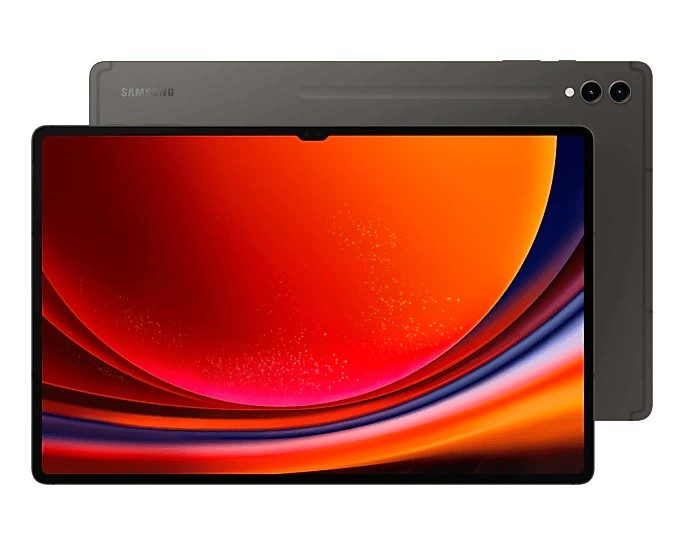
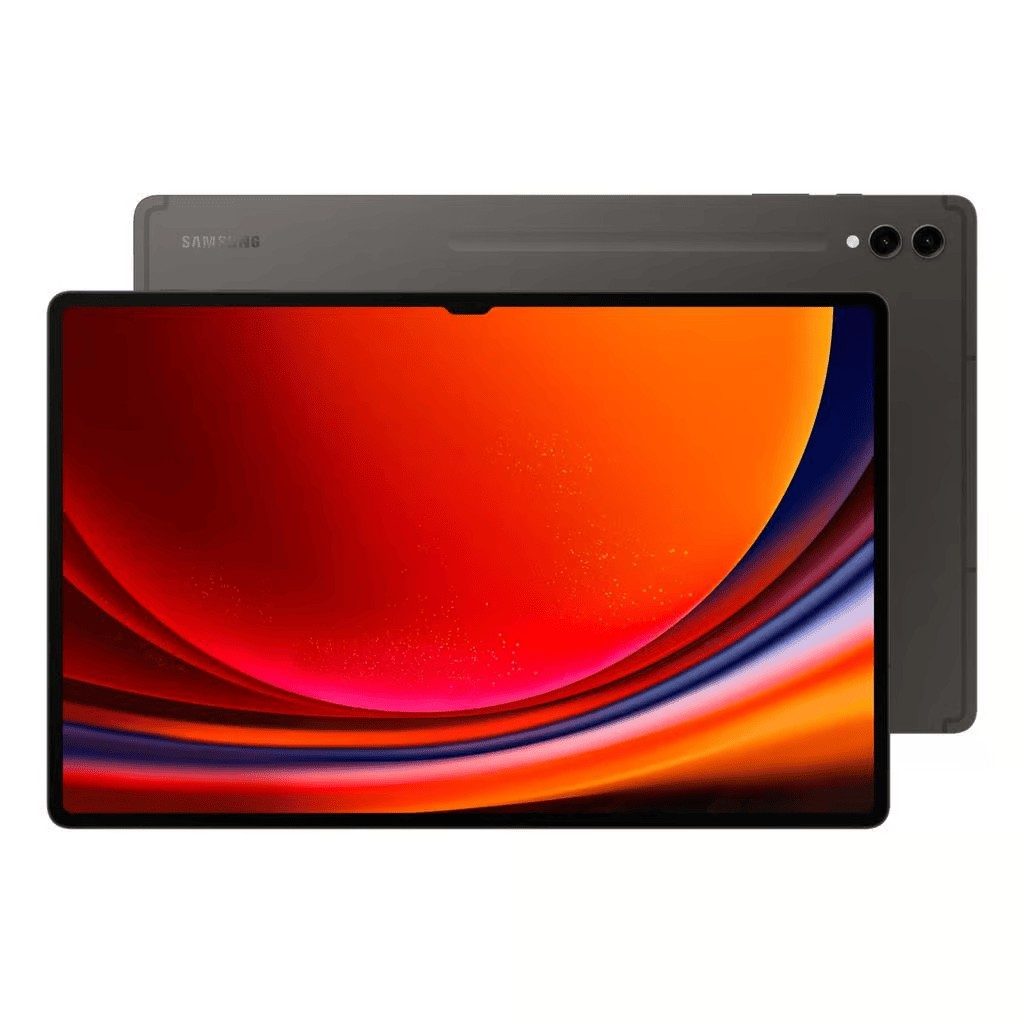
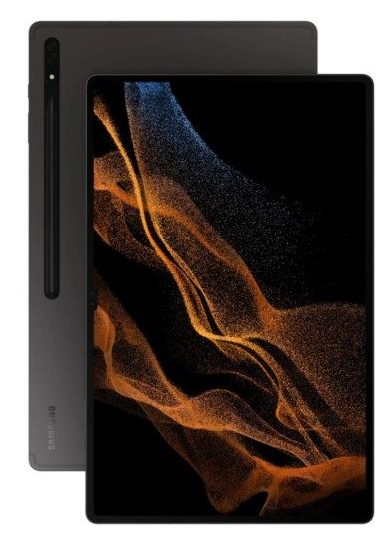
Galaxy Tab S9 Repair
When it comes to reliable and fast Galaxy Tab S9 repairs, iExpert Repairs is your go-to choice across London and the UK. Whether you’re dealing with a cracked screen, sluggish performance, battery drain, or charging issues, our certified technicians have the expertise to get your tablet back in action. Using only authentic Samsung parts, we ensure top-quality repairs, bringing your Galaxy Tab S9 back to life. With a 12-month warranty on all repairs, you can rest assured your device will be as good as new.
Repairing your Galaxy Tab S9 is easy. You can either come to visit us in-store or opt for our UK-wide mail-in service. Free return delivery ensures you won’t have to worry about anything once the repair is complete.
Screen Repair
Battery Replacement
Charging Repair
Can't Find Your Repair?
Galaxy Tab S9 Screen Replacement
£309
Repair Description
A broken or damaged screen doesn’t just affect your view - it can disrupt your entire experience with your Galaxy Tab S9. If you’ve dropped your tablet or have a cracked screen, we replace it with an original Samsung-certified screen. Expect vibrant, crisp visuals and precise touch responsiveness, just as you had when your device was new.
How our mail-in repair works?
How long your repair takes?
12 month warranty included
How we protect your data?
Galaxy Tab S9 Battery Replacement
£65
Repair Description
Has your Galaxy Tab S9 been draining faster than it used to? Whether it won’t last through the day or shuts off unexpectedly, your tablet’s battery may be failing. Our team offers high-quality battery replacements using only genuine Samsung parts, so you’ll get more life out of your tablet and a noticeable improvement in its performance.
How our mail-in repair works?
How long your repair takes?
12 month warranty included
How we protect your data?
Galaxy Tab S9 Charging Repair
£59
Repair Description
Struggling to charge your Galaxy Tab S9? This could be due to a faulty charging port, worn-out connections, or even dirt buildup. Our technicians will inspect, clean, and repair the charging port to restore reliable charging functionality, so you can get your tablet powered up in no time.
How our mail-in repair works?
How long your repair takes?
12 month warranty included
How we protect your data?
Other Repairs & Diagnostic Service
£15
Repair Description
Not sure what's causing the problem with your Samsung Galaxy Tab S9? Our diagnostic service identifies faults including liquid damage, motherboard issues, software errors, boot failures, charging recognition problems, Wi-Fi or Bluetooth faults, camera issues, overheating, and other hardware problems.
Our technicians will diagnose the exact fault, recommend the most suitable repair, and confirm the repair cost before any work begins.
How our mail-in repair works?
How long your repair takes?
12 month warranty included
How we protect your data?
The Galaxy Tab S9 is the first Samsung tablet with a proper IP68 rating, which makes it genuinely unusual – no iPad Apple has ever made carries any water resistance rating at all. That single fact changes what typically goes wrong with one, and it is where any useful conversation about repairing a Tab S9 should start.
How much does a Galaxy Tab S9 repair cost?
Our fixed prices at iExpert Repairs are:
- Screen replacement – £309
- Battery replacement – £65
- Charging port repair – £59
- Diagnostic service – £15
Each includes the part, the labour and a 12 month guarantee, with no assessment fee added afterwards. The £15 diagnostic applies only to faults outside this list and buys a proper investigation plus a fixed quote before any work begins.
IP68: what it does and does not protect against
The Tab S9 is rated to survive immersion in fresh water, which is why a spilled drink that would finish an iPad often leaves a Tab S9 completely unharmed. It is a real engineering advantage and worth knowing you have.
What it does not mean is that the tablet is sealed for life. IP ratings are established on new devices in laboratory conditions, and the adhesive seals that achieve them degrade with age, heat and any impact. A Tab S9 that has been dropped has almost certainly compromised its seal even if nothing looks broken. Salt water, chlorinated pool water and hot shower steam all sit outside what the rating covers.
Most importantly for repairs: once a tablet has been opened, the original factory seal is gone. We refit water-resistant adhesive during any repair that requires opening the device, but no repairer, Samsung included, can honestly certify a used tablet back to its original IP68 standard. We would rather tell you that plainly than let you assume otherwise and find out the hard way.
Why a Tab S9 screen costs £309
The panel is a Dynamic AMOLED display, and that is the entire explanation. AMOLED generates light at each individual pixel rather than using a backlight behind an LCD, which is what produces the deep blacks and high contrast the S-series is known for. It is also a considerably more expensive component to manufacture.
The gap this creates within Samsung’s own range is striking. The Galaxy Tab S7 and S8 base models use LCD panels and cost £99 and £129 respectively to re-screen. The AMOLED models run into the hundreds. If you are ever comparing repair quotes between Galaxy Tabs, panel type is what you are actually comparing, not model year.
The S Pen, and what a screen repair must preserve
Samsung includes the S Pen in the box, which Apple has never done, and the S Pen works differently from an Apple Pencil. It uses electromagnetic resonance: a dedicated digitiser layer beneath the display powers and tracks the pen, which is why the S Pen needs no battery and never needs charging for writing.
That layer is separate from the capacitive touch layer your finger uses, and a screen replacement has to keep both working. This is precisely where cheap repairs fail – a tablet can respond perfectly to fingers while the S Pen skips, offsets slightly from the tip, or loses pressure sensitivity near the edges. We test S Pen tracking, pressure response and corner accuracy before any S-series tablet leaves us. If you write or draw on yours, ask any repairer whether they do the same.
Green or pink lines on an AMOLED screen
If a vertical coloured line has appeared down your display, that is a known AMOLED failure mode rather than something you caused. It can appear spontaneously, sometimes after a software update, and it usually starts as one faint line before others follow. There is no software fix – the panel itself has failed and it needs replacing.
Worth checking first: if your tablet is still within Samsung’s warranty, this may be covered, and we will tell you to pursue that before quoting you £309. Out of warranty, our screen replacement resolves it.
Battery replacement at £65
At £65 this is good value on a tablet of this class, and it is the repair most Tab S9s will eventually want. The cell is bonded in with adhesive that must be eased out slowly rather than levered, and because this is a sealed IP68 device the water-resistant adhesive around the back panel is renewed on reassembly rather than reused.
Before booking, watch how the tablet behaves under load rather than at rest. A worn cell handles reading and streaming perfectly well and then drops sharply during video calls, gaming, DeX use or a long S Pen session. Sudden collapse when you actually work the device is the signature.
Charging faults: free checks first
Change the USB-C cable, then change the mains adapter and check its wattage – a small phone charger can show a tablet this size as connected while adding almost nothing, which presents exactly like a hardware fault. Then look into the socket with a torch for compacted lint, which we clear at no charge. Only when all three come back clean is our £59 charging port repair the right answer.
Your microSD card is a backup you may have forgotten
Most Galaxy Tabs, this one included, take a microSD card, and that is something no iPad offers. If your photographs and documents were saved to the card rather than internal storage, they are physically safe even if the tablet itself is not, and readable in any card reader immediately.
It is the first thing worth checking if you are facing a tablet that will not switch on. Where files are on internal storage instead, our data recovery service can often still retrieve them.
How long does a Galaxy Tab S9 repair take?
Battery and charging work is usually completed the same day once the device is with us. Screen replacement takes longer, because a bonded AMOLED assembly must come out cleanly and S Pen tracking needs testing afterwards. We give you a realistic timescale with the fixed quote and start only once you approve it.
Where can I get a Galaxy Tab S9 repaired?
iExpert Repairs handles Galaxy Tab S9 repairs from our Essex workshop and accepts devices from anywhere in the UK through a tracked, fully insured mail-in service, so being local is not a requirement. contact us to arrange collection or to describe the fault first.
We cover Samsung tablet repair across the whole Galaxy Tab range, along with Samsung screen repair, Samsung battery replacement, Samsung charging repair and water damage repair. For other brands see our general tablet repair page, and our Samsung repairs page lists every Samsung device we support.
FAQs About Galaxy Tab S9 Repairs
What does it cost to repair a Galaxy Tab S9 screen?
The cost of repairing a Galaxy Tab S9 screen is £309 for original Samsung-certified screen replacements to ensure long-lasting quality.
Why is my Galaxy Tab S9 battery draining quickly?
A rapidly draining battery may be due to an aging battery or heavy background apps. A replacement battery is often the solution, and we only use genuine Samsung batteries to ensure your device performs as expected, so you can enjoy more hours of use.
Why isn’t my Galaxy Tab S9 charging?
Charging problems with your Galaxy Tab S9 could be caused by a faulty charging port or damaged cable. Our team will quickly diagnose the issue, fix the charging port, or suggest any necessary repairs to ensure your tablet charges properly and efficiently.
How long does a Galaxy Tab S9 repair take?
For in-store repairs, we typically complete most services within 1-2 hours. Mail-in repairs are handled quickly, with free tracked return delivery included, so your Galaxy Tab S9 will be back in your hands in no time.
Can I mail my Galaxy Tab S9 for repair?
Absolutely! We offer a nationwide mail-in service for Galaxy Tab S9 repairs. Send your tablet to us, and once it’s fixed, we’ll return it with free tracked delivery. This service ensures you don’t have to visit us in person to get expert repairs.
Do repairs come with a warranty?
Yes, all our Galaxy Tab S9 repairs are covered by a 12-month warranty that includes both parts and labor. This warranty gives you confidence that your device will continue to perform well long after the repair.
What should I do if my Galaxy Tab S9 has water damage?
If your Galaxy Tab S9 has suffered water damage, turn it off immediately and avoid charging it. The sooner you bring it to us, the better we can prevent lasting damage. We’ll conduct a thorough water damage diagnostic and repair, restoring your tablet to full functionality.
Can you fix software issues on my Galaxy Tab S9?
Yes, we offer comprehensive software troubleshooting for any issues your Galaxy Tab S9 may have. Whether your tablet is freezing, crashing, or running slowly, our technicians can quickly resolve the issue and return your device to smooth operation.