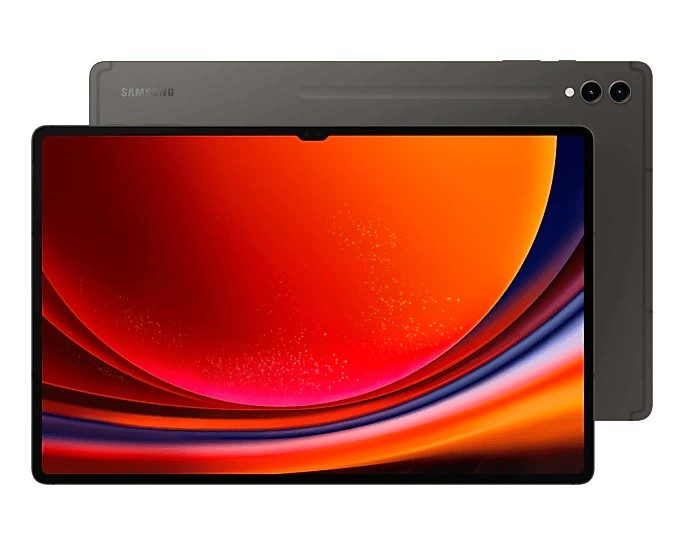
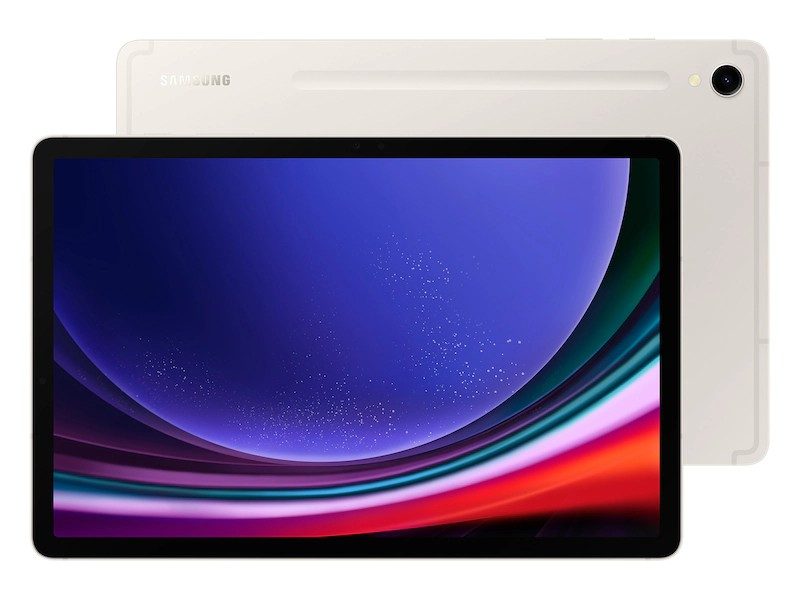
Galaxy Tab S9 Plus Repair
At iExpert Repairs, we provide premium Samsung Galaxy Tab S9 Plus repair services across London and the UK. Whether your tablet has a cracked screen, battery issues, charging problems, or software malfunctions, our expert technicians use only Samsung-certified parts to ensure long-lasting, high-quality repairs. We understand how essential your tablet is for work, entertainment, and communication, which is why we offer fast, reliable, and affordable repair solutions with a 12-month warranty for your peace of mind.
Choose your repair service, book online, and follow our step-by-step instructions for a seamless experience. Send your Galaxy Tab S9 Plus from anywhere in the UK, and we’ll fix it and return it with free delivery.
 before
 after
after
 before
 after
after
 before
 after
after
 before
 after
after
 before
 after
after
 before
 after
after
 before
 after
after
 before
 after
after

Screen Repair

Battery Replacement

Charging Repair

Can't Find Your Repair?
Galaxy Tab S9 Plus Screen Replacement
£349
Repair Description
A cracked or damaged screen can affect the functionality and appearance of your tablet. Our Samsung-certified screen replacements restore your tablet’s display clarity and touch sensitivity, ensuring it looks and functions like new.

How our mail-in repair works?

How long your repair takes?

12 month warranty included

How we protect your data?
Galaxy Tab S9 Plus Battery Replacement
£89
Repair Description
If your Galaxy Tab S9 Plus battery drains quickly or isn’t holding a charge, it may be time for a replacement. Our technicians use genuine Samsung batteries to restore your tablet’s performance, eliminating fast drainage, overheating, and unexpected shutdowns.
How our mail-in repair works?
How long your repair takes?
12 month warranty included
How we protect your data?
Galaxy Tab S9 Plus Charging Repair
£89
Repair Description
Struggling with a loose charging port or a tablet that won’t charge? We provide expert charging port repairs to fix connection issues, ensuring your tablet charges efficiently and safely.
How our mail-in repair works?
How long your repair takes?
12 month warranty included
How we protect your data?
Other Repairs & Diagnostic Service
£15
Repair Description
Is your Samsung Galaxy Tab S9 Plus no longer performing as expected? Our diagnostic service helps identify faults including liquid damage, motherboard failures, startup issues, software glitches, Wi-Fi or Bluetooth connectivity problems, camera faults, overheating, and other internal hardware issues.
Our technicians will pinpoint the exact fault, recommend the appropriate repair, and confirm the repair cost before any work begins.
How our mail-in repair works?
How long your repair takes?
12 month warranty included
How we protect your data?
The Galaxy Tab S9 Plus sits between the standard S9 and the enormous S9 Ultra, and it is arguably the best-judged of the three. It carries the same Dynamic AMOLED panel technology and the same IP68 rating as its siblings, with a screen replacement at £349 – meaningfully less than the Ultra while giving up very little.
How much does a Galaxy Tab S9 Plus repair cost?
Our fixed prices at iExpert Repairs are:
- Screen replacement – £349
- Battery replacement – £89
- Charging port repair – £89
- Diagnostic service – £15
Each covers the part, the labour and a 12 month guarantee, with nothing added at the end.
Why the Plus costs more than the standard S9 to repair
Panel cost is driven by physical area and by manufacturing yield rather than by model tier. A larger AMOLED sheet uses more material and fails quality control more often during production, so fewer usable panels come off each run and the unit cost climbs. That is why the S9 Plus screen is £349 against £309 for the standard S9, and why the S9 Ultra is £499 again.
The battery and charging repairs also step up, from £65 and £59 on the S9 to £89 each here, because both components are physically larger and sit in a bigger, more tightly packed chassis. None of that is markup – it is the parts and the time the job actually takes.
The S Pen and the layer beneath your screen
Samsung includes the S Pen with every S-series tablet, and it works quite differently from an Apple Pencil. It uses electromagnetic resonance, meaning a dedicated digitiser layer behind the display powers and tracks the pen. That is why the S Pen needs no charging to write and why it feels instantaneous.
Crucially, that layer is separate from the capacitive touch layer your finger uses, and a screen replacement has to leave both working correctly. This is exactly where a cheap repair falls down. The tablet responds perfectly to fingers, and then the S Pen skips, sits slightly offset from the nib, or loses pressure sensitivity towards the edges of a large panel. On a screen this size, edge accuracy matters more, not less. We test S Pen tracking, pressure response and corner accuracy before any S-series tablet goes back.
Green lines and other AMOLED failures
A vertical green or pink line appearing down the display is a known AMOLED failure rather than damage you caused. It often arrives without warning, sometimes following a software update, and typically starts as a single faint line before more join it. No software fix exists – the panel has failed and needs replacing.
Before you book anything, check whether your tablet is still within Samsung’s warranty, because this may be covered. We will point you there rather than quoting you £349 for something you could have resolved for nothing.
IP68, and the honest limits of it
The S9 Plus is rated to survive immersion in fresh water, which is a genuine advantage over any iPad – Apple has never given a tablet an IP rating at all. A spill that would kill an iPad frequently leaves a Tab S9 Plus untouched.
What the rating does not mean is permanent immunity. It is measured on new devices in controlled conditions, and the adhesive seals degrade with age, heat and impact. A tablet that has been dropped has likely compromised its seal even where nothing looks wrong, and salt water, pool chlorine and shower steam all fall outside what it covers. Once a device has been opened, the original factory seal is gone – we refit water-resistant adhesive during any repair that requires opening it, but nobody, Samsung included, can honestly recertify a used tablet to its original standard.
Battery replacement at £89
The cell in an S9 Plus is physically substantial and bonded across a wide area, so it has to be eased out patiently rather than levered – force on a chassis this size risks creasing the panel. Because this is a sealed device, the water-resistant adhesive is renewed on reassembly rather than reused, and the tablet is charge-tested afterwards.
Check the battery is genuinely at fault first. A worn cell copes with reading and streaming and then collapses during video calls, gaming, DeX sessions or extended S Pen work. Sudden drops under load are the giveaway. If the tablet merely feels slow, check available storage before assuming the battery.
Charging faults on a large tablet
Work through the free checks before paying for anything. Change the USB-C cable. Change the mains adapter and check its wattage, because an S9 Plus draws real power and a small phone charger will report as connected while adding almost nothing. Then check the socket with a torch for compacted lint, which we clear at no charge. Our £89 charging port repair is the last answer, not the first.
Check your microSD card before panicking
The S9 Plus takes a microSD card, which no iPad does. If your photographs and documents live on the card rather than internal storage, they are safe even if the tablet is not, and you can read them in any card reader straight away. It is the first thing to check when facing a device that will not switch on. Where files are on internal storage, our data recovery service can often still recover them.
How long does a Galaxy Tab S9 Plus repair take?
Battery and charging work is usually same-day once the tablet reaches us. Screen replacement takes longer because a large bonded AMOLED assembly is easy to stress during fitting and S Pen tracking has to be tested afterwards. We confirm timing with the fixed quote and begin only when you approve it.
Where can I get a Galaxy Tab S9 Plus repaired?
iExpert Repairs repairs the Galaxy Tab S9 Plus from our Essex workshop and accepts devices from across the UK by tracked, fully insured post. Packaging is where most transit damage to large tablets happens, so we advise on boxing it properly when you book. contact us to arrange it.
We cover Samsung tablet repair across the entire Galaxy Tab range, plus Samsung screen repair, Samsung battery replacement, Samsung charging repair and water damage repair. For other brands see our tablet repair page, and Samsung repairs lists every Samsung device we handle.
FAQs About Galaxy Tab S9 Plus Repairs
How much does it cost to replace a Galaxy Tab S9 Plus screen?
Our Samsung-certified screen replacement costs £349. Unlike lower-quality alternatives, we use only premium Samsung parts, ensuring your screen looks and functions just like new. The repair is backed by a 12-month warranty for your peace of mind.
Why is my Galaxy Tab S9 Plus battery draining so fast?
Battery issues can be caused by wear and tear, background apps, or a faulty battery. If your tablet doesn't hold a charge or shuts down unexpectedly, a battery replacement with a Samsung battery can restore its original performance and lifespan.
Can you fix a Galaxy Tab S9 Plus that won’t charge?
Yes! If your tablet doesn’t charge or charges intermittently, the problem could be a damaged charging port, faulty cable, or software issue. Our charging port repair service ensures a secure and efficient connection so your tablet charges properly.
How long does a Galaxy Tab S9 Plus repair take?
Most screen and battery replacements are completed within 120 minutes. Mail-in repairs typically take 24-48 hours from the time we receive your device. We aim to return your tablet as quickly as possible while ensuring high-quality repairs.
Can I mail in my Galaxy Tab S9 Plus for repair?
Yes! We offer a mail-in repair service across the UK with free return delivery. Simply book online, send us your tablet, and we’ll repair it and ship it back securely.
What should I do if my Galaxy Tab S9 Plus has water damage?
If your device has been exposed to water, turn it off immediately and avoid charging it. Water damage can cause corrosion and internal component failure. Bring it to us for a full diagnostic, and we’ll determine the best course of action to repair your tablet.
Do you offer a warranty on Galaxy Tab S9 Plus repairs?
Yes, all our repairs come with a 12-month warranty, covering parts and labour. If you experience any issues related to the repair within this period, we’ll fix it free of charge.