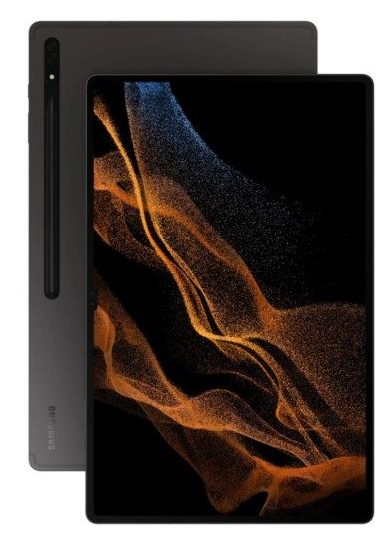
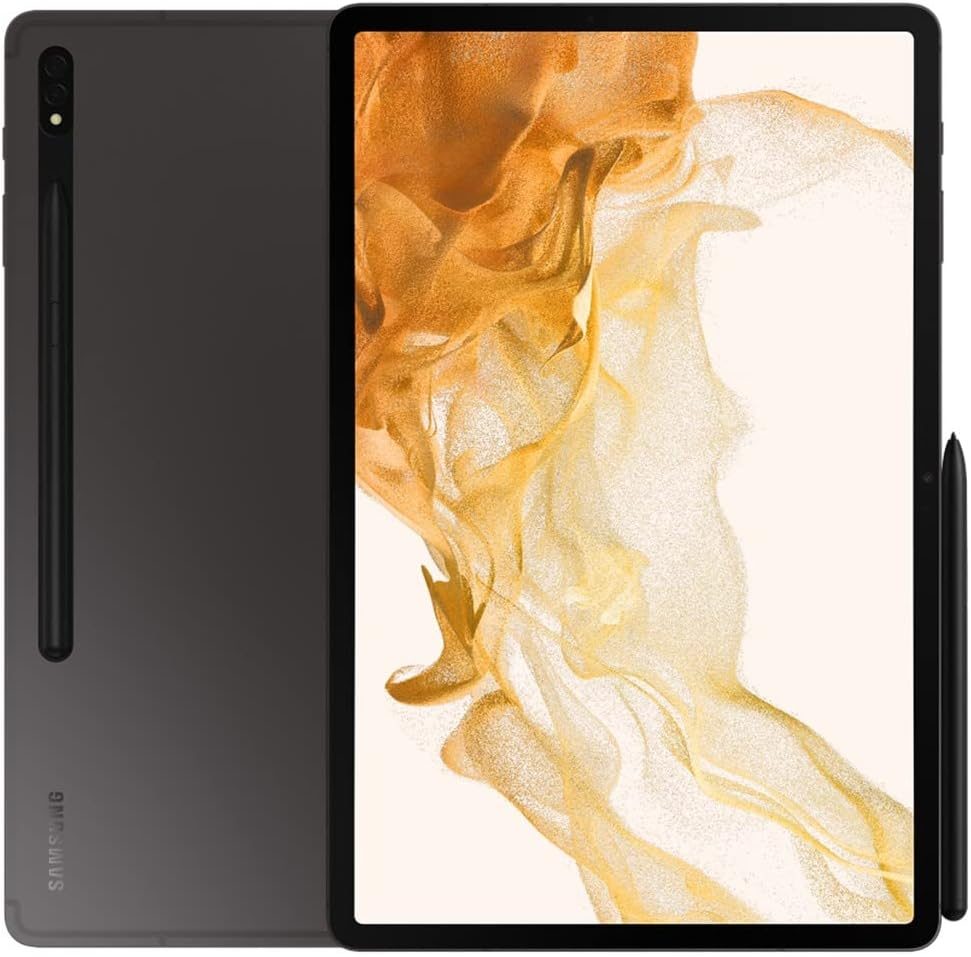
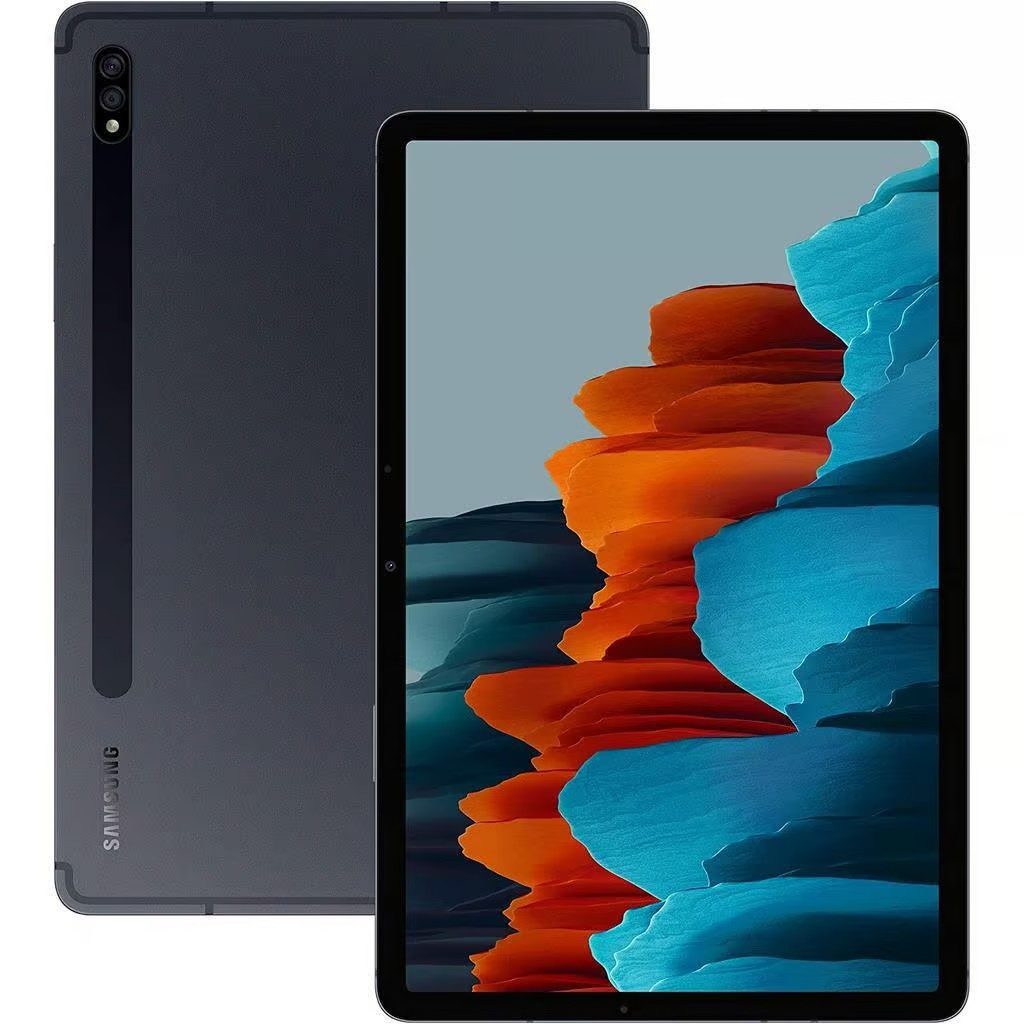
Galaxy Tab S8 Repair
At iExpert Repairs, we provide expert repair services for the Samsung Galaxy Tab S8 across London and the UK. Whether it’s a cracked screen, battery issues, or charging problems, our skilled technicians use high-quality, genuine parts to restore your device to its best condition. We understand how essential your Galaxy Tab S8 is for work, entertainment, and staying connected. That’s why we offer fast, reliable, and affordable repairs with a 12-month warranty for complete peace of mind.
Booking your repair is simple and convenient. Visit us in store or use our hassle-free mail-in repair service from anywhere in the UK. Just select your Galaxy Tab S8 repair issue, book your service online, and follow our easy instructions. Plus, we offer free return delivery for mail-in repairs, ensuring a smooth and secure process.
 before
 after
after
 before
 after
after
 before
 after
after
 before
 after
after
 before
 after
after
 before
 after
after
 before
 after
after
 before
 after
after

Screen Repair

Battery Replacement

Charging Repair

Can't Find Your Repair?
Galaxy Tab S8 Screen Replacement
£129
Repair Description
If your Galaxy Tab S8 screen is cracked, unresponsive, or showing display issues, we can help. Our technicians use premium-quality replacement screens to restore vibrant display clarity and touch sensitivity. Whether it's dead pixels, flickering, or a shattered screen, we ensure your tablet looks and functions like new.

How our mail-in repair works?

How long your repair takes?

12 month warranty included

How we protect your data?
Galaxy Tab S8 Battery Replacement
£65
Repair Description
If your Galaxy Tab S8 battery drains quickly or struggles to hold a charge, it may be time for a replacement. Our battery replacement service uses genuine, high-capacity batteries to restore your tablet’s long-lasting power. Enjoy reliable performance and longer usage times post-repair.
How our mail-in repair works?
How long your repair takes?
12 month warranty included
How we protect your data?
Galaxy Tab S8 Charging Repair
£79
Repair Description
Experiencing charging issues with your Galaxy Tab S8? Whether it's a loose port, intermittent charging, or the device won't charge at all, our experts diagnose and repair the problem efficiently. We use original-quality components to ensure safe and effective charging post-repair.
How our mail-in repair works?
How long your repair takes?
12 month warranty included
How we protect your data?
Other Repairs & Diagnostic Service
£15
Repair Description
Can't work out what's wrong with your Samsung Galaxy Tab S8? Our diagnostic service is designed to trace faults such as liquid damage, motherboard failures, boot issues, software glitches, wireless connectivity problems, camera faults, overheating, and other internal hardware issues.
Our technicians will pinpoint the exact cause, recommend the most effective repair, and confirm the repair cost before any work begins.
How our mail-in repair works?
How long your repair takes?
12 month warranty included
How we protect your data?
If you have looked up repair prices for the Galaxy Tab S8 range and found figures anywhere from £129 to £419, you have not misread anything. The three S8 models use fundamentally different display technology, and the standard Tab S8 is by a wide margin the cheapest of the three to put right. Understanding why will tell you whether a quote you have been given is sensible.
How much does a Galaxy Tab S8 repair cost?
Our fixed prices at iExpert Repairs are:
- Screen replacement – £129
- Battery replacement – £65
- Charging port repair – £79
- Diagnostic service – £15
Each includes the part, the labour and a 12 month guarantee, with no assessment fee added afterwards.
LCD, not AMOLED – and why that saves you £260
This is the single most useful thing to know about repairing a Tab S8. The standard model uses an LCD panel, while the S8 Plus and S8 Ultra use Super AMOLED. AMOLED generates light at each individual pixel and produces the deeper blacks and higher contrast the premium models are known for, but it is a considerably more expensive component to manufacture.
The result is a £129 screen on the standard S8 against £389 for the S8 Plus and £419 for the S8 Ultra. Same generation, same year, same design language, three very different repair bills. If somebody has quoted you a premium figure for a standard Tab S8, they have either not established which model you own or they are not pricing it accurately.
Make sure you know which Tab S8 you have
The three share a family resemblance and it is easy to be honestly mistaken, particularly if you bought second-hand. Open Settings, then About tablet, and read the model number – it takes seconds and it is definitive. Quote it when you get in touch and we can confirm the correct part and the correct price on the first conversation rather than the second.
It is worth being certain before ringing anywhere. A panel ordered against the wrong model does not fit, and the delay while the right one is sourced is entirely avoidable.
The quiet advantage of owning the LCD model
Reviewers were mildly disappointed when Samsung fitted the base S8 with an LCD rather than AMOLED, and on paper that is a fair criticism. In practice it hands you two real benefits.
The first is repair cost, which over several years of ownership can easily outweigh the original price difference. The second is that LCD panels do not suffer the vertical green line failure that AMOLED displays are prone to – a fault that appears spontaneously on AMOLED devices, sometimes after a software update, and which requires a full panel replacement. Your screen simply cannot do that.
The S Pen and the layer a repair must not break
Samsung includes the S Pen with the Tab S8, and it works by electromagnetic resonance: a dedicated digitiser layer behind the display powers and tracks the pen, which is why it needs no charging to write. That layer is separate from the capacitive touch layer your finger uses, and a screen replacement has to leave both functioning.
This is where inexpensive repairs come unstuck. The tablet responds perfectly to fingers, then the S Pen skips, sits slightly offset from the nib, or loses pressure sensitivity near the edges. We test S Pen tracking, pressure response and corner accuracy before any S-series tablet leaves us. If you write or sketch on yours, it is a fair question to put to any repairer.
Battery replacement at £65
The cell is bonded in with adhesive that must be eased out slowly rather than levered, and the tablet is charge-tested after reassembly rather than simply screwed back together. At £65 on a device of this capability it is an easy decision when the battery is genuinely the problem.
Confirm that it is. A worn cell handles reading and streaming perfectly well and then drops sharply during video calls, gaming, DeX use or a long S Pen session. Sudden collapse under load is the signature. If the tablet merely feels sluggish, check how full the storage is first, because a nearly full device behaves slowly whatever the battery is doing.
Charging faults: three free checks
Change the USB-C cable. Change the mains adapter and check its wattage, because a tablet this size will show as connected to a small phone charger while gaining almost nothing – which looks exactly like a hardware fault and is not one. Then check the socket with a torch for compacted lint, which we clear at no charge. Only after all three is our £79 charging port repair the right answer.
Check your microSD card before assuming the worst
The Tab S8 takes a microSD card, which no iPad does. If your photographs and documents were saved to the card rather than internal storage, they are physically safe even if the tablet is not, and readable in any card reader straight away. It is the first thing to check when facing a device that will not switch on. For files on internal storage, our data recovery service can often still recover them.
How long does a Galaxy Tab S8 repair take?
Battery and charging work is usually completed the same day once the tablet is with us. Screen replacement takes longer because the bonded assembly must come out cleanly and S Pen tracking needs testing afterwards. We confirm timing alongside the fixed quote and start only once you approve it.
Where can I get a Galaxy Tab S8 repaired?
iExpert Repairs handles Galaxy Tab S8 repairs from our Essex workshop and accepts devices from across the UK by tracked, fully insured post, so you do not need to be nearby. contact us to arrange it or to confirm which S8 you have before committing to anything.
We cover Samsung tablet repair across the entire Galaxy Tab range, plus Samsung screen repair, Samsung battery replacement, Samsung charging repair and water damage repair. For other brands see tablet repair, and Samsung repairs lists every Samsung device we handle.
FAQs About Galaxy Tab S8 Repairs
How much does it cost to replace a Galaxy Tab S8 screen?
The cost for a Galaxy Tab S8 screen replacement depends on the damage's extent and the parts required. At iExpert Repairs, we offer competitive pricing using premium parts for £129
Can you fix my Galaxy Tab S8 if it’s not charging properly?
Yes, we can repair charging issues for the Galaxy Tab S8. Whether it's a faulty charging port or internal hardware problem, our expert technicians will diagnose and fix it efficiently.
How long does a Galaxy Tab S8 battery replacement take?
A battery replacement typically takes up to 120 minutes. However, we aim to provide same-day service where possible for both in-store and mail-in repairs.
Do you offer a warranty on Galaxy Tab S8 repairs?
Absolutely. All repairs at iExpert Repairs come with a 12-month warranty covering parts and workmanship, ensuring peace of mind for every service.
Can I mail in my Galaxy Tab S8 for repair?
Yes, we offer a convenient mail-in repair service for customers across the UK. Book online, send your device using our provided instructions, and enjoy free return delivery after repair.
What should I do if my Galaxy Tab S8 has water damage?
If your tablet has been exposed to water, turn it off immediately and avoid charging it. Bring it to us for a thorough diagnostic check. We’ll assess the damage and advise on the best repair options.
Can you fix software issues on the Galaxy Tab S8?
Yes, we handle software problems such as system crashes, boot loops, and performance lags. Our experts can troubleshoot and repair most software-related issues efficiently.