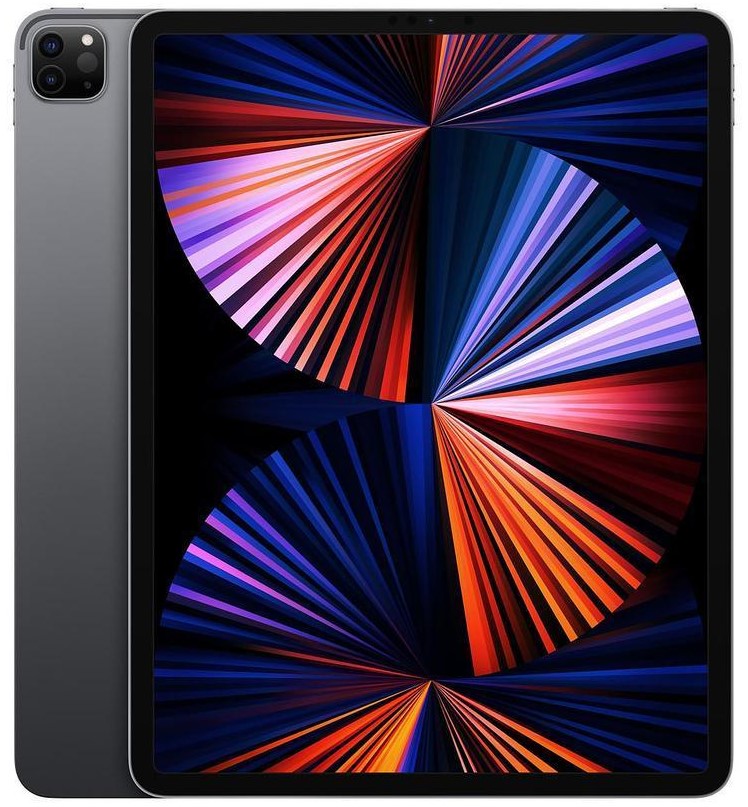
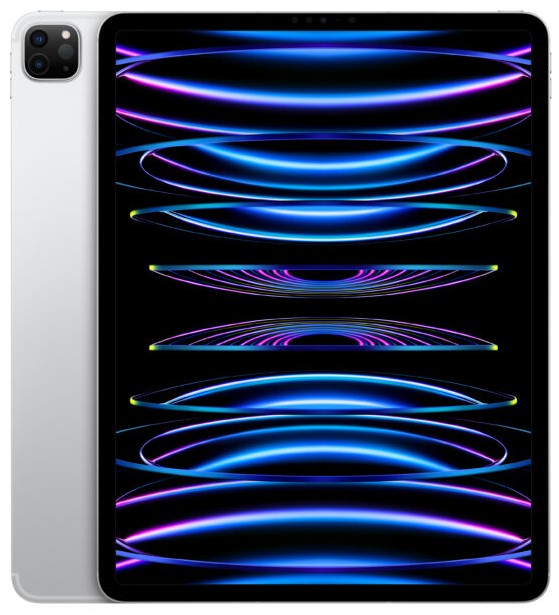
Models: A2377, A2459, A2301
iPad Pro 11″ 3rd Gen (2021) Repair
Is your iPad Pro 11" 3rd Gen (2021) giving you trouble? Whether you’re dealing with a cracked Liquid Retina display, a battery that drains too quickly, or a charging port that won’t connect properly, we’ve got the expertise to fix it for A2377, A2459 models. Our technicians specialise in repairing iPads using premium-grade replacement parts, ensuring full compatibility, peak performance, and long-lasting durability. Every repair is backed by a 12-month warranty, so you can rest easy knowing your device is in safe hands.
If you can’t make it to a repair shop, we offer a hassle-free mail-in service across the UK, including London. Simply book your repair online, and we’ll provide step-by-step instructions to send your iPad to us. Once received, our team will repair your device the same day and ship it back with free next-day delivery, so you’re never without your tablet for long.
 before
 after
after
 before
 after
after
 before
 after
after
 before
 after
after
 before
 after
after
 before
 after
after
 before
 after
after
 before
 after
after

Screen Repair

Battery Replacement

Charging Port Fix

Can't Find Your Repair?
iPad Pro 11" 3rd Gen Screen Replacement
£169
Repair Description
A cracked or broken screen can affect both the look and performance of your iPad. If your display is shattered, showing lines, or completely unresponsive, we provide a high-quality screen replacement to restore clear visuals and full touch functionality, so you can enjoy your iPad without distractions.

How our mail-in repair works?

How long your repair takes?

12 month warranty included

How we protect your data?
iPad Pro 11" 3rd Gen Battery Replacement
£69
Repair Description
Is your iPad running out of battery too quickly, shutting down unexpectedly, or not charging fully? Over time, batteries wear out and stop holding a charge. Our battery replacement service will give your iPad longer battery life, better power efficiency, and reliable all-day performance, so you don’t have to keep reaching for the charger.
How our mail-in repair works?
How long your repair takes?
12 month warranty included
How we protect your data?
iPad Pro 11" 3rd Gen Charging Port Fix
£75
Repair Description
If your iPad Pro 11" (2021) isn’t charging, the cable feels loose, or it only works at certain angles, your charging port might be damaged. Our charging port repair service ensures a secure and stable connection, so you can charge your iPad with ease and keep it powered up whenever you need it.
How our mail-in repair works?
How long your repair takes?
12 month warranty included
How we protect your data?
Other Repairs & Diagnostic Service
£15
Repair Description
Experiencing a fault with your iPad Pro 11-inch 3rd Gen and need help identifying the cause? Our diagnostic service helps uncover problems such as liquid damage, software errors, boot issues, camera or sensor failures, logic board faults, overheating, and other complex device faults.
Our technicians carefully inspect your iPad Pro 11-inch 3rd Gen, diagnose the exact issue, explain the best repair solution, and confirm the repair cost before any work begins.
How our mail-in repair works?
How long your repair takes?
12 month warranty included
How we protect your data?
The third generation 11-inch iPad Pro is the one that put a Mac processor inside an iPad. The M1 chip in this model is the same silicon Apple was shipping in MacBooks at the time, and that single fact is the strongest argument for repairing one rather than replacing it.
How much does an iPad Pro 11-inch (3rd gen, 2021) repair cost?
Our fixed prices at iExpert Repairs are:
- Screen replacement – £169
- Battery replacement – £69
- Charging port repair – £75
- Diagnostic service – £15
Every price covers the part, the labour and a 12 month guarantee, with nothing added at the end. The £15 diagnostic applies only to faults outside this list.
Why an M1 iPad is worth keeping running
Repair decisions on older devices usually hinge on whether the thing will still be useful in a few years. On this one that question is easy. The M1 was fast enough to run desktop-class applications when it launched and it has not become slow since – the limits people hit on an M1 iPad are software limits rather than processor ones.
Practically, that means a £69 battery or a £169 screen on this device buys you years rather than months. Compared with a current iPad Pro, where a screen alone runs into the hundreds, the M1 generation is one of the more sensible pieces of Apple hardware to maintain.
The 11-inch did not get mini-LED – and that is good news
When Apple introduced this generation, the 12.9-inch model received a mini-LED backlight with over ten thousand LEDs behind the panel. The 11-inch did not. It kept a conventional LCD, and reviewers at the time treated that as a disappointment.
For repairs it works entirely in your favour. A mini-LED assembly is a far more expensive part, which is why the 12.9-inch version of this generation costs considerably more to re-screen than the 11-inch. If you own the smaller model, the screen you were mildly disappointed by is the reason your repair bill is £169 rather than several hundred.
Thunderbolt, and why charging faults are usually not the port
This generation upgraded the USB-C connector to Thunderbolt, which is physically the same socket doing considerably more. The connector itself is robust, so genuine port failures are less common here than on older Lightning iPads.
What is common is a cable that has failed internally, or an adapter that cannot deliver enough power. An underpowered brick will show the iPad as connected while adding almost nothing, which presents exactly like a hardware fault. Change the adapter, change the cable, then check the socket with a torch for compacted lint – we clear that at no charge. A £75 charging port repair should be the last conclusion, not the first.
Face ID, Apple Pencil and what a proper repair preserves
Face ID sits in the bezel as a separate module rather than being bonded into the display as it is on iPhone, so it transfers to a new panel and continues working. We also restore ambient light sensing and True Tone calibration afterwards, which rushed repairs frequently leave broken and which is immediately obvious to anyone used to it.
The Apple Pencil 2 attaches and charges on the flat side edge. We test magnetic charging and Pencil tracking into all four corners before the iPad goes back, because edge tracking is precisely what a cheap screen replacement gets wrong – a panel can respond perfectly to fingers in the middle and still read a Pencil inconsistently near the margins.
Battery replacement at £69
At £69 this is one of the better value iPad Pro battery repairs we offer. The cell is bonded in with adhesive strips that must be drawn out slowly rather than levered, and the device is charge-tested after reassembly rather than simply reassembled.
Before booking, confirm the battery is the problem. A worn cell handles reading and streaming perfectly well and then drops sharply during video calls, gaming or sustained Pencil work. Sudden collapse under load is the signature. If the iPad is instead just behaving oddly, that is worth diagnosing rather than assuming.
Check the frame before ordering a panel
Flat-edged iPad Pros deform rather than shatter when they land badly, and a bent chassis is the most common reason a screen repair fails weeks later. Rest the iPad face-down on a genuinely flat surface and press each corner in turn – any rocking means the frame has moved. Tell us before we order anything, because a new panel bonded to a bent frame sits proud, flexes and cracks again.
How long does a 2021 iPad Pro 11-inch repair take?
Battery and charging work is usually completed the same day once the device reaches us. Screen replacement takes longer because the bonded assembly has to come out cleanly, the Face ID module needs careful transfer, and Pencil and True Tone testing follow. We confirm timing with the fixed quote and begin only when you approve it.
Where can I get a 2021 iPad Pro repaired?
iExpert Repairs handles M1 iPad Pro repairs from our Essex workshop and accepts devices from anywhere in the UK through a tracked, fully insured mail-in service. contact us to arrange it or to talk through the fault first.
We cover iPad screen repair, iPad battery replacement, iPad charging port repair and iPad water damage repair across every iPad generation, offer data recovery where a device cannot be economically saved, and handle other brands under tablet repair. Our iPad repair page lists every model we support.
Is the M1 iPad Pro water resistant?
No iPad Apple has made carries an IP rating, and this one is no different – no seals, no gaskets, no official liquid protection at all. It catches people out because modern iPhones shrug off spills, and because a large flat device on a desk is exactly where a knocked-over drink goes.
If it happens, switch it off straight away and do not plug in a charger. Pushing power through a wet board is the single most common way a recoverable iPad becomes a dead one. Get it to us before corrosion sets in – our iPad water damage repair service covers this, and where a board cannot be saved we can usually still attempt data recovery to retrieve what was stored on it.
2021 M1 iPad Pro 11-inch Repairs: Common Questions
Is an M1 iPad Pro still worth repairing?
Very much so. The M1 was the same silicon Apple shipped in MacBooks at the time, and it has not become slow - the limits people hit on an M1 iPad are software limits rather than processor ones. A £69 battery or £169 screen buys you years rather than months on this device.
Why is the 11-inch cheaper to re-screen than the 12.9-inch of the same year?
Because the 12.9-inch got a mini-LED backlight with over ten thousand LEDs behind the panel and the 11-inch kept a conventional LCD. Reviewers treated that as a disappointment at the time. For repairs it works in your favour - the mini-LED assembly is a far more expensive part.
My iPad shows as charging but the percentage barely moves. Is the port broken?
Usually not. This generation uses Thunderbolt over USB-C and the connector is robust, so genuine port failures are less common than cable faults and underpowered adapters. A small brick shows the iPad as connected while adding almost nothing. Change the adapter, then the cable, then check for lint - we clear that free.
Does Face ID survive a screen replacement?
Yes. On iPad the Face ID array is a separate module in the bezel rather than bonded into the display as on iPhone, so it transfers to the new panel and works normally. We also restore ambient light sensing and True Tone, which hurried repairs often leave broken.
How do I know if the frame is bent?
Rest the iPad face-down on a genuinely flat surface and press each corner in turn. Any rocking means the chassis has deformed. Flat-edged iPad Pros bend rather than shatter when they land badly, and a panel bonded to a bent frame sits proud, flexes and cracks again - so tell us before we order one.
How can I tell the battery is the problem?
Watch it under load rather than at idle. A worn cell copes with reading and streaming and then drops sharply during video calls, gaming or sustained Apple Pencil work. Sudden collapse the moment you work the device properly is the signature, and at £69 it is among the better value iPad Pro batteries we replace.