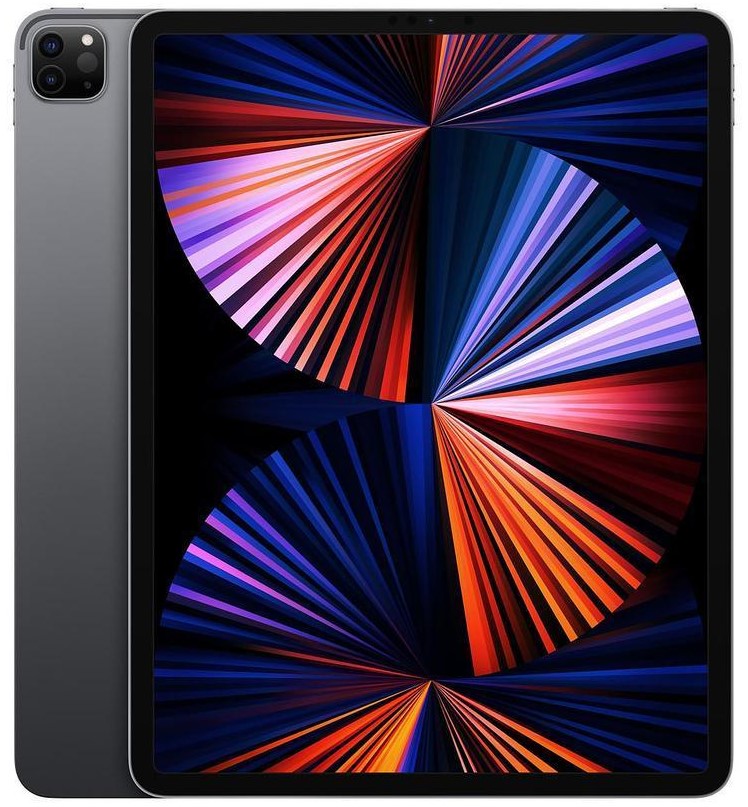
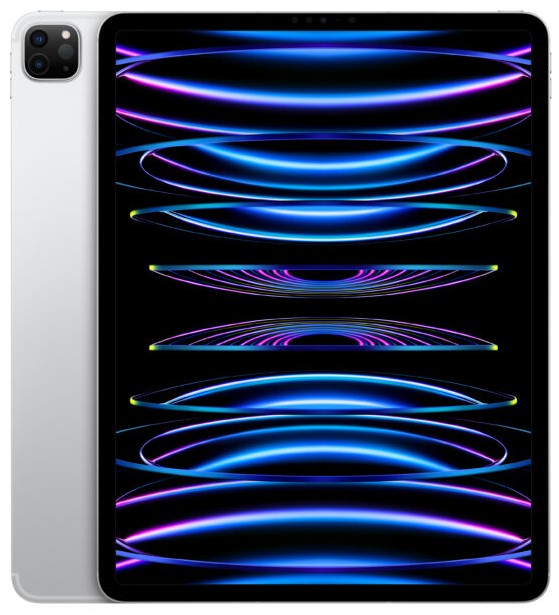
Models: A2925, A2926, A3007
iPad Pro 13″ 7th Gen (M4, 2024) Repair
Got an issue with your iPad Pro 13" 7th Gen (M4, 2024) with model numbers A2925, A2926, or A3007? Whether it’s a cracked OLED display, battery draining fast, charging port fault, or device not responding, iExpert Repairs provides expert Apple repair solutions across the UK.
We specialise in latest iPad Pro M4 repairs, using high-grade parts and precision tools designed for Apple’s ultra-thin 13-inch OLED design. From screen damage to power issues, every repair is handled by skilled technicians with fast turnaround and warranty-backed service.
Send your device anywhere in the UK using our secure mail-in repair service with free return delivery, and we’ll restore your iPad safely and professionally.
 before
 after
after
 before
 after
after
 before
 after
after
 before
 after
after
 before
 after
after
 before
 after
after
 before
 after
after
 before
 after
after

Screen Repair

Battery Replacement

Charging Port Fix

Can't Find Your Repair?
iPad Pro 13" 7th Gen Screen Replacement
£599
Repair Description
A damaged OLED screen on the iPad Pro 13" M4 (2024) can cause flickering, touch failure, dead pixels, or visible cracks that affect productivity. Our screen replacement service restores full brightness, colour accuracy, and smooth touch response using premium OLED-grade parts designed for Apple’s latest 13-inch display system.

How our mail-in repair works?

How long your repair takes?

12 month warranty included

How we protect your data?
iPad Pro 13" 7th Gen Battery Replacement
£99
Repair Description
If your iPad Pro 13" M4 is losing charge quickly, overheating, or shutting down unexpectedly, a battery replacement may be needed. We install high-quality replacement batteries designed for stable performance, improved runtime, and reliable daily use for heavy multitasking and creative workflows.
How our mail-in repair works?
How long your repair takes?
12 month warranty included
How we protect your data?
iPad Pro 13" 7th Gen Charging Port Fix
£99
Repair Description
Is your iPad Pro 13" not charging properly, disconnecting randomly, or failing to detect accessories? We repair USB-C / Thunderbolt port faults caused by wear, dust, liquid damage, or internal connection issues. Our service restores fast charging, stable data transfer, and full accessory compatibility.
How our mail-in repair works?
How long your repair takes?
12 month warranty included
How we protect your data?
Other Repairs & Diagnostic Service
£15
Repair Description
Not sure what is causing the problem with your iPad Pro 13-inch 7th Gen? Our diagnostic service helps identify faults such as liquid damage, software errors, boot issues, camera or sensor failures, logic board problems, overheating, and other complex device faults.
Our technicians carry out a professional inspection, locate the exact cause, explain the repair recommendation, and confirm the cost before any work begins.
How our mail-in repair works?
How long your repair takes?
12 month warranty included
How we protect your data?
The 13-inch iPad Pro with M4 was the first iPad Apple ever fitted with an OLED display, and at the time of launch it was the thinnest product the company had ever made. Both of those facts have direct consequences when it comes to repairing one, and they explain the £599 screen replacement price that brings most people to this page.
How much does an iPad Pro 13-inch (M4, 2024) repair cost?
Our fixed prices at iExpert Repairs are:
- Screen replacement – £599
- Battery replacement – £99
- Charging port repair – £99
- Diagnostic service – £15
All prices include parts, labour and a 12 month guarantee. Nothing is added afterwards.
The first OLED iPad, and why that matters for repairs
Every iPad before this one used an LCD. The M4 Pro moved to tandem OLED – two OLED layers stacked and driven together – and that changed the repair economics of the entire iPad line overnight. An LCD iPad Pro screen was an expensive part. An OLED one is in a different category altogether, and it is the reason a 13-inch panel costs more than most laptops.
There is a practical upside worth knowing. OLED has no backlight, which means the failure mode where an LCD iPad goes completely black while still running does not happen the same way here. On an older LCD iPad, a torch shone at the screen would reveal the interface faintly and tell you the backlight had failed rather than the device. On this model, if the screen is black the diagnosis is different, and you should not read a blank OLED as a cheap backlight fault.
Thinness, bending and why we check the frame first
At launch this was the thinnest device Apple had produced, thinner even than the iPod nano it was compared to on stage. That is impressive engineering and it is also less material between your iPad and a bend. We see M4 Pros where the drop cracked the screen and quietly deformed the aluminium at the same time, and the second problem is the one that ruins repairs.
A new panel needs a flat, true frame to bond to. Fitted to a bent chassis, it will sit proud at one corner, flex under pressure and crack again – sometimes within days. We assess the frame before ordering a £599 part, and if it is bent we tell you before you commit rather than after. Rest the iPad face-down on a genuinely flat surface and press each corner in turn; if it rocks, mention it when you contact us.
Does replacing the screen affect Face ID or the front camera?
Face ID continues to work. The M4 generation moved the front camera and TrueDepth array to the landscape edge – a change made for video calls with the iPad in a keyboard – and the module is separate from the display assembly rather than bonded into it. It transfers across to the new panel and functions normally afterwards. We test it before the device leaves us.
What does require care is the ambient light sensor and the True Tone calibration that depends on it. A screen fitted without properly restoring those leaves you with a display that does not adapt to room lighting the way it used to. It is a small thing that owners of a device at this price notice immediately.
Battery and charging on the M4 iPad Pro
The £99 battery replacement is the repair most M4 Pros will eventually want, and it is straightforwardly worth doing on a device of this value. The cell is bonded in with adhesive that has to come out slowly, and in a chassis this thin there is very little clearance for error. This is not a job to give to whoever is cheapest.
For charging faults, work through the free checks first. Change the USB-C cable, change the mains adapter, and make sure the adapter is actually powerful enough – a small phone charger can trickle just enough into a 13-inch iPad to look connected without ever charging it. If the port itself has failed, our £99 charging port repair covers it, and clearing compacted lint from the socket is not chargeable.
How long does an iPad Pro 13-inch M4 repair take?
Battery and port work is usually same-day once the device is with us. Screen replacement is deliberately unhurried, because a £599 bonded OLED panel does not forgive a rushed reassembly. We give you a realistic timescale alongside the fixed quote, and no work starts until you approve it.
Where can I get an iPad Pro 13-inch M4 repaired?
iExpert Repairs handles M4 iPad Pro repairs from our Essex workshop and accepts devices from anywhere in the UK by fully insured, tracked post. Being local is not a requirement. contact us and we will talk you through the fault before anything is booked.
We also offer iPad screen repair, iPad battery replacement, iPad charging port repair and iPad water damage repair across the full iPad range, data recovery where a device cannot be saved, and tablet repair for other brands. Our iPad repair page lists every model we cover.
Do you have the nano-texture glass version?
This is the question that catches people out on the M4 generation, and it is worth answering before you get a quote from anyone. Apple offered an optional nano-texture glass finish on the higher-capacity 13-inch models – a matte, etched surface designed to scatter reflections for people working under studio lighting or near windows. It is not a coating that sits on top of the glass. The texture is etched into the glass itself, which means it is a completely different panel with a different price.
If you are not sure which you have, look at the screen switched off under a bright light. Standard glass gives you a clear mirror image. Nano-texture gives a soft, diffuse grey with no sharp reflection at all. Tell us which one you have when you get in touch, because a quote for one is simply wrong for the other, and ordering the wrong panel delays your repair by days.
One practical warning if you do have nano-texture: never clean it with an ordinary microfibre cloth or any liquid cleaner. The etched surface traps residue and abrasive cleaning permanently dulls patches of it, damage that no polishing will undo and that only a full panel replacement will fix. Apple supplies a specific polishing cloth for exactly this reason.
Is an M4 iPad Pro still worth repairing?
In most cases yes, and the reason is longevity rather than sentiment. The M4 chip is comfortably powerful enough for anything asked of an iPad and will be supported with software updates for many years yet. A device that will still be current in the early 2030s justifies a battery or a port repair without much debate. The screen is the only genuine judgement call, and at £599 it deserves the same insurance and AppleCare+ check we would recommend on any high-value repair.
iPad Pro 13-inch M4 Repairs: What People Ask
Is the M4 iPad Pro really the first OLED iPad?
Yes. Every iPad before it used an LCD, and the M4 generation moved to tandem OLED with two stacked layers driven together. That single change is why a 13-inch panel now costs more than many laptops, and it reset the repair economics for the whole iPad line.
My M4 iPad Pro screen is black. Could it just be the backlight?
No, and that is an important difference from older iPads. OLED has no backlight at all, so the classic trick of shining a torch to reveal a faintly visible interface does not apply here. A black screen on this model needs a proper diagnosis rather than being assumed to be a cheap backlight fault.
How do I tell if my iPad Pro is bent?
Rest it face-down on a genuinely flat surface and press each corner in turn. If it rocks, the chassis has deformed. This matters because a new panel needs a true frame to bond against - fitted to a bent one it will sit proud, flex and crack again, sometimes within days. Tell us if you notice this before we order a part.
Does a screen replacement break Face ID on this model?
No. The M4 generation moved the TrueDepth array to the landscape edge as a separate module rather than bonding it into the display, so it transfers to the new panel and keeps working. We test it before the iPad leaves us, along with the ambient light sensor that True Tone depends on.
Why does the battery cost £99 when a phone battery is far less?
The cell is much larger and it is bonded into a chassis with almost no clearance, so the adhesive has to be removed slowly rather than levered. The time and the risk are what you are paying for. On a device of this value it is a repair worth doing properly rather than cheaply.
My iPad seems connected but never charges. What is wrong?
Very often the adapter. A 13-inch iPad Pro draws real power, and a small phone charger can trickle just enough current to show as connected without meaningfully charging it. Swap the adapter and the cable before assuming a port fault, then check the socket for compacted lint, which we clear free of charge.