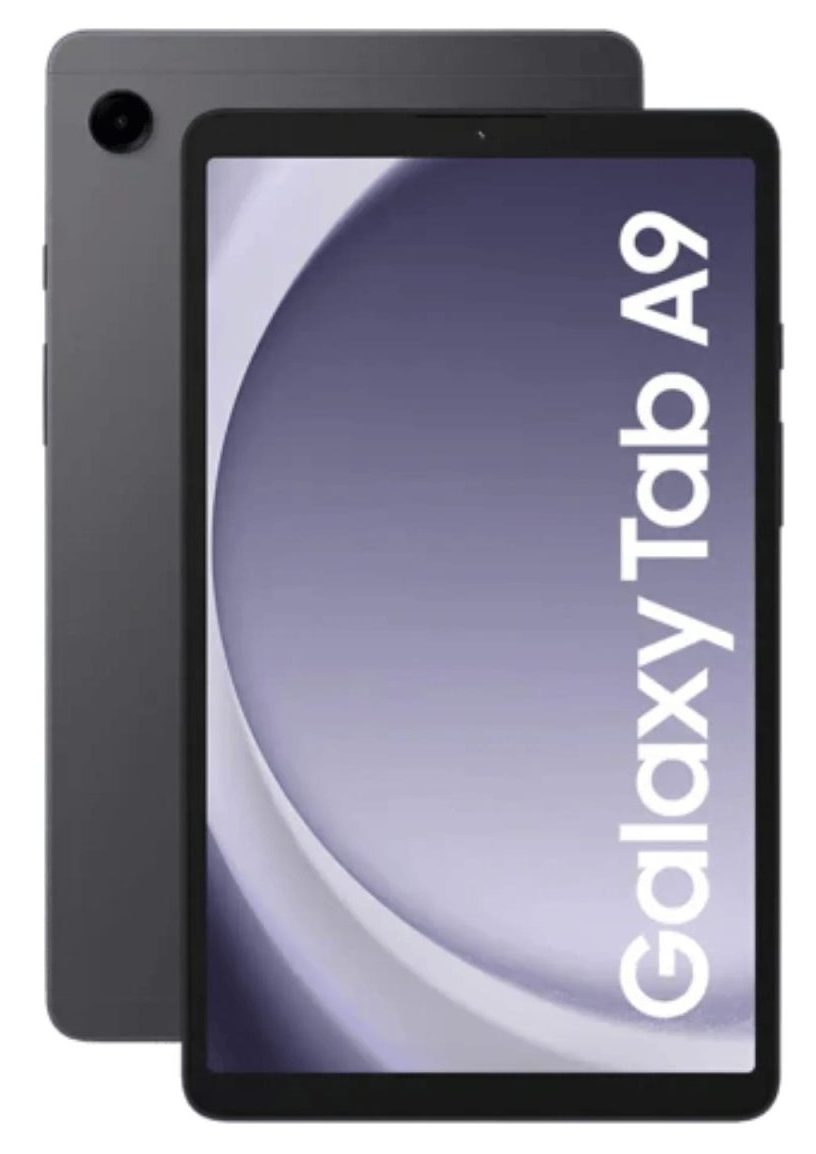
Galaxy Tab A9+ Repair
Is your Samsung Galaxy Tab A9+ suffering from a cracked screen, battery issues, or charging problems? You’re not alone. The Galaxy Tab A9+ is a powerful and popular tablet, but like any device, it can encounter issues over time. At iExpert repairs, we specialise in fast, reliable, and affordable repairs for the Galaxy Tab A9+ across London and the UK. Whether you need a screen replacement, battery repair, or charging port fix, our certified technicians are here to help.
We understand how important your Galaxy Tab A9+ is to your daily life, whether for work, entertainment, or staying connected. That’s why we use only Samsung certified parts and offer a 12-month warranty on all repairs. With convenient options for mail-in, in-store, or online booking, getting your tablet repaired has never been easier. Trust the experts to restore your Galaxy Tab A9+ to its original condition – quickly and affordably.

Before

After

Before

After

Before

After

Before

After

Before

After

Before

After

Before

After

Screen Repair

Battery Replacement

Charging Repair

Can't Find Your Repair?
Galaxy Tab A9+ Screen Replacement
£99
Repair Description
A cracked or damaged screen can make your Galaxy Tab A9+ unusable, but don’t worry – we’ve got you covered. Our expert technicians use certified screens to ensure your display looks and functions like new. Whether it’s a minor scratch or a completely shattered screen, we offer same-day screen replacements for most repairs. Plus, with our 12-month warranty, you can trust that your repair is built to last.

How our mail-in repair works?

How long your repair takes?

12 month warranty included

How we protect your data?
Galaxy Tab A9+ Battery Replacement
£59
Repair Description
Is your Galaxy Tab A9+ battery draining too quickly or not holding a charge? A faulty battery can disrupt your productivity and entertainment. At iExpert repairs, we replace Galaxy Tab A9+ batteries with genuine Samsung parts to restore your tablet’s performance. Our battery replacement service is quick, affordable, and backed by a 12-month warranty, so you can enjoy long-lasting battery life once again.
How our mail-in repair works?
How long your repair takes?
12 month warranty included
How we protect your data?
Galaxy Tab A9+ Charging Repair
£59
Repair Description
If your Galaxy Tab A9+ isn’t charging properly, the issue could be a damaged or faulty charging port. Our technicians are experts at diagnosing and repairing charging port issues, ensuring your device powers up reliably every time. We use high-quality replacement parts and offer a fast turnaround, so you’re never without your tablet for long.
How our mail-in repair works?
How long your repair takes?
12 month warranty included
How we protect your data?
Other Repairs & Diagnostic Service
£15
Repair Description
Having trouble with your Samsung Galaxy Tab A9+ but unsure what's gone wrong? Our diagnostic service checks for liquid damage, motherboard faults, startup issues, software errors, Wi-Fi or Bluetooth problems, camera faults, overheating, and other hardware issues.
Our technicians will identify the exact fault, recommend the right repair, and confirm the repair cost before any work begins.
How our mail-in repair works?
How long your repair takes?
12 month warranty included
How we protect your data?
The Galaxy Tab A9+ is the larger of the two A9 models, and the difference between them matters more than the plus sign suggests. They are different sizes, take different parts and carry different repair prices, so before you accept a quote from anywhere it is worth being certain which one is sitting in front of you.
How much does a Galaxy Tab A9+ repair cost?
Our fixed prices at iExpert Repairs are:
- Screen replacement – £99
- Battery replacement – £59
- Charging port repair – £59
- Diagnostic service – £15
Each covers the part, the labour and a 12 month guarantee, with no assessment fee added afterwards.
A9 or A9+? Check before you get quoted
The A9+ has a noticeably larger screen than the standard A9, and that is the quickest way to tell them apart if you have both to hand. If you do not, open Settings, then About tablet, and read the model number – it takes seconds and it is definitive.
It matters because the two take different display assemblies. A screen ordered against the wrong model does not fit, and the delay while the right one is sourced is entirely avoidable. Quote the model number when you contact us and we can confirm the correct part and price on the first conversation rather than the second. This is easily the most common source of wrong quotes across the whole Galaxy Tab A range.
Why the A9+ costs more to re-screen
Purely size. Panel cost scales with physical area and with manufacturing yield, so a larger sheet uses more material and produces fewer usable units per production run. That is the entire reason the A9+ screen is £99 against £85 for the standard A9 – the technology is the same, there is simply more of it.
Both remain among the cheapest tablet screens we fit, which is a large part of why these are sensible tablets to own if they are going to live in a household with children in it.
The A9+ does not support an S Pen
Worth stating plainly, because people buy one expecting it to. The S Pen works by electromagnetic resonance and needs a dedicated digitiser layer built into the display at manufacture. Samsung’s S-series tablets have that layer; the A-series does not.
An S Pen bought for a Tab A9+ will not work, and no repair can make it work, because the hardware is not there to activate. If pressure-sensitive stylus input is what you are after on a budget, the Galaxy Tab S6 Lite is the cheapest Samsung tablet that genuinely supports it.
Is a £99 screen worth it?
On a tablet that otherwise works, generally yes – it sits well below replacement cost and you keep your apps, accounts and files untouched. Where it stops adding up is two repairs at once, since a screen and a battery together starts to approach what the tablet is worth. We will tell you when you are at that point rather than quoting for both and letting you discover it later.
The torch test worth doing before anything else
If the tablet seems dead but still makes sounds, vibrates, or appears when connected to a computer, take it somewhere dark and shine a torch at the screen at an angle. If the home screen is faintly visible, the backlight has failed rather than the device. Everything on it is intact, and you are looking at a screen repair rather than a dead tablet. It costs nothing to check and it rescues a lot of devices.
Battery replacement at £59
Among the cheapest tablet batteries we replace. The cell is bonded in with adhesive that must be eased out slowly rather than levered, and the tablet is charge-tested after reassembly rather than simply reassembled.
Confirm the battery is at fault first. A worn cell handles reading and streaming and then drops sharply during video calls or games. If the tablet is just slow, check the storage – these fill up quickly and a nearly full device crawls whatever the battery is doing. Clearing space costs nothing.
Charging faults: cable, adapter, lint
Change the USB-C cable, then the mains adapter, then check the socket with a torch for compacted lint. That last one is the most common cause on a family tablet that gets carried about and handed around, and clearing it is not a chargeable job here. Only after all three is our £59 charging port repair the right answer.
No water resistance, and where these usually get wet
The A9+ carries no IP rating and has no liquid sealing. Family tablets spend their lives on sofas, kitchen tables and beds, which is exactly where drinks get knocked over. If liquid gets in, switch it off and do not connect a charger – power through a wet board is the most common way a recoverable tablet becomes a dead one. Our water damage repair service covers this, and where a board cannot be saved we can often still attempt data recovery.
Check the microSD card
The A9+ takes a microSD card, which no iPad does. Anything saved to the card rather than internal storage is safe even if the tablet is not, and readable in any card reader immediately. It matters most on affordable tablets, whose owners are least likely to be paying for cloud backup.
Where can I get a Galaxy Tab A9+ repaired?
iExpert Repairs handles Galaxy Tab A9+ repairs from our Essex workshop and accepts devices from anywhere in the UK by tracked, insured post. contact us to arrange it or to confirm which A9 you have first.
We cover Samsung tablet repair across the whole Galaxy Tab range, plus Samsung screen repair, Samsung battery replacement, Samsung charging repair and water damage repair. See tablet repair for other brands and Samsung repairs for every Samsung device we handle.
Do you repair tablets for schools and families with several devices?
We do, and the A9+ is one of the models we see most in both settings. Its price makes it a common choice for classroom sets and for households buying one per child, and that means faults arrive in groups rather than one at a time. When several devices go into service together they tend to reach the same problems together.
If you are dealing with more than one, tell us. Batches are quoted as batches rather than per device, we can work to a term or a holiday deadline, and tablets come back individually labelled so they reach the right person. We will also say plainly which units in a batch are past the point of economic repair, which matters far more when you are approving ten than one. contact us with rough numbers and we will come back with something workable.
FAQs About Galaxy Tab A9+ Repairs
How much does it cost to repair a Galaxy Tab A9+ screen?
The cost of repairing a Galaxy Tab A9+ screen depends on the extent of the damage. At iExpert Repairs, we offer competitive pricing starting from £99 for screen replacements. We use quality Samsung certified parts to ensure the highest quality repair, and all our services come with a 12-month warranty.
Can you fix a Galaxy Tab A9+ that won’t charge?
Yes, we can! If your Galaxy Tab A9+ won’t charge, the issue is often a faulty charging port or battery. Our technicians will diagnose the problem and provide a fast, affordable repair. Most charging-related issues are fixed within 24 hours, so you can get back to using your tablet quickly.
Do you offer a warranty on Galaxy Tab A9+ repairs?
Absolutely! At iExpert Repairs, we stand by the quality of our work. Every Galaxy Tab A9+ repair comes with a 12-month warranty, covering both parts and labour. If you encounter any issues after your repair, just let us know, and we’ll make it right.
How long does a Galaxy Tab A9+ battery replacement take?
Most Galaxy Tab A9+ battery replacements are completed within 1-2 hours for in-store repairs. If you choose our mail-in service, the process typically takes 2-3 business days, including shipping. We always aim for a fast turnaround so you’re not without your device for long.
Can I mail in my Galaxy Tab A9+ for repair?
Yes, we offer a convenient mail-in repair service for customers across the UK. Simply visit our website, fill out the repair form, and we’ll send you mail in instructions. Once we receive your device, our team will diagnose and repair it quickly, then ship it back to you fully functional.
Do you use genuine Samsung parts for Galaxy Tab A9+ repairs?
Yes, at iExpert Repairs, we use only Samsung certified parts or OEM-grade components for all Galaxy Tab A9+ repairs. This ensures your device performs as intended and maintains its quality and durability.
What should I do if my Galaxy Tab A9+ has water damage?
If your Galaxy Tab A9+ has been exposed to water, turn it off immediately and avoid charging it. Bring it to iExpert Repairs as soon as possible for a professional assessment. Our technicians will clean and repair the internal components to prevent further damage.
Is it worth repairing a Galaxy Tab A9+, or should I buy a new one?
Repairing your Galaxy Tab A9+ is often more cost-effective than buying a new tablet. At iExpert Repairs, we provide affordable repair options that can extend the life of your device by years. Plus, with our 12-month warranty, you can trust that your repair will last.