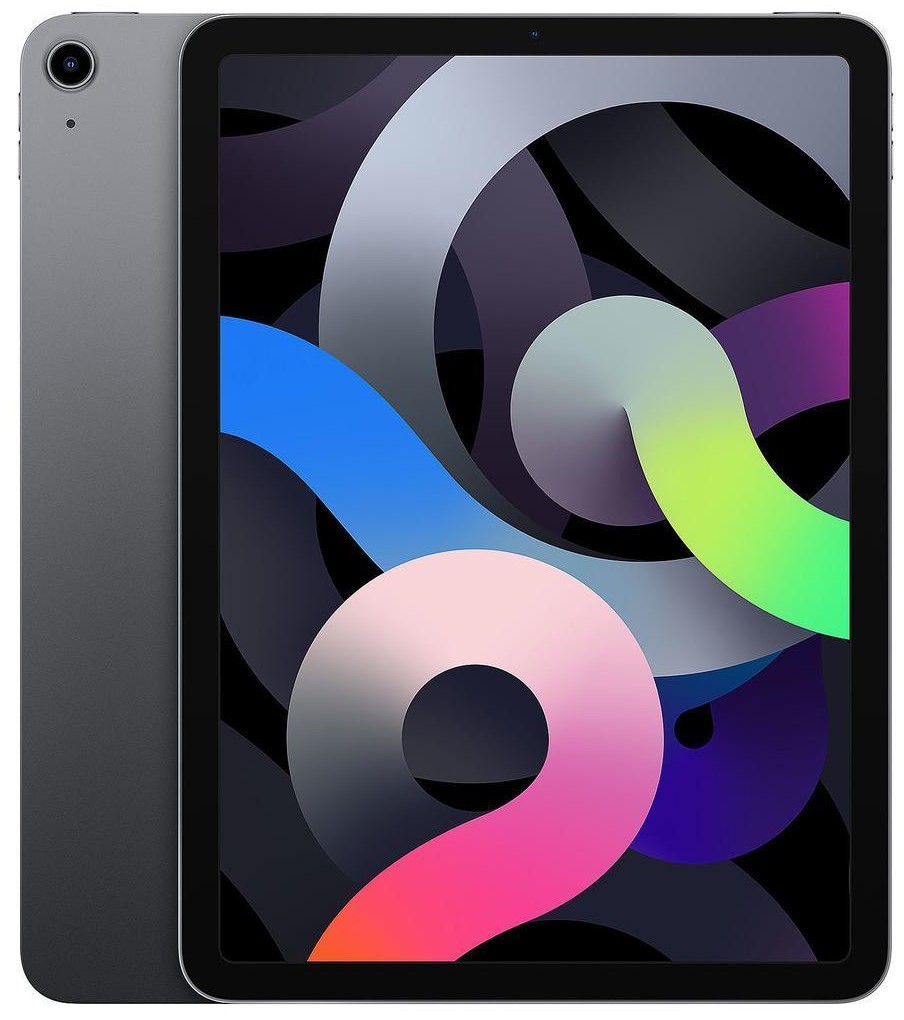
Models: A2898, A2899, A2900
iPad Air 6th Gen 13-inch (M2, 2024) Repair
Got an issue with your iPad Air 6 (M2, 2024)? Whether your device has a cracked Liquid Retina display, battery draining quickly, charging port fault, or performance issues, iExpert Repairs provides reliable and professional repair services across the UK.
The M2-powered iPad Air 6 delivers strong performance and efficiency, but like any device, it can suffer from accidental damage, wear, or internal faults. At iExpert Repairs, we specialise in Apple iPad Air repairs, using high-quality replacement parts and precise repair techniques to restore your device properly.
We offer a convenient UK-wide mail-in repair service with free return delivery, so you can send your iPad safely from anywhere. Every repair is completed by experienced technicians and backed with warranty for peace of mind.
 before
 after
after
 before
 after
after
 before
 after
after
 before
 after
after
 before
 after
after
 before
 after
after
 before
 after
after
 before
 after
after

Screen Repair

Battery Replacement

Charging Port Fix

Can't Find Your Repair?
iPad Air 6 Screen Replacement
£349
Repair Description
A damaged screen on the iPad Air 6 (M2, 2024) can affect both usability and display quality. If your screen is cracked, unresponsive, showing lines, or has display faults, our screen replacement service will restore it to full working condition.
We use premium-quality Liquid Retina display replacements to ensure sharp visuals, smooth touch response, and accurate brightness levels. Your device will be carefully repaired and tested to ensure it performs just like it should.

How our mail-in repair works?

How long your repair takes?

12 month warranty included

How we protect your data?
iPad Air 6 Battery Replacement
£99
Repair Description
Is your iPad Air 6 battery draining faster than normal, overheating, or not holding charge? Over time, battery performance can drop, especially with heavy usage and frequent charging cycles.
Our battery replacement service uses high-quality batteries designed for stable performance and long-lasting power. Once replaced, your iPad will have improved battery life, reliable charging, and better day-to-day performance.
How our mail-in repair works?
How long your repair takes?
12 month warranty included
How we protect your data?
iPad Air 6 Charging Port Fix
£99
Repair Description
If your iPad Air 6 (M2, 2024) is not charging properly, connects intermittently, or doesn’t recognise cables and accessories, the charging port may be damaged or worn.
We repair USB-C charging port issues caused by debris, loose connections, or internal faults. Our service restores proper charging, stable connectivity, and reliable performance, so your device works without interruption.
How our mail-in repair works?
How long your repair takes?
12 month warranty included
How we protect your data?
Other Repairs & Diagnostic Service
£15
Repair Description
Need expert help with your iPad Air 6th Gen 13-inch because the fault isn't obvious? Our diagnostic service is designed to pinpoint issues including liquid damage, software faults, boot failures, camera or sensor malfunctions, logic board problems, overheating, and other complex device issues.
After a thorough inspection, our technicians identify the exact fault, explain the best repair solution, and provide a clear repair cost before any work is carried out.
How our mail-in repair works?
How long your repair takes?
12 month warranty included
How we protect your data?
The 13-inch iPad Air with the M2 chip was the first time Apple built an Air at this size, and it created a genuine identification problem: at a glance across a desk, a 13-inch Air and a 13-inch iPad Pro look remarkably similar. They are very different to repair, and the prices are nowhere near each other, so establishing which you own is the first thing worth doing.
How much does an iPad Air 6 13-inch (M2, 2024) repair cost?
Our fixed prices at iExpert Repairs are:
- Screen replacement – £349
- Battery replacement – £99
- Charging port repair – £99
- Diagnostic service – £15
Every price includes the part, the labour and a 12 month guarantee, with no assessment fee added afterwards.
Is it a 13-inch Air or a 13-inch Pro?
This matters enormously, because a 13-inch Pro screen costs several hundred pounds more than the Air equivalent. Two quick checks settle it. First, look at the top button: the Air has Touch ID built into it, while the Pro has no fingerprint sensor and uses Face ID instead. Second, look at the rear camera – the Pro carries a LiDAR scanner alongside its lens, a small black circle the Air does not have.
If either check leaves you unsure, open Settings, then General, then About and read the model name directly. It is worth being certain before you ring anywhere, because a quote given for the wrong device is worthless to both of us and simply delays your repair.
The large Air is heavier than people expect
A 13-inch Air weighs noticeably more than the 11-inch version, and that changes what happens when it falls. More mass hitting a floor means more force through the corner that lands, and we see more chassis deformation on large Airs than on small ones. It also means the device is more often held one-handed at an awkward angle, which is precisely how drops happen.
The practical advice is unglamorous but genuinely effective: a case with raised corners is worth far more on a 13-inch iPad than on a small one, because the corners are where the damage concentrates. If yours has already been dropped, rest it face-down on a flat table and press each corner. A rock means the frame has deformed, and we need to know that before ordering a panel, since a new screen will not bond flat to a bent chassis.
Why an Air screen is so much cheaper than a Pro screen
The Air uses a laminated LCD while the current Pro uses tandem OLED, two stacked OLED layers driven together. LCD is mature, made in vast quantities and far cheaper to produce. You lose the deepest blacks and the highest peak brightness, and you gain a large-screen iPad that costs a fraction as much to put right after an accident.
For anybody weighing an Air against a Pro at purchase time, this is the part of the comparison that rarely gets mentioned. Over several years of ownership, the difference in repair cost can outweigh the difference in purchase price.
Touch ID and the top button
Touch ID on this model lives inside the power button, and that button is paired to your logic board at the factory to stop a stolen iPad being unlocked with a replacement. During a screen replacement we transfer the original button across intact and fingerprint unlock continues to work as normal, which is the outcome in the vast majority of cases. If the button itself was destroyed by the impact or by liquid, Touch ID cannot be restored – a new button will still power the iPad but the fingerprint reader will not return. We tell you if that is a risk before starting work.
Battery replacement on a large iPad
The £99 battery in a 13-inch Air is a physically substantial cell held down with adhesive strips across a wide area. Removing those without stressing the chassis takes time and it is not a job to rush, particularly on a device this size where flex during disassembly is a real risk. After reassembly the iPad is charge-tested rather than simply screwed back together.
Before booking, check behaviour under load rather than at idle. Large iPads with tired cells will read a book for hours and then collapse the moment you start a video call or a game. That pattern is the classic sign that the battery rather than the software is at fault.
Charging faults: check these first
Swap the USB-C cable, swap the mains adapter, and check the socket with a torch for compacted lint. A 13-inch iPad draws real power, so an underpowered phone charger can show as connected while barely charging at all – that presents exactly like a broken port and is not one. We clear lint free of charge, and only recommend a £99 charging port repair once the simple causes are genuinely ruled out.
How long does a 13-inch iPad Air repair take?
Battery and charging repairs are usually same-day once the device reaches us. Screen replacement on a panel this large is deliberately unhurried, because a big bonded assembly is easy to stress during fitting. We confirm timing when we give you the fixed price and begin only once you approve it.
Where can I get a 13-inch iPad Air repaired?
iExpert Repairs repairs the 13-inch M2 iPad Air from our Essex workshop and accepts devices from across the UK by tracked, insured post – worth knowing on a large iPad, since packaging one properly is where most transit damage happens and we advise on that when you book. contact us to arrange it.
We handle iPad screen repair, iPad battery replacement, iPad charging port repair and iPad water damage repair on every iPad generation, offer data recovery where a device cannot be saved, and cover other brands under tablet repair. See our iPad repair page for the full model list.
Repair or replace: the honest arithmetic
On a 13-inch M2 Air the sums usually favour repair, but it is worth doing them properly rather than taking our word for it. A screen at £349 against a device that still commands a substantial resale value is straightforward. A battery at £99 on an otherwise sound iPad is not really a question at all. Where it gets less obvious is when two things have gone wrong at once, or when a screen repair is needed on a device that also has a bent frame.
Our position is simple: we would rather tell you a repair does not add up and lose the job than take several hundred pounds for work that leaves you with a device you are unhappy with. If the total comes close to what a good refurbished replacement costs, we say so. And if the iPad holds work you have not backed up, we will point out that data recovery on its own may be the cheaper route to what you actually need. That conversation costs nothing and it is the one worth having before you commit.
13-inch iPad Air (M2) Repairs: What People Ask
How do I tell a 13-inch iPad Air from a 13-inch iPad Pro?
Two quick checks. The Air has Touch ID built into the top button; the Pro has no fingerprint sensor and uses Face ID instead. And the Pro has a LiDAR scanner next to the rear camera - a small extra black circle the Air lacks. If still unsure, Settings, General, About gives you the model name outright. It matters, because Pro screens cost several hundred pounds more.
Does the larger Air get damaged more easily?
It takes drops harder. More mass means more force through whichever corner lands, and we see more chassis deformation on 13-inch Airs than on 11-inch ones. They are also held one-handed at awkward angles more often. A case with raised corners is worth considerably more on a large iPad than a small one.
Why is a 13-inch Air screen cheaper than a 13-inch Pro screen?
The Air uses a laminated LCD while the Pro uses tandem OLED - two stacked OLED layers driven together. LCD is mature and made in vast volume, so it costs far less to produce. Over several years of ownership that repair-cost gap can outweigh the original price difference between the two models.
How do I know if my iPad is bent?
Rest it face-down on a flat table and press each corner in turn. If it rocks, the chassis has deformed. Tell us before we order a panel, because a new screen will not bond flat against a bent frame - it will sit proud at a corner, flex under pressure and crack again, sometimes within weeks.
Will Touch ID work after the screen is replaced?
Yes in almost every case. The sensor is inside the top button, which is paired to your logic board, and we transfer the original across during the repair. Only if that button was itself destroyed by the impact or by liquid is Touch ID unrecoverable - the replacement would power the iPad but fingerprint unlock would be gone for good.
Is it safe to post a 13-inch iPad for repair?
Yes, and our mail-in service is tracked and fully insured. Packaging is where most transit damage to large iPads happens, so we advise on how to box it properly when you book. Customers use the service from all over the UK rather than only from Essex.