
Apple Watch Charging Repair
Apple Watch not charging? You’re in safe hands. At iExpert Repairs we’re one of the UK’s leading independent Apple repair specialists, rated Excellent on Trustpilot with thousands of Apple devices repaired. We fix Apple Watch charging faults on every model ever made – from the SE and Series 5 through to the Series 11 and Ultra 3 – whether your watch won’t charge at all, only charges at a certain angle, charges painfully slowly, or won’t switch on. Our technicians work on these devices daily, so we diagnose the actual cause rather than replacing parts and hoping.
Every Apple Watch charging repair starts with a free diagnostic and a fixed price confirmed before any work begins, backed by a 12-month warranty and our no-fix, no-fee promise. We test your charger and cable first – if that’s all it is, we’ll tell you and charge you nothing. Visit our Essex repair centre, or use our free send-back delivery service and post your watch in from anywhere in the UK. We serve customers across London and nationwide, with most repairs completed within 24 to 48 hours.
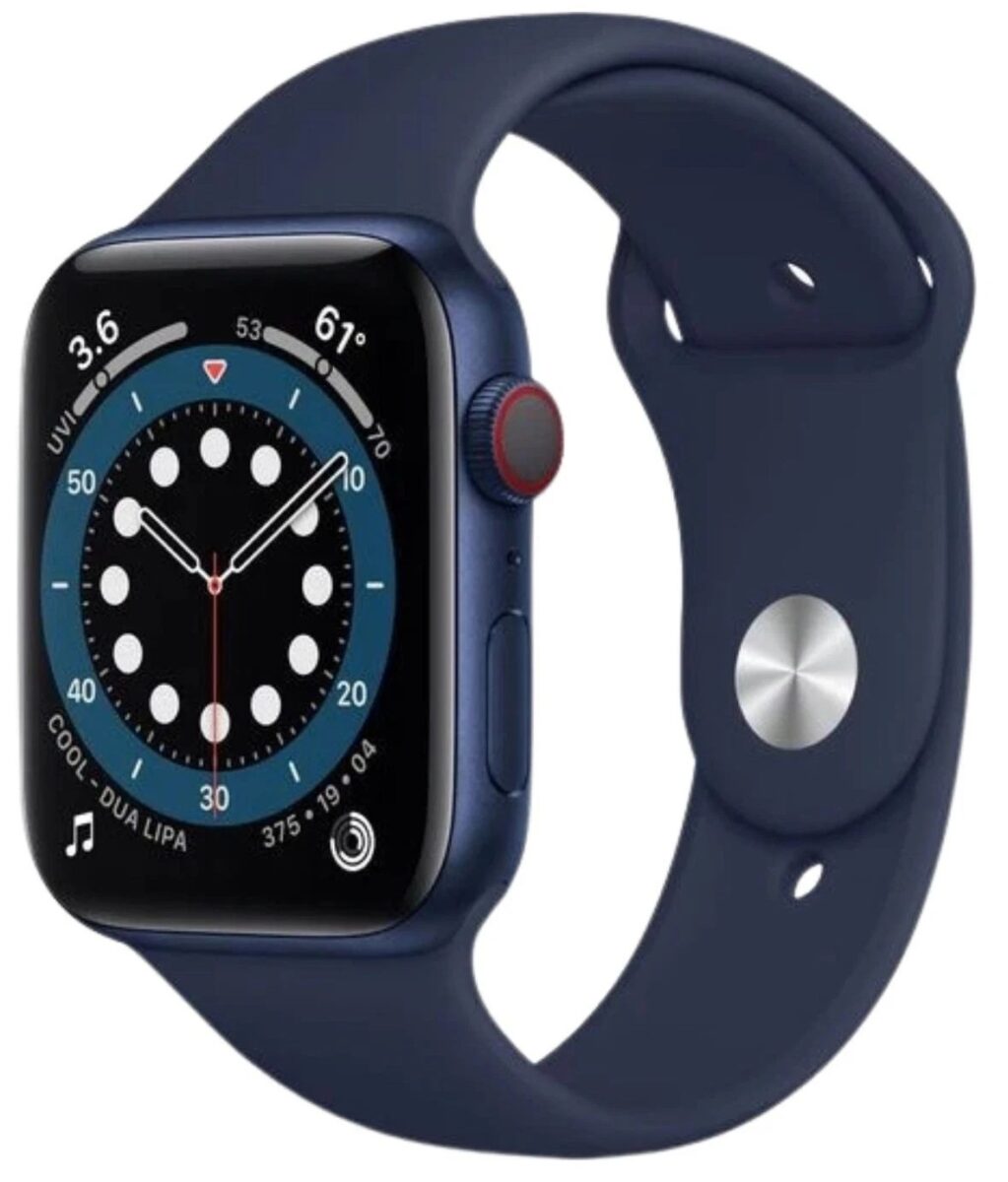
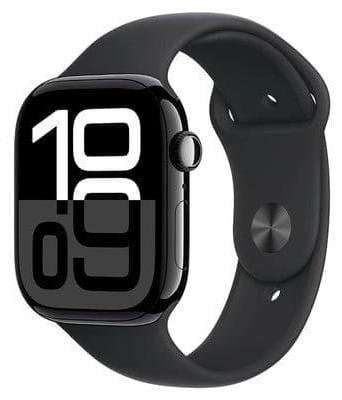
Select Your Apple Watch Model
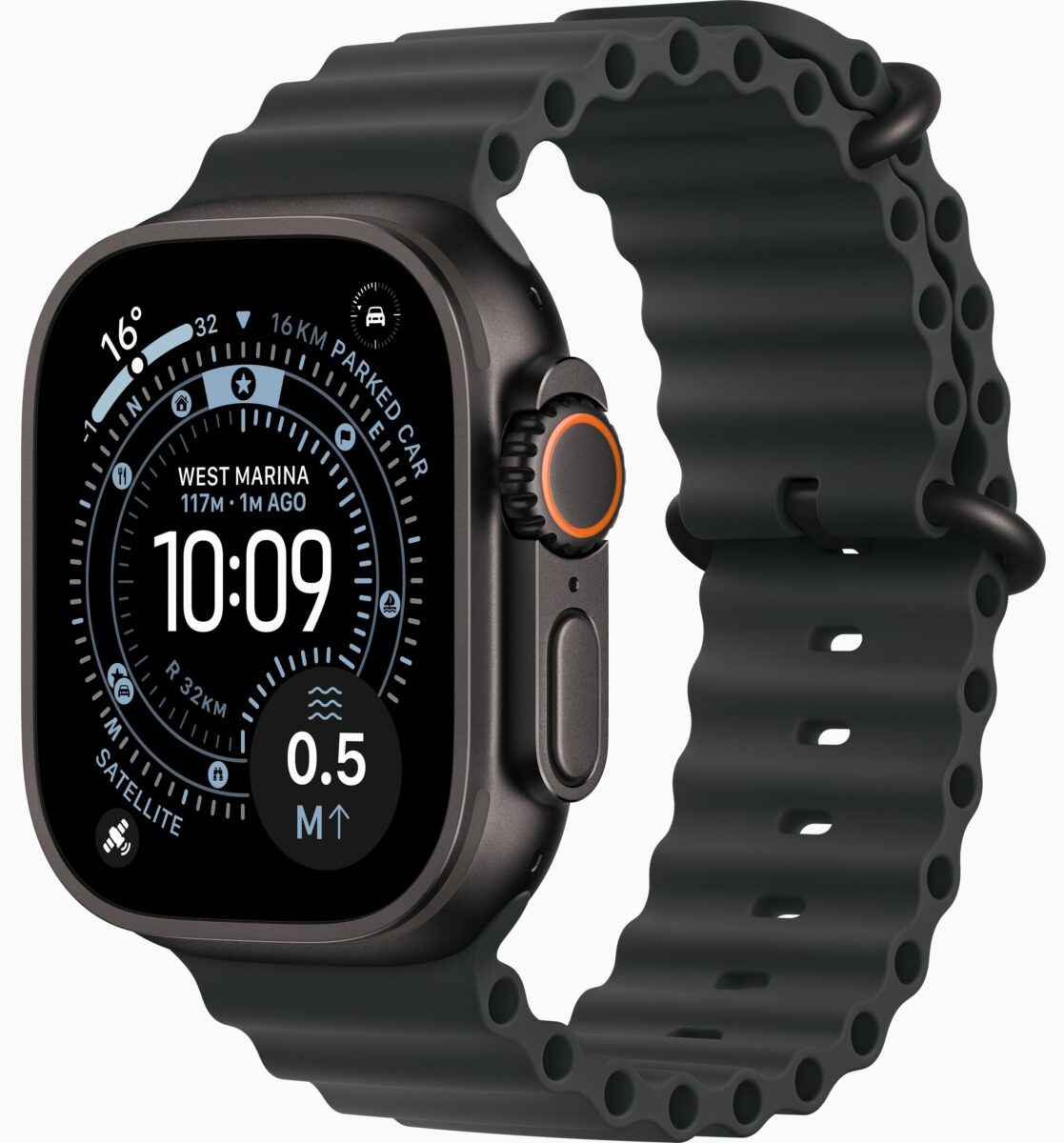
Select Ultra Model




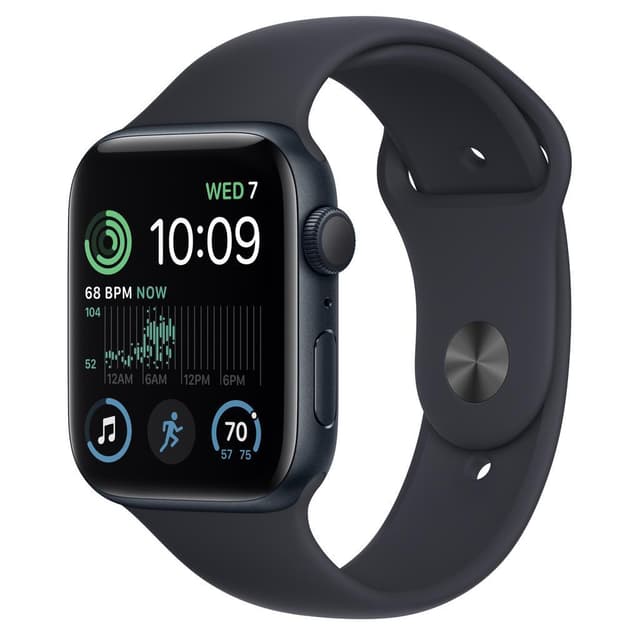
Select SE Model
Why Is My Apple Watch Not Charging? Try These First
Work through these in order. Most charging problems are solved somewhere in this list, and none of it costs you anything.
1. Check the Charger Is Actually Powered
Obvious, but it catches people out constantly. Make sure the USB adapter is firmly in the socket, the socket is switched on, and the cable is fully seated in the adapter. If you’re charging from a laptop USB port, try a mains adapter instead – many laptop ports don’t supply enough power when the machine is asleep.
2. Clean the Back of the Watch and the Charger
This is the single most common fix. Your Apple Watch charges through the back of the case, which spends all day pressed against your skin collecting sweat, skin oils, sun cream and moisturiser. That residue builds an invisible film that blocks the magnetic connection.
Wipe both the back of the watch and the charging puck with a slightly damp, lint-free cloth, then dry them thoroughly. Don’t use alcohol, abrasives or anything sharp. A surprising number of “dead” watches start charging immediately after this.
3. Remove Any Case or Cover
Bumper cases, screen protectors that wrap around the edge and some third-party bands can hold the charger just far enough away to stop it connecting. Take everything off and try again.
4. Check the Cable for Damage
Run the full length of the cable through your fingers, paying attention to the point where it meets the charging puck and where it enters the connector. Look for kinks, fraying, exposed wire or any section that feels loose. Charging cables fail far more often than watches do.
If you can, try a different Apple Watch charger – a friend’s, a colleague’s, or one from a shop. If the watch charges on a different cable, you’ve found your problem and it’s an inexpensive one.
5. Force Restart Your Apple Watch
Hold down both the Digital Crown and the side button together for at least 10 seconds, until the Apple logo appears. This won’t delete anything. Software glitches that prevent charging are more common than people expect, and a force restart clears most of them.
6. Leave It on Charge for 30 Minutes
If the battery has run completely flat, the watch may show nothing at all for several minutes before the charging symbol appears. Put it on the charger, leave it alone for half an hour, and check again before concluding it’s broken.
7. Try a Different Power Source
Swap the plug socket, and swap the USB adapter. Faulty adapters are common and easy to overlook. Still nothing after all of that? The fault is very likely inside the watch, and that’s when it’s worth having it looked at properly.
Apple Watch Charging Symbols Explained
The symbol on screen tells you what’s actually happening. Here’s what each one means.
| What you see | What it means | What to do |
|---|---|---|
| Green lightning bolt | Charging normally | Nothing – it’s working |
| Red lightning bolt | Battery is too low to start watchOS | Leave it charging for at least 30 minutes |
| Red lightning bolt with a clock | Power Reserve mode – showing time only | Hold the side button to restart, or charge it |
| Charging circle with percentage | Charging, with progress shown | Nothing |
| Nothing at all on a flat watch | Either very deeply discharged, or a genuine fault | Charge for 30 minutes, then force restart |
| Apple logo that won’t progress | Software or hardware fault, not a charging issue | Force restart, then get it diagnosed |
How to Tell If Your Apple Watch Is Charging
When you place the watch on the charger you should hear a chime (if sound is on) and feel a light tap, and the green lightning bolt appears on screen. Swipe up for Control Centre at any point to see the exact percentage. You can also check from your iPhone – add the Batteries widget to your Home Screen and your Apple Watch appears alongside your phone, updating live as it charges.
Apple Watch Won’t Turn On
A watch that won’t switch on isn’t always a charging fault, so it’s worth separating the two.
How to Turn On an Apple Watch
Press and hold the side button – the flat, oblong button below the Digital Crown – until the Apple logo appears. It can take 10 to 15 seconds. Don’t use the Digital Crown; that won’t power it on. Once the logo appears, starting up takes another 30 seconds or so. Be patient.
If It Still Won’t Turn On
- Put it on charge for at least 30 minutes. A completely flat watch needs meaningful charge before it will start, and may show nothing at first.
- Force restart it. Hold the Digital Crown and side button together for at least 10 seconds until the Apple logo appears.
- Check it’s not in Power Reserve. If you’re seeing just the time in red, hold the side button until the Apple logo appears.
- Try a different charger and cable, in case it’s not charging at all rather than not starting.
If your watch is stuck on the Apple logo, restarting in a loop, or completely unresponsive after all of that, it needs diagnosing. That could be a battery, a charging component, or a software fault – and they look identical from the outside. Our Apple Watch repair diagnostic service establishes which, free of charge.
How to Charge an Apple Watch Properly
Simple, but a few details make a real difference.
- Plug the magnetic charging cable into a USB power adapter, then into the mains
- Remove any case or cover from your watch
- Place the back of the watch onto the charging puck – the magnets pull it into position
- Wait for the chime and the green lightning bolt
Charge it on a flat surface with the face up or on its side, and don’t cover it with bedding or clothing. Heat is the biggest enemy of battery lifespan, and charging under a duvet traps it.
How Long Does an Apple Watch Take to Charge?
It depends on your model, and whether it supports fast charging. Fast charging requires the USB-C magnetic fast charging cable – the older USB-A cable will only charge at standard speed even on a model that supports fast charging.
| Model | 0-80% charge time |
|---|---|
| Apple Watch Series 11 | About 30 minutes |
| Apple Watch Series 10 | About 30 minutes |
| Apple Watch Series 9 | About 45 minutes |
| Apple Watch Series 8 | About 45 minutes |
| Apple Watch Series 7 | About 45 minutes |
| Apple Watch Ultra 3 | About 45 minutes |
| Apple Watch SE 3 | About 45 minutes |
| Apple Watch Ultra 2 | About 60 minutes |
| Apple Watch Ultra | About 60 minutes |
| Series 5, Series 6, SE 1st & 2nd Gen | Around 90 minutes (no fast charging) |
Reaching 100% always takes longer than reaching 80%, on every model. That’s deliberate – charging slows in the final stretch to protect the battery, and it’s the same behaviour your iPhone has.
Charging Slower Than It Should?
Three innocent explanations before you assume a fault. First, you may be using an older USB-A cable on a fast-charge model. Second, your power adapter may not supply enough wattage – fast charging needs a reasonably capable adapter, not a low-output one. Third, if the watch is warm, charging deliberately slows to protect the battery.
If none of those apply and charging has become dramatically slower over time, that usually points to a worn battery rather than a charging fault. Our Apple Watch battery replacement service covers that.
Can You Charge an Apple Watch With an iPhone Charger?
Partly, and the distinction matters.
- You can use your iPhone’s power adapter – the plug that goes into the wall. Connect your Apple Watch magnetic cable to it and it’ll charge perfectly well.
- You cannot use your iPhone’s cable. An Apple Watch only charges through its own magnetic puck. A Lightning or USB-C cable won’t connect to it at all, because there’s no port to plug into.
- You cannot charge an Apple Watch from an iPhone directly. Despite what you’ll read online, Apple doesn’t support reverse wireless charging from iPhone to Apple Watch.
How to Charge an Apple Watch Without a Charger
The honest answer: you can’t, and it’s worth saying so plainly rather than pretending otherwise.
An Apple Watch has no charging port and isn’t compatible with standard Qi wireless charging pads. It can only be charged by an Apple magnetic charger or an MFi-certified equivalent. There’s no workaround involving a phone cable, a wireless pad or a laptop port.
What you can do is carry a backup. Portable power banks with a built-in Apple Watch charging puck are widely available, as are travel docks that charge an iPhone and Apple Watch together. If you’re regularly caught out, one of those is the practical answer.
What Is Optimised Battery Charging?
You may have noticed your watch stopping at 80% overnight and finishing just before you wake. That’s Optimised Battery Charging, and it’s working as intended rather than malfunctioning.
Lithium batteries age faster when held at 100% for long periods. Your watch learns your routine and deliberately pauses at 80%, completing the charge shortly before you normally take it off the charger. Over the life of the watch this meaningfully slows battery wear.
If you need a full charge immediately, touch and hold the notification on the watch and select Charge Now. To switch the feature off entirely, go to Settings, then Battery, then Battery Health. We’d generally leave it on – it’s genuinely doing you a favour.
Why Apple Watches Don’t Have a Charging Port
Worth clearing up, because you’ll see “Apple Watch charging port repair” advertised and it’s a misnomer.
No Apple Watch has ever had a charging port. Every model charges wirelessly through a coil built into the back of the case, which is precisely how Apple achieves the water resistance these watches are known for – there’s no opening for water to get into.
So when a charging fault genuinely is inside the watch, it’s not a port that needs replacing. It’s usually corrosion across the charging area, a failed charging coil, a fault in the charging management components on the logic board, or a battery too degraded to accept power. Diagnosing which is the job, and it’s why we test in sequence rather than guessing.
When It’s a Fault We Need to Fix
If you’ve worked through the checks above and your watch still won’t charge, these are the usual causes.
- Corrosion on the charging area. The most common internal charging fault by a clear margin. Months and years of sweat sitting between the back of the watch and the charger gradually corrodes the contact area. Swimmers, gym users and Ultra owners who spend time in the sea see this most.
- Failed charging coil. The component inside the watch that receives power wirelessly. When it fails, the watch simply won’t respond to any charger.
- Charging management fault. Components on the logic board control how power is drawn and delivered to the battery. A failure here typically causes intermittent charging, charging only at certain angles, or a watch that gets warm without gaining any percentage.
- A battery that can no longer accept charge. A severely degraded cell can reach a point where it won’t take power at all. This presents as a charging problem but the battery is the real culprit.
- Water damage. Liquid ingress frequently shows up first as a charging fault, sometimes days or weeks after the exposure that caused it.
We test the charger, the cable, the charging coil and the logic board in that order, rather than replacing parts hopefully. That means you only pay for what has genuinely failed.
Apple Watch Charging Repair Cost
Charging repairs vary more than most, because the underlying causes differ so much. A thorough clean and corrosion treatment sits at the affordable end; a logic board level repair sits at the top.
| Repair | Typical cost |
|---|---|
| Diagnostic assessment | Free |
| Charging clean and corrosion treatment | £29 – £59 |
| Charging coil replacement | £59 – £99 |
| Board-level charging repair | £79 – £149 |
| Battery replacement (where the battery is the cause) | £79 – £129 |
The exact price is confirmed after we’ve diagnosed the actual fault, and the figure you approve is what you pay. If the problem turns out to be your cable or adapter, we’ll tell you and charge you nothing.
Our Charging Repair Process
1. Free Diagnostic Check
We test your charger and cable first, then the watch – the charging coil, the charging management components and the battery health. We also check for signs of water damage, which often lies behind a charging fault.
2. Fixed Price, Agreed Upfront
Exact cost and realistic timescale before we start. Nothing goes ahead without your approval, and if the fix is free advice rather than a repair, that’s what you’ll get.
3. The Repair
Carried out at a dedicated bench with the correct tools and quality parts, then resealed with fresh waterproof adhesive to restore your watch’s water resistance.
4. Testing and Quality Control
Every charging repair gets a complete charge cycle on the bench, plus a full function test and a pressure check on the seal, before it goes back to you. Your data is never accessed, and your watch is never wiped without your permission.
Apple or Independent Repair?
If your watch is inside Apple’s one-year warranty and the charging fault is a defect rather than damage, Apple should fix it free – go to them. If you have AppleCare+, accidental and liquid damage is covered subject to an excess, so use that too.
Outside warranty, Apple typically replaces the whole unit rather than repairing the specific fault, and charges accordingly. An independent repair fixes the actual problem and returns your own watch, usually faster and for less. Bear in mind that any third-party repair ends remaining Apple warranty – true of every independent repairer, and we’d rather you knew first.
Preventing Charging Problems
- Wipe the back of your watch regularly. A few seconds with a damp cloth prevents the sweat corrosion behind most charging faults.
- Rinse after swimming, especially in the sea. Salt water is considerably more corrosive than pool water.
- Keep the charging puck clean too. It picks up the same residue from the back of your watch.
- Don’t yank the cable out by the cord. Pull the puck itself. Cable failures usually start at the join.
- Don’t charge under bedding. Trapped heat ages the battery and slows charging.
- Replace fraying cables early. A damaged cable is cheap to replace and can cause intermittent charging that looks like a watch fault.
Charging Repair Near You, or by Post
Visit Our Repair Centre
Our repair centre is in Essex, and we look after customers throughout London and the surrounding areas. Bring your watch in for a free diagnostic, an exact price and, in most cases, a same-day repair.
Free UK-Wide Send-Back Service
Not local? Book online, post your Apple Watch to us, and we’ll diagnose it, confirm the price, repair it and return it fully insured with no delivery cost to you. Most posted-in repairs are completed within 24 to 48 hours of arriving.
Why Customers Choose iExpert Repairs
- Rated Excellent on Trustpilot by genuine customers
- Thousands of Apple devices repaired – watches, iPhones and iPads
- We test the cable and charger first, and tell you when that’s all it is
- 12-month warranty included as standard
- No fix, no fee – nothing to pay if we can’t put it right
- Proper waterproof reseal on every repair
- Free send-back delivery anywhere in the UK, insured both ways
Book Your Apple Watch Charging Repair
Tried everything above and your watch still won’t charge? Select your model for pricing, or send it in and we’ll diagnose it free before you commit to anything.
Different fault? See our Apple Watch battery replacement service if it charges but won’t hold power, Apple Watch screen repair for cracked displays, or our main Apple Watch repair page for everything else.
We also handle Apple repair, MacBook repairs, iPad repair and iPhone repairs at our UK repair centre.
Apple Watch Charging FAQs
Why is my Apple Watch not charging?
Most often a dirty contact area, a damaged cable, a case getting in the way, or a software glitch cleared by a force restart. If those are ruled out, it's usually corrosion on the charging area, a failed charging coil, a charging management fault, or a battery that can no longer accept power.
My Apple Watch shows a red lightning bolt. What does that mean?
The battery is too low to start watchOS. Leave it on the charger for at least 30 minutes and it should start normally.
How do I turn my Apple Watch on?
Press and hold the side button - the flat button below the Digital Crown - until the Apple logo appears. It can take 10 to 15 seconds.
How do I force restart an Apple Watch?
Hold the Digital Crown and side button together for at least 10 seconds, until the Apple logo appears. It won't delete anything.
How long should my Apple Watch take to charge?
About 30 minutes to 80% on the Series 10 and 11, around 45 minutes on the Series 7, 8, 9, Ultra 3 and SE 3, roughly an hour on the Ultra and Ultra 2, and about 90 minutes on older models without fast charging.
Can I charge my Apple Watch with my iPhone charger?
You can use the iPhone's plug adapter with your Apple Watch magnetic cable. You can't use the iPhone's cable itself, and you can't charge the watch from the iPhone directly.
Can I charge an Apple Watch without its charger?
No. Apple Watches have no charging port and aren't compatible with standard wireless charging pads. Only an Apple magnetic charger or MFi-certified equivalent will work.
Why does my Apple Watch stop charging at 80%?
That's Optimised Battery Charging protecting the battery. It finishes the charge shortly before you normally take it off. Touch and hold the notification and select Charge Now to override it.
Do Apple Watches have a charging port that can be repaired?
No - every Apple Watch charges wirelessly through the back of the case, which is how they achieve their water resistance. Charging faults involve the coil, the charging components or the battery, not a port.
How long does a charging repair take?
Most are completed the same day in our repair centre. Posted-in repairs are usually finished within 24 to 48 hours of arriving.
Will my watch still be water-resistant afterwards?
Yes. We reseal every watch with fresh waterproof adhesive and pressure-test it before returning it.
My watch charges but the battery dies quickly. Is that a charging fault?
Usually not - that's a worn battery. See our Apple Watch battery replacement page, which explains how to check your battery health figures.