
Apple Watch Screen Repair & Replacement
Cracked the screen on your Apple Watch? It’s the single most common Apple Watch fault we deal with, and you’re in the right place. At iExpert Repairs we’ve repaired thousands of Apple devices and we’re rated Excellent on Trustpilot by the customers we’ve looked after. We carry out Apple Watch screen replacement on every model ever made – from the SE and Series 5 through to the Series 11 and Ultra 3 – using correctly matched displays and resealing every watch properly afterwards so it keeps its water resistance.
Select your model below to see screen repair options and pricing. You can bring your watch into our Essex repair centre, or use our free UK-wide send-back service and post it in from anywhere in the country. Either way you get a fixed price confirmed before any work begins, a 12-month warranty on the repair, and your watch back looking exactly as it should. Most screen replacements are completed the same day.
Select Your Apple Watch Model
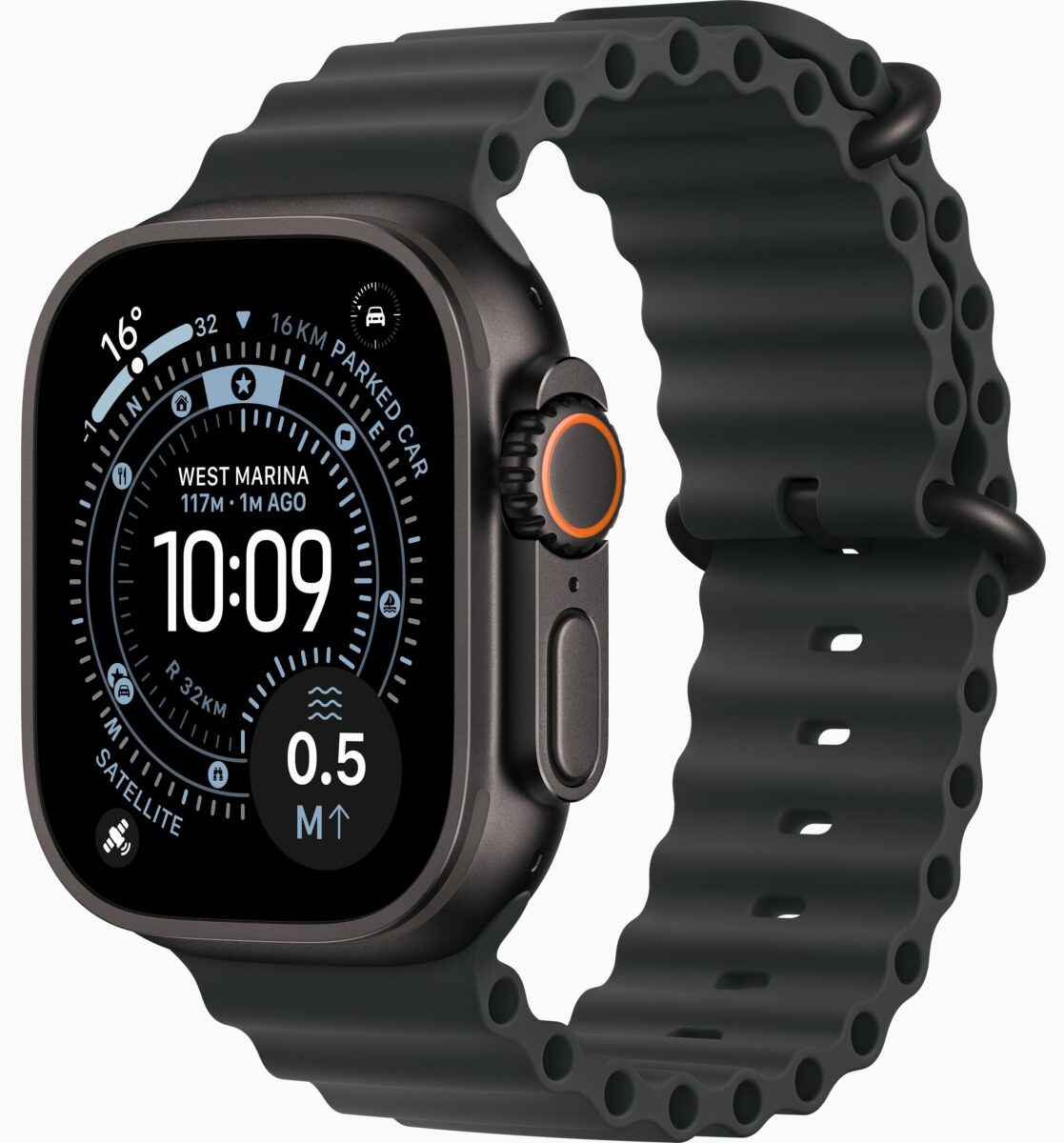
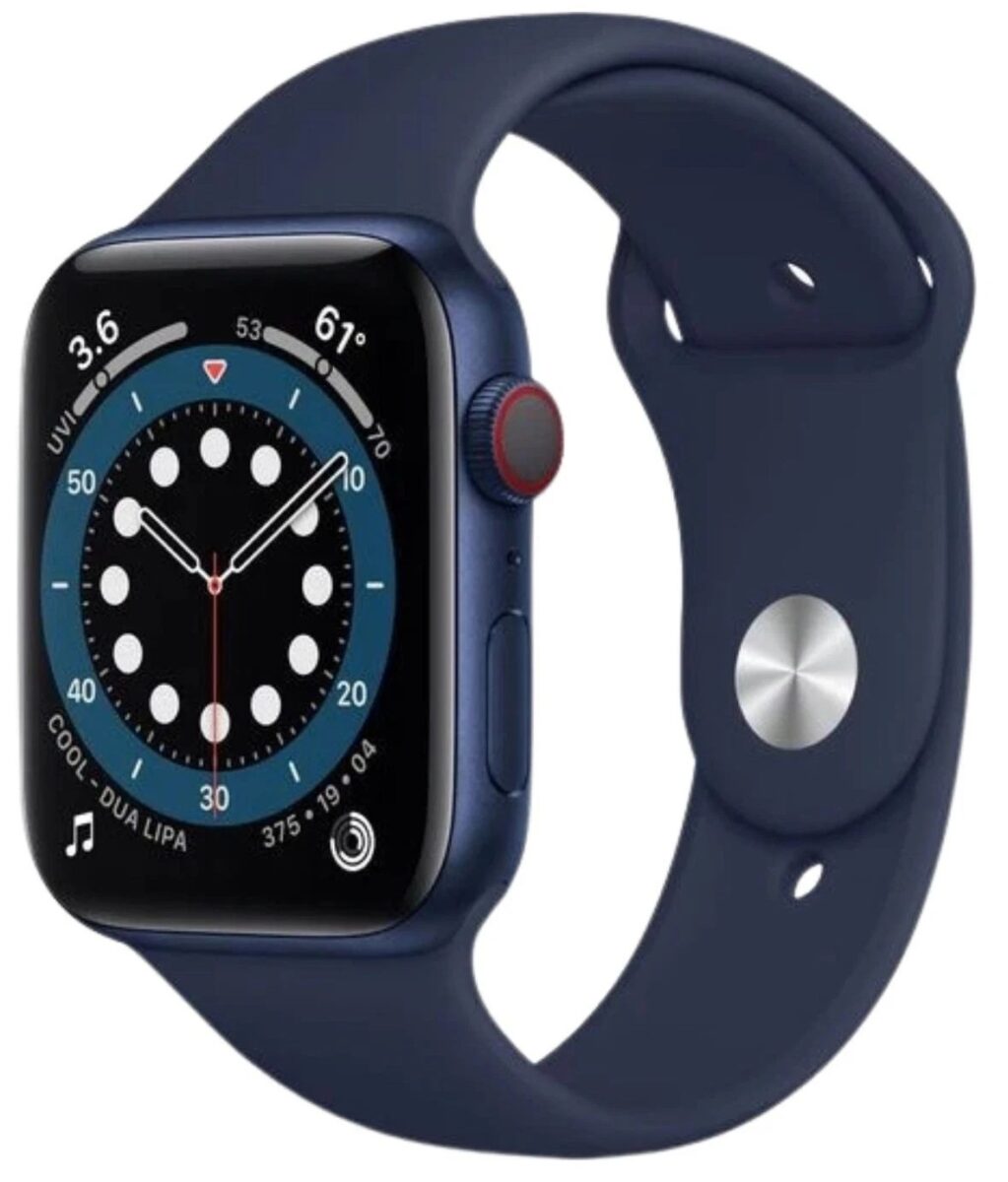
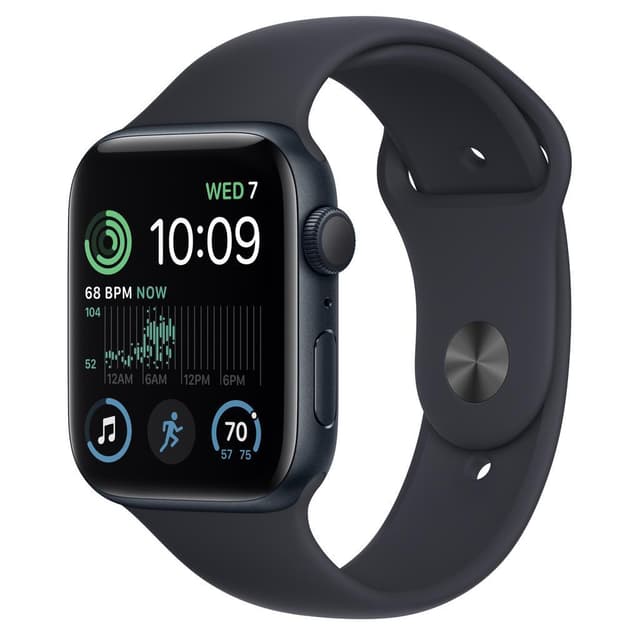
Select Ultra Model


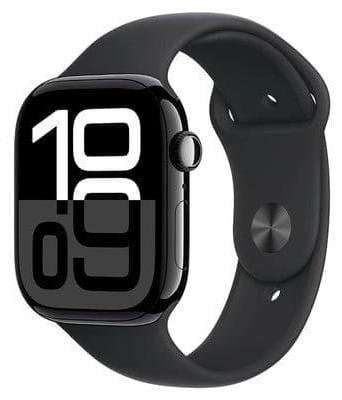


Select SE Model
Apple Watch Screen Repair or Screen Replacement? The Honest Answer
This is the question we’re asked more than any other, and most websites avoid answering it properly. So let’s be direct.
On an Apple Watch, screen repair and screen replacement are the same thing. There is no meaningful way to repair a cracked Apple Watch screen without replacing it.
Here’s why. In a phone, the glass and the display are often separate layers. In an Apple Watch, the outer glass, the touch-sensitive layer underneath it and the OLED display itself are bonded together into a single sealed assembly, then glued into the case. There’s no seam to work along and no way to lift the glass off without destroying the display beneath it.
So when you search for Apple Watch screen repair, what you actually need – and what any competent repairer will fit – is a complete replacement display assembly. Anyone promising to “just fix the glass” on a watch is either misunderstanding the device or hoping you won’t ask questions.
What About Glass-Only Apple Watch Repair?
You’ll occasionally see “glass only” Apple Watch repair advertised at a tempting price. It’s worth understanding what that involves before you go for it.
The technique means separating the cracked outer glass from the OLED panel, cleaning off the old bonding layer and laminating fresh glass onto the original display. It’s genuinely possible, and it’s done routinely on phones where the display is large and the margins are generous.
On a watch, it’s a different proposition. The assembly is tiny, curved on most models, and the OLED panel underneath is easily damaged during separation. Success rates are lower, the finished result is often visibly imperfect around the edges, and the rebonded assembly rarely reseals as reliably – which matters enormously on a device you’ll wear in the shower.
Our position is straightforward: we fit complete replacement assemblies. It costs a little more than a glass-only job, and it’s the reason our screen repairs last. We’d rather quote you honestly than win the job on price and see the watch back in three months.
Signs You Need an Apple Watch Screen Replacement
Not every marked screen needs replacing, and not every screen problem is actually the screen. Here’s how to tell.
You Definitely Need a Replacement
- Visible cracks or shattered glass. Even hairline cracks matter more than they look. They let moisture into a sealed device, they spread with normal wear, and sharp edges can catch on clothing or skin.
- Dead patches where touch doesn’t respond. If part of the screen has stopped registering taps or swipes, the touch layer inside the assembly is damaged. That doesn’t recover on its own.
- Ghost touches. Apps opening by themselves, the watch face scrolling without input, settings changing unprompted. This is a damaged touch layer misreading contact, and it usually gets worse.
- Black, blank or partially dead display. Lines across the screen, patches of black, or a display that lights up but shows nothing. The OLED panel itself has failed.
- Discolouration or bleeding. Coloured blotches or a spreading dark patch, typically after an impact or moisture exposure.
You Might Not Need a Screen at All
The screen is lifting at one corner but isn’t cracked. This is the important one. A display being pushed out of the case from beneath is almost always a swollen battery, not a screen fault. Fitting a new screen without replacing the battery would be a waste of your money, and a swollen lithium cell is a genuine safety concern rather than a cosmetic issue. If this describes your watch, stop wearing it and look at our Apple Watch repair service, where battery replacement is covered.
The screen won’t turn on but is physically fine. Could be the display, could be the battery, could be software. Worth diagnosing before assuming the worst.
Scratches only. Frustrating, but scratches on the display glass can’t be polished out – the glass carries a coating, and buffing it removes that coating and leaves the screen looking hazy. If a scratched display genuinely bothers you, replacement is the only real fix, and we’ll tell you that plainly rather than sell you a polish that makes it worse.
Not sure which category you’re in? Send it to us or bring it in. The diagnostic check is free, and we’d rather tell you the truth than take payment for the wrong repair.
Why Apple Watch Screens Crack in the First Place
Understanding this helps explain why the price varies so much between models.
Apple uses two different front materials across the Apple Watch range, and they behave completely differently.
Ion-X strengthened glass is fitted to all aluminium models – every SE, and the aluminium versions of each Series watch. It’s light, it resists scratches well, and it keeps the watch affordable. What it doesn’t do is absorb impact especially well. A door frame, a dropped dumbbell, a fall onto tiles or a knock against a wall while running is usually all it takes.
Sapphire crystal is fitted to the premium models – stainless steel, titanium and every Apple Watch Ultra. It’s dramatically harder, considerably more scratch-resistant, and survives impacts that shatter aluminium models outright. It’s also significantly more expensive to replace, which is the main reason screen replacement prices vary so widely across the range.
Newer models improved things further. The Series 7 introduced a front crystal around 50% thicker than the Series 6, and the Series 11 added a ceramic coating making the front roughly twice as scratch-resistant as the Series 10. Both helped. Neither made these watches drop-proof – scratch resistance and impact resistance are separate properties, and cracked screens remain the most common Apple Watch repair by a wide margin.
Screen Sizes Change Between Generations – This Matters
One of the most common and expensive mistakes people make when buying a replacement screen or comparing quotes.
Apple has changed Apple Watch case sizes three times, and the parts are not interchangeable between them:
- 40mm and 44mm – Series 4, 5, 6 and both SE generations
- 41mm and 45mm – Series 7, 8 and 9
- 42mm and 46mm – Series 10 and Series 11
- 49mm – every Apple Watch Ultra
A single millimetre sounds like nothing, but a Series 9 display will not fit a Series 10, and a 44mm screen won’t fit a 45mm watch. Even within the same size, generations differ internally – a Series 10 and a Series 11 are both 42mm and 46mm, but they’re not the same part.
If you’ve been quoted a price without being asked for your model number, that quote isn’t reliable. We’ll always confirm your exact model before ordering anything, so the right display is ready when your watch arrives.
Why the Replacement Display Quality Genuinely Matters
Not all replacement screens are equal, and on Apple Watches the gap is wider than most people expect.
Apple has pushed display brightness hard across recent generations. The Series 9 reaches 2,000 nits. The Ultra 2 and Ultra 3 hit 3,000 nits – bright enough to read in direct summer sunshine – while dimming to a single nit so they don’t blind you at night. The Series 10 and 11 use wide-angle panels that stay bright when viewed from the side rather than fading off-axis.
Budget aftermarket displays cannot match those figures. A cheap panel looks perfectly acceptable indoors, in a shop, on the day you collect it. You discover the problem the first time you check your pace mid-run in bright sun, or glance at your wrist at an angle while driving.
Colour accuracy suffers too. Poor panels shift towards blue or green, look washed out next to the original, and sometimes lose the smooth brightness transitions that make the always-on display work properly. We fit correctly matched displays and we’ll tell you exactly what we’re fitting. If you’ve been quoted a surprisingly low price for an Apple Watch screen replacement elsewhere, this is very often the reason – and it’s worth asking them directly what panel they’re using.
Apple Watch Screen Repair Cost
Apple Watch screen replacement pricing comes down to three things: your model, your case size, and – most significantly – whether your watch has Ion-X glass or sapphire crystal.
As a general guide, aluminium models are the most affordable to repair, stainless steel and titanium models cost more because of the sapphire, and Ultra models sit at the top of the range as they combine sapphire with the largest display in the lineup.
| Model type | Front material | Typical screen replacement |
|---|---|---|
| Apple Watch SE (both generations) | Ion-X glass | £99 – £159 |
| Apple Watch Series, aluminium | Ion-X glass | £129 – £199 |
| Apple Watch Series, steel or titanium | Sapphire crystal | £119 – £199 |
| Apple Watch Ultra range | Sapphire crystal | £149 – £269 |
Every price is confirmed exactly after we’ve seen your watch, and the figure you approve is the figure you pay. There are no charges added afterwards and nothing goes ahead without your agreement.
One thing worth factoring in: delaying a screen repair usually costs more, not less. Cracks spread through normal wear, moisture gets in through the gap and damages components underneath, and what starts as a screen replacement can become a screen plus water damage treatment. If your watch is cracked, sooner is genuinely cheaper.
Apple Store or Independent Screen Repair?
Plenty of people check Apple’s own service first, so here’s a fair comparison rather than a sales pitch.
Go to Apple If You’re Covered
If you have AppleCare+, accidental damage is covered subject to an excess fee, and that will almost certainly be cheaper than paying us. Use it – we’d tell you the same on the phone. Apple’s standard one-year warranty, however, does not cover accidental damage, so a screen you cracked yourself isn’t covered under that.
Independent Repair Usually Wins Otherwise
Without AppleCare+, Apple charges an out-of-warranty service fee for screen damage that is often a substantial proportion of what the watch is worth. Apple also frequently replaces the entire unit rather than repairing the display – which means you hand over your watch and receive a different one back.
With an independent repair you keep your own watch. That matters more than people realise on stainless steel, titanium and Ultra models, where the case itself is a significant part of what you paid for. You also skip the appointment booking and the trip into a city-centre store.
The One Caveat
An independent repair ends any remaining Apple warranty or AppleCare+ cover on the device. That’s true of every third-party repairer, not just us, and we’d always rather you knew before booking than found out afterwards. If your watch is newer, check your position with Apple first. If it’s out of warranty, that consideration no longer applies.
Our Apple Watch Screen Replacement Process
1. Free Diagnostic Check
Before anything else, we confirm the screen is actually the problem. We test the display, touch response across the whole surface, the Digital Crown and buttons, the sensors, watch charging behaviour and – importantly – the battery health and seating. A surprising number of “cracked screen” enquiries turn out to involve a swollen battery too, and finding that now saves you a second repair later.
2. Fixed Price, Agreed Upfront
You get the exact cost and a realistic timescale before we start. If we find anything beyond the screen, we’ll explain what’s essential and what can wait so you can decide. Nothing proceeds without your approval.
3. The Replacement
The old assembly is released with controlled, even heat rather than levered out. We clean the case frame completely, transfer your sensors, fit the correctly matched replacement display and reseal with fresh waterproof adhesive. That last step is what restores your watch’s water resistance, and it’s the step cheap repairs skip.
4. Testing and Quality Control
Full function test across the display, touch, crown, buttons, sensors and watch charging, a pressure check on the seal, and a complete charge cycle before your watch is packed. It only goes back to you once it’s passed all of it. Your data is never accessed, and your watch is never wiped without your explicit permission.
Why DIY Apple Watch Screen Repair Rarely Ends Well
Replacement screens and repair kits are easy to find online, and the videos make it look manageable. In practice, Apple Watch screen replacement is one of the least forgiving repairs there is.
- The display is bonded, not clipped. It needs even, controlled heat to release. Too little and you crack the replacement while levering. Too much and you damage the panel. There’s very little room for error.
- The cables are short and fragile. Lifting the display too far or at the wrong angle tears the connecting cable. That turns a screen replacement into a much bigger job.
- The battery sits directly underneath. It’s glued in tightly and punctures easily. A damaged lithium cell can vent, catch fire and release toxic fumes – not a risk worth taking at a kitchen table.
- You can’t reseal it properly at home. Even a technically successful DIY screen replacement almost always destroys the water resistance, because restoring it needs the correct adhesive applied precisely and a way to verify the seal afterwards.
- The cheap screens are cheap for a reason. The panels sold in DIY kits are typically the low-brightness, poor-colour displays described earlier.
A professional screen replacement takes a couple of hours and carries a 12-month warranty. A failed attempt often costs more than the original repair would have.
Protecting Your New Apple Watch Screen
Once your screen has been replaced, a few simple things keep it that way.
- Fit a screen protector. Tempered glass or film protectors absorb impact energy and take the scratches instead of your display. They’re inexpensive compared with another replacement.
- Consider a bumper case if you train. Gym use accounts for a large share of the cracked screens we see – dropped weights, knocks against racks and machines. A raised-edge bumper prevents most of it.
- Be mindful of doorways and walls. It sounds obvious, but catching your wrist on a door frame is the single most common way people crack an Apple Watch screen.
- Take it off for certain jobs. DIY, moving furniture, climbing and heavy lifting are all higher-risk than everyday wear.
- Keep it out of very hot water. Saunas, steam rooms and very hot showers degrade the seal around your new screen faster than anything else.
Apple Watch Screen Repair Near You, or by Post
Visit Our Repair Centre
Our repair centre is in Essex, and we look after customers throughout London and the surrounding areas. Bring your watch in for a free diagnostic check, an exact price and – in most cases – a same-day screen replacement.
Free UK-Wide Send-Back Service
If you’re not local, it makes no difference to the service you get. Book online, post your Apple Watch to us, and we’ll check it, confirm the price, replace the screen and return it fully insured with no delivery cost to you. Most posted-in screen replacements are completed within 24 to 48 hours of arriving.
Customers use this every week from every corner of the UK.
Why Customers Choose iExpert Repairs for Screen Replacement
- Rated Excellent on Trustpilot by genuine customers
- Thousands of Apple devices repaired – watches, iPhones and iPads
- Every model covered, from Series 3 to Series 11 and the full Ultra range
- Correctly matched displays, never the cheapest panel we can source
- Proper waterproof reseal and pressure test on every repair
- 12-month warranty included as standard
- No fix, no fee – nothing to pay if we can’t put it right
- Free send-back delivery anywhere in the UK, insured both ways
Book Your Apple Watch Screen Repair
A cracked screen only gets worse – and more expensive – the longer it’s left. Select your model above for pricing and options, or get in touch if you’re unsure whether the screen is really the problem. Booking takes under two minutes. If your watch has a different fault, our main Apple Watch repair service covers watch battery replacement, apple watch charging faults, water damage and full diagnostics.
We also handle Apple repair, MacBook repairs, iPad repair and iPhone repairs at our UK repair centre.
Apple Watch Screen Repair - FAQs
Can a cracked Apple Watch screen be repaired without replacing it?
No. The glass, touch layer and display are bonded into one sealed unit, so repairing a cracked Apple Watch screen means fitting a complete replacement assembly. Anyone offering to fix the glass alone is either misunderstanding the device or cutting corners.
How much does Apple Watch screen repair cost in the UK?
It depends on your model and case material. Aluminium models with Ion-X glass are the most affordable; stainless steel, titanium and Ultra models use sapphire crystal and cost more. We confirm an exact fixed price after checking your watch, and the diagnostic is free.
How long does an Apple Watch screen replacement take?
Most are completed the same day in our repair centre. Posted-in repairs are usually finished within 24 to 48 hours of arriving with us.
Will my Apple Watch still be water-resistant afterwards?
Yes. We reseal every watch with fresh waterproof adhesive and pressure-test it before returning it. One honest note for Ultra owners: once a watch has been opened, its original dive certification cannot be formally re-established by anyone, including Apple.
My screen is lifting but isn't cracked. Do I need a new screen?
Almost certainly not - that's usually a swollen battery pushing the display out of the case. Stop wearing the watch and get it checked, as a swollen cell is a safety issue. A battery replacement typically resolves it.
Can you remove scratches from my Apple Watch screen?
Scratches on the display glass can't be polished out. The glass carries a coating, and buffing removes it and leaves the screen hazy. Replacement is the only genuine fix. Sapphire-fronted models resist scratching far better to begin with.
Will I lose my data or Activity history?
No. A screen replacement doesn't touch your storage, and your paired iPhone holds your health and Activity data regardless. We never wipe a watch without your permission.
Do you use genuine Apple screens?
We fit correctly matched replacement display assemblies that meet original brightness and colour specifications. We'll always tell you exactly what we're fitting before you commit - and we don't use the low-brightness budget panels found in DIY kits.
Is it worth replacing an Apple Watch screen?
In most cases, yes. A screen replacement costs a fraction of a new watch, and you avoid unpairing, setting everything up again and losing your Activity history. It's an especially clear decision on stainless steel, titanium and Ultra models.
Do you offer a warranty on screen replacements?
Yes - every screen repair includes a 12-month warranty covering both the display fitted and the work carried out.
How do I find my Apple Watch model number?
Open the Watch app on your iPhone, tap General, then About. Your model number is listed there. You can also read the small engraving on the underside of the top lug.
Can you repair Apple Watch Ultra sapphire screens?
Yes, across all three Ultra generations. Sapphire assemblies cost more than Ion-X displays, but given what an Ultra costs new, replacement is almost always far better value than buying another watch.