A phone that taps buttons, types letters, opens apps or scrolls by itself is unsettling, and it is also more common than most people realise. The cause ranges from something as simple as a dirty screen protector to a genuinely damaged screen that needs replacing. Here is how to work out which one you have, in order from the quickest checks to the ones that mean you need a repair.
Quick answer
- Check your screen protector and case first. A cracked or poorly fitted screen protector is one of the most common causes, and the easiest to fix.
- Clean the screen and your hands. Moisture, oil, sweat or dirt can confuse a touchscreen into registering phantom touches.
- Only happens while charging? A cheap or faulty cable and charger is a very common and often overlooked cause.
- Happens everywhere, on any charger, with a bare screen? This points to a hardware fault in the screen itself, often called ghost touch, and usually needs a screen replacement.
- Started right after a drop or crack? That is a strong sign the digitiser, the layer that senses your touch, has been damaged.
Check the obvious causes first
Before assuming the worst, rule out the simplest and most common causes, which are responsible for a large share of cases.
- Screen protector. A cracked tempered glass protector, or one with a bubble or piece of trapped dust or hair underneath, can create pressure points that a sensitive touchscreen misreads as a tap. Remove it entirely for a few minutes and see if the problem stops.
- Case interference. A case that is slightly too tight, or has a raised edge that presses lightly on the very edge of the screen, can cause the same issue, particularly on phones with curved edge displays.
- Dirt, moisture, oil or sweat on the screen. Touchscreens work by detecting small changes in electrical charge. Anything that changes the charge across the surface unevenly, including a greasy screen or condensation, can trigger touches you did not make. Clean the screen with a dry microfibre cloth and dry your hands before testing again.
- Static or electromagnetic interference. Being placed very close to certain wireless chargers, powerful speakers, or other electronics can occasionally interfere with a touchscreen. Move the phone away from other devices and see if it settles.
Does it only happen while charging?
This is one of the most overlooked causes. Cheap, damaged or poorly shielded charging cables and chargers can leak small amounts of electrical noise into the phone while charging, which interferes with how the touchscreen reads input. If the phantom touches only happen while plugged in, try a different, ideally original or certified cable and charger before assuming anything is wrong with the phone itself. If it stops with a different charger, the problem was never the phone.
Software causes worth ruling out
- A buggy app or a recent update. If it started right after installing or updating a specific app, uninstall it and see if the problem stops. Restart the phone fully either way, since this clears a lot of temporary software glitches.
- Accessibility features left on by accident. Both iPhone and Android have accessibility settings, such as AssistiveTouch or Accessibility Menu, that can create an on-screen button or altered touch behaviour if enabled without you realising. Check Settings, then Accessibility, on iPhone, or Settings, then Accessibility, on Android.
- Touch sensitivity settings. Some Android phones let you adjust touch sensitivity for use with gloves or screen protectors. An overly sensitive setting can register touches too easily. Check your display settings for anything related to touch sensitivity.
- A full software update. If none of the above helps, make sure the phone is fully up to date, since manufacturers do periodically fix touchscreen driver bugs in software updates.
How to test whether it is actually a hardware fault
- Remove the case and screen protector completely.
- Clean the screen thoroughly and dry your hands.
- Unplug it from any charger and move it away from other electronics.
- Restart the phone fully.
- Watch the screen on a plain background, such as the home screen, without touching it, for a few minutes.
If the phantom touches still happen under these conditions, bare screen, clean, dry, no charger, freshly restarted, the cause is almost certainly the screen hardware itself rather than anything external.
When it is a damaged screen (the most common hardware cause)
The layer of your screen that senses touch is called the digitiser, and it sits just beneath the glass. A crack, even a small hairline one you can barely see, can damage this layer or let in tiny amounts of moisture over time, both of which cause it to send false touch signals to the phone. This is often called ghost touch or phantom touch, and it explains why the problem frequently starts right after a drop, even if the glass does not look badly cracked.
Once the digitiser itself is damaged, no software fix, cleaning or new screen protector will resolve it permanently. It may come and go, or seem to improve temporarily, but a genuinely damaged digitiser gets worse rather than better over time. A screen replacement, which includes a new digitiser, is the only reliable fix at that point.
If you are wondering whether a cheaper replacement screen is likely to have the same problem, our guide on OEM vs aftermarket phone parts explains why digitiser quality varies so much between repairers, and why the cheapest option is not always the safest one to trust with this exact fault.
Why you should not ignore this
Beyond the annoyance, a phone tapping on its own is a genuine security and financial risk. It can open apps, send messages, dial numbers, or in rare cases even interact with a payment app or confirm a purchase, all without you touching it. If this is happening to your phone, it is worth treating it as more urgent than a simple inconvenience, particularly if you have contactless payment apps or banking apps installed.
What a professional diagnostic checks for this specific fault
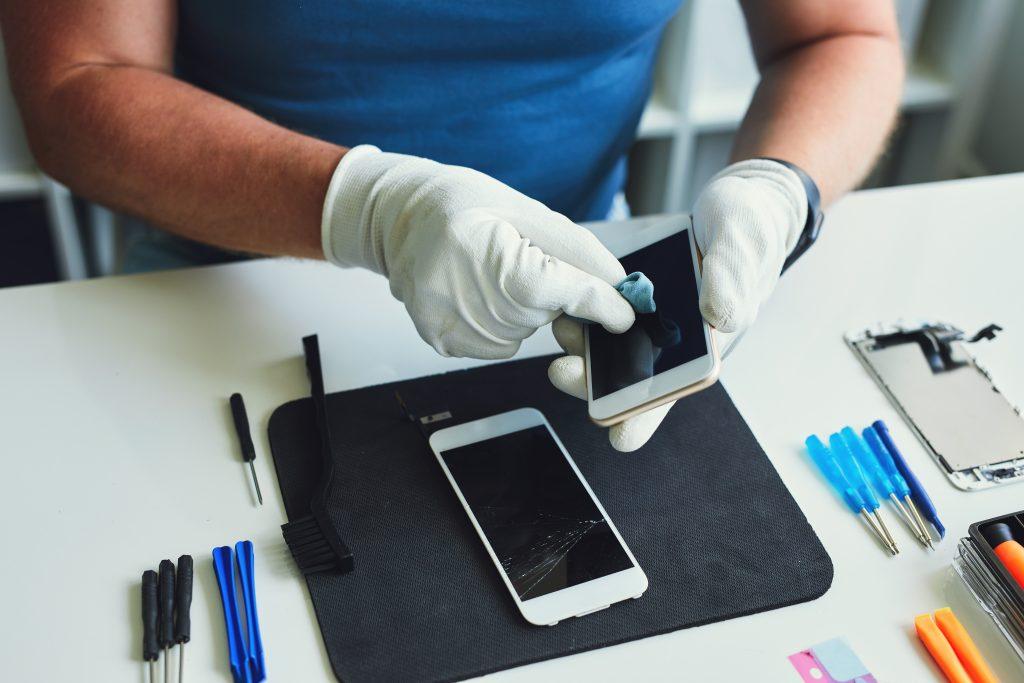
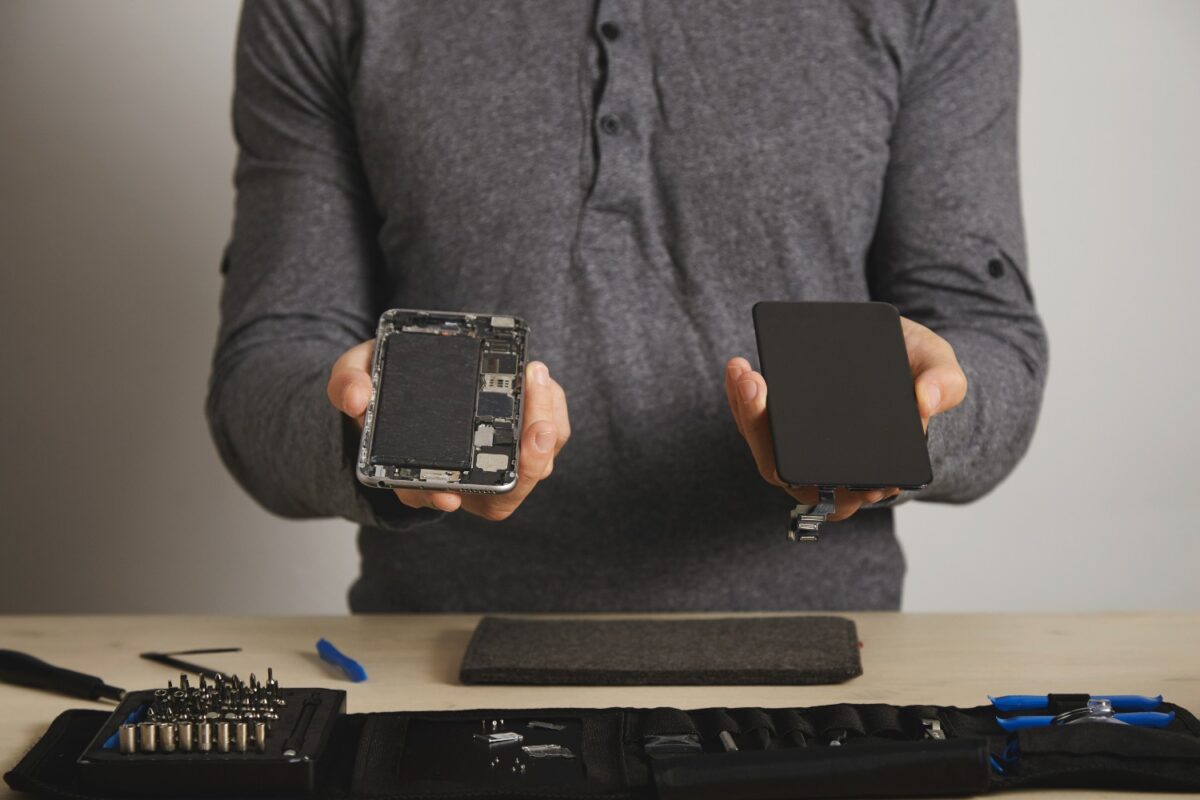
If you bring a phone in specifically for this problem, a proper diagnostic goes further than just looking for cracks. A technician will typically test the screen with no case or protector fitted, check touch accuracy and consistency across every part of the screen including the very edges, inspect closely for hairline cracks that are not visible under normal lighting, and check for any sign of moisture or corrosion around the display connector, since a knock or splash can cause this fault without any visible external damage at all. This is exactly why bringing the phone in, rather than trying to diagnose it entirely yourself, is worthwhile once you have ruled out the simple causes above. Our full guide on what happens during a phone repair covers this diagnostic process in detail.
Does this happen more on some phones than others?
Any phone can develop this fault after a drop or with a low quality screen protector, but it is reported more often on devices with curved edge displays, since the curved area is more sensitive to case and protector pressure than a flat screen. It is also more common on phones that have already had one screen replacement using a lower quality part, which is another reason part quality matters beyond how the display simply looks.
Frequently asked questions
Is a phone tapping by itself dangerous?
Not physically, but it carries a real risk of unwanted purchases, messages being sent, or apps being opened without your knowledge, particularly if payment or banking apps are installed. It is worth addressing promptly rather than living with it.
Can a screen protector really cause this?
Yes. A cracked, bubbled, or poorly fitted screen protector is one of the single most common causes, and removing it to test is one of the fastest ways to rule the problem in or out.
Why does it only happen when my phone is charging?
This usually points to a cheap or faulty charging cable or adapter leaking electrical interference into the touchscreen, rather than a fault with the phone. Try a different, certified cable and charger before assuming anything else is wrong.
Will a factory reset fix ghost touch?
Only if the cause is genuinely software, such as a corrupted setting or buggy app. If the digitiser itself is physically damaged, a factory reset will not help, since the fault is in the hardware, not anything stored on the device.
Does this always mean I need a new screen?
No. Many cases are solved by removing a faulty screen protector, cleaning the screen, or switching charging cables. It only points to a screen replacement once you have ruled out these simpler causes and the phone still misbehaves on a clean, bare screen with no charger connected.
Still happening after checking everything?
If you have ruled out screen protectors, cases, dirt, charging cables and software settings, and your phone still taps or types on its own, a damaged digitiser is the most likely explanation, and it is worth getting looked at before it gets worse or leads to an unwanted purchase or message.
- Mobile phone repairs
- iPhone repairs
- Samsung repairs
- Google Pixel repairs
- What happens during a phone repair, so you know exactly what to expect
Related reading: why is my phone screen unresponsive, the opposite problem to this one, and how to fix a cracked phone back glass. Or get in touch on our contact us page for a free diagnostic.
Back to posts