
Leading Google Pixel Battery Replacement Experts
At iExpert Repairs, we specialise in professional Google Pixel battery replacement services trusted by thousands of customers across London and the UK. If your Pixel drains power rapidly, shuts down unexpectedly, or struggles to hold a charge, our expert technicians can diagnose the issue and restore full battery performance safely and efficiently.
With years of hands-on experience and thousands of successful battery replacements completed, we are one of the UK’s most trusted specialists for Google Pixel power issues - covering all models from the original Pixel and Pixel 2 through to the latest Pixel 9 and Pixel 9 Pro.
We use genuine or premium-grade replacement batteries that meet Google’s original specifications to ensure long-lasting reliability, accurate battery percentage readings, and safe charging performance. Whether your battery is degraded from normal wear, swollen, or affected by software calibration issues, our certified engineers restore your Pixel to factory-level power and stability.
Booking your repair is easy – simply select your model online to schedule a same-day appointment at our repair centre or use our nationwide mail-in service with free tracked delivery both ways. Most battery replacements are completed the same day your device arrives.
Every repair includes professional installation, full battery calibration and testing, and a 12-month warranty for complete peace of mind. Choose iExpert Repairs – the UK’s trusted specialists for Google Pixel battery replacement, ensuring your device stays powered reliably for years to come.
Select Your Google Phone Model




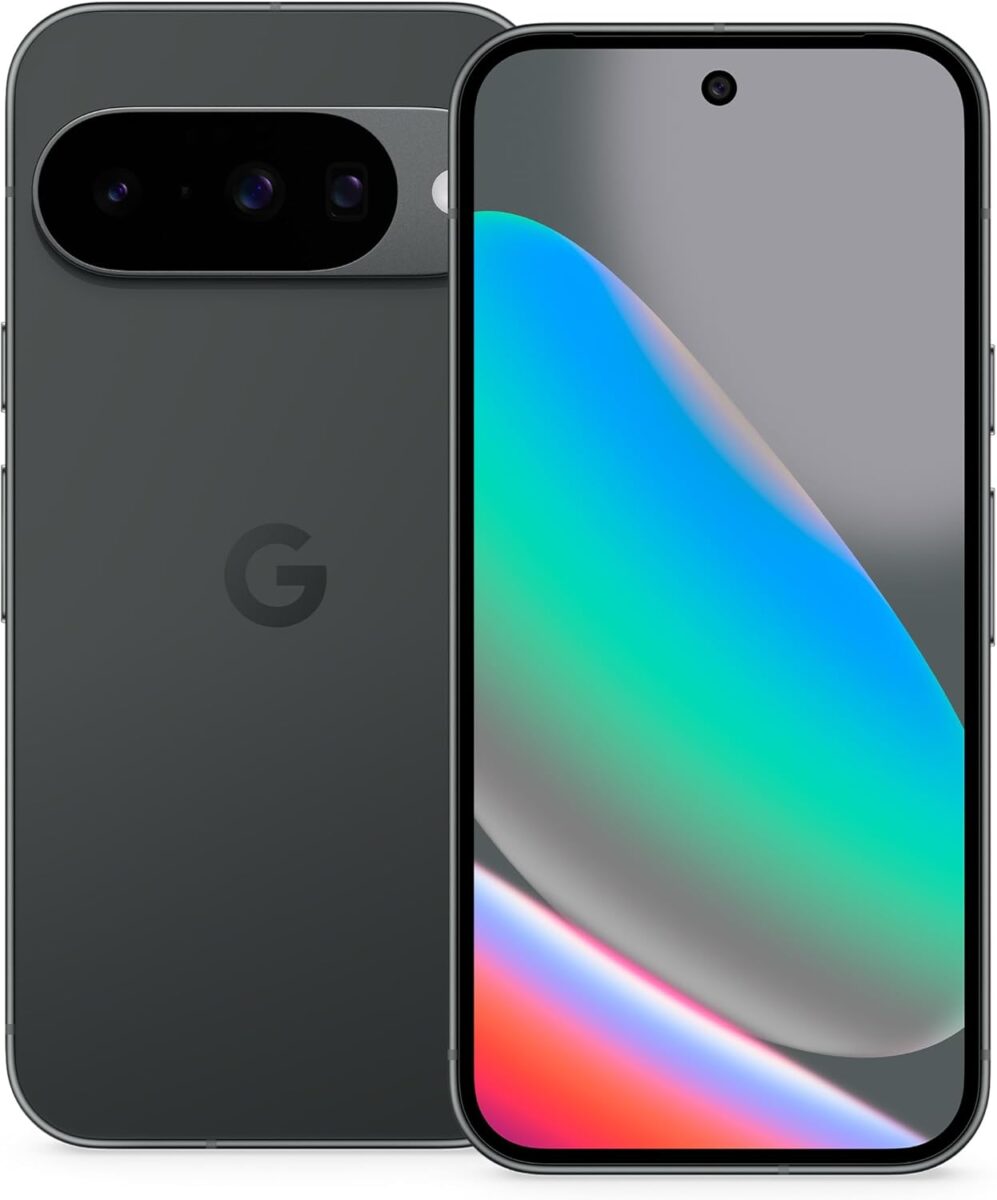









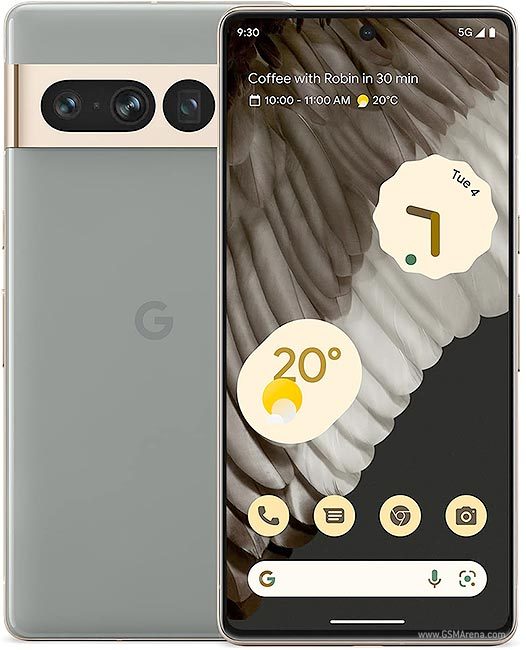



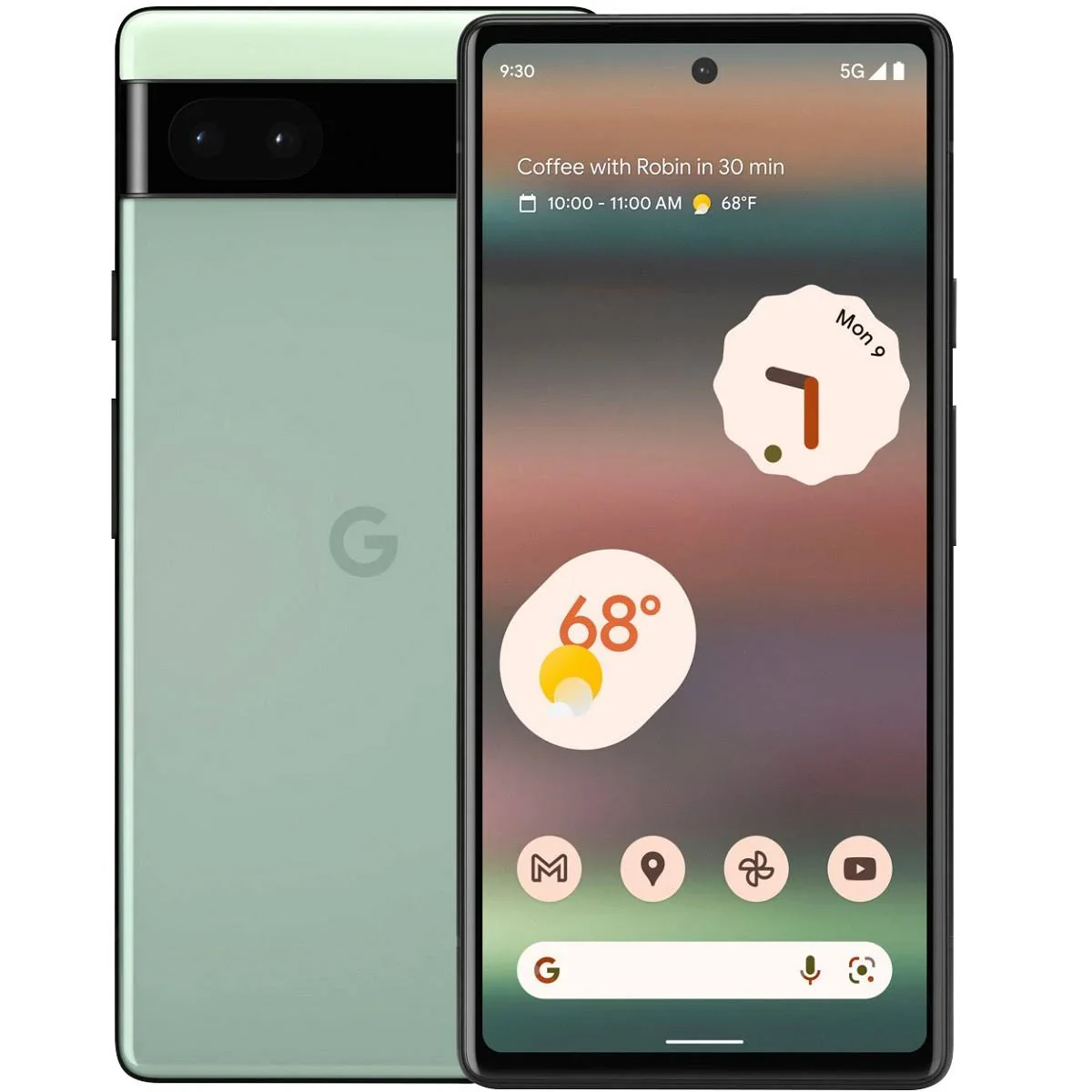

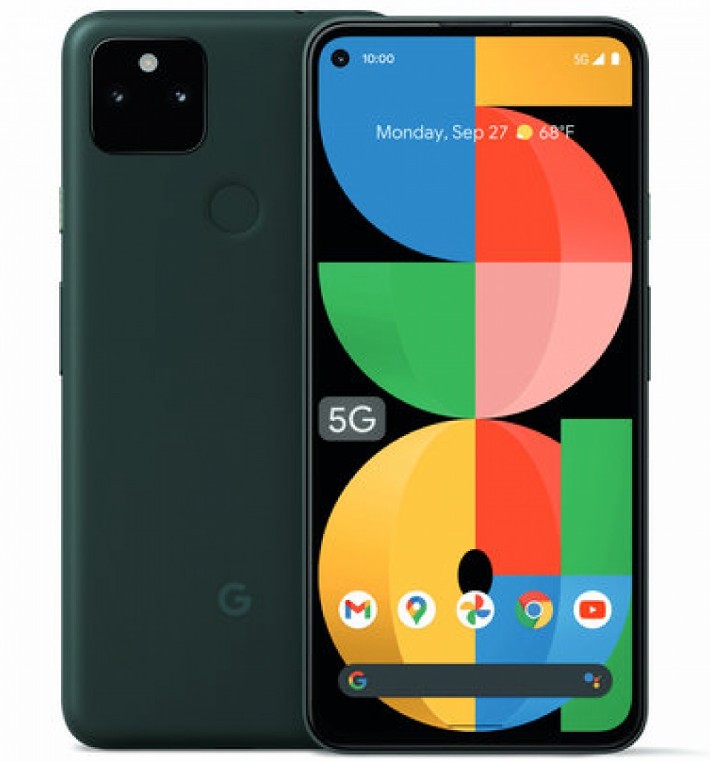
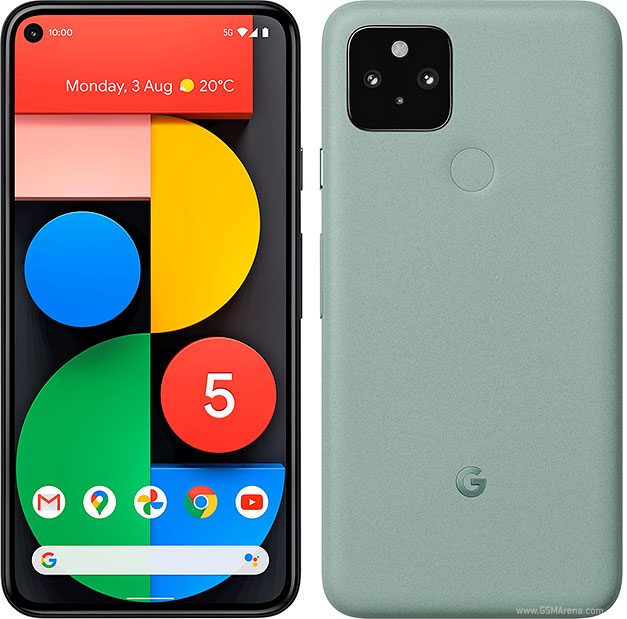

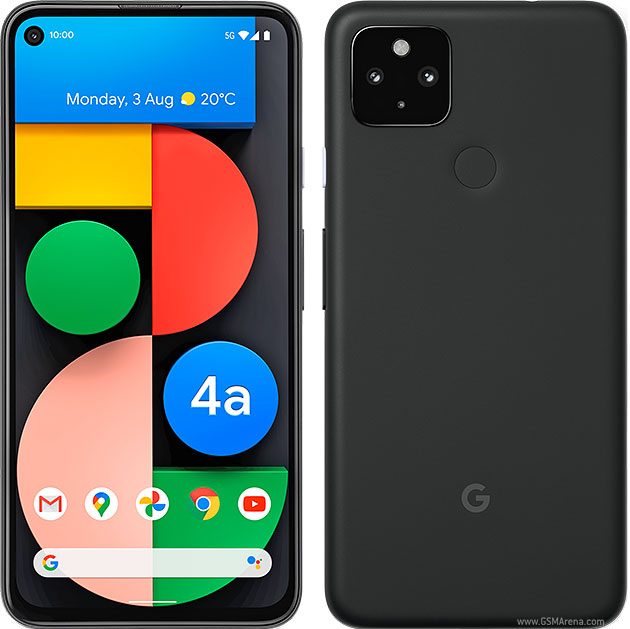
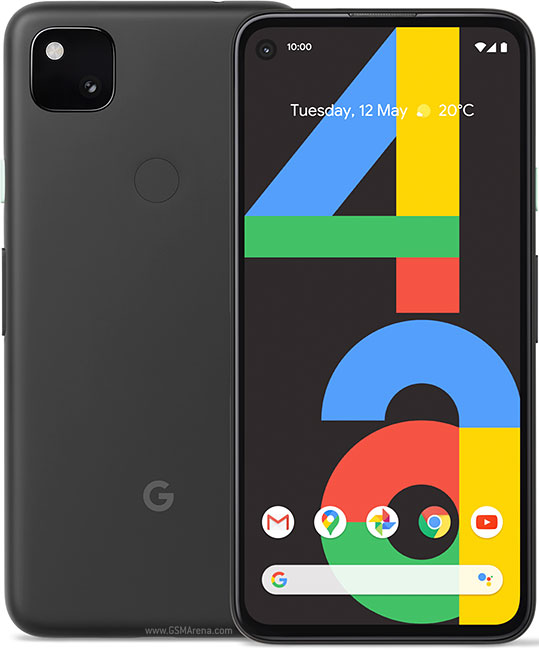





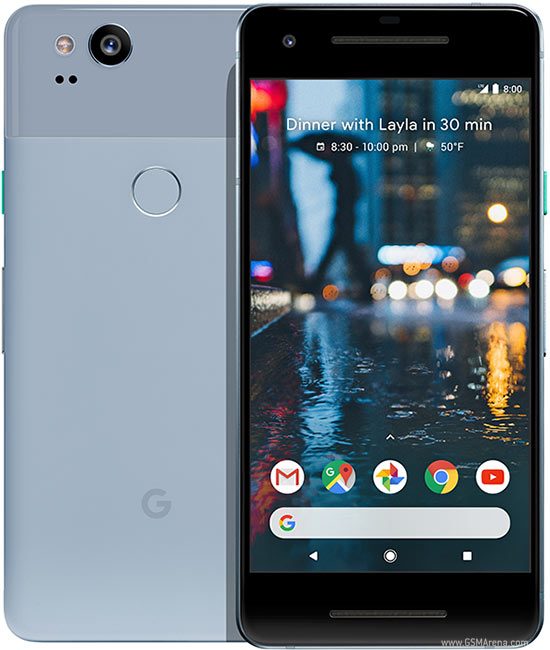


Google Pixel Battery Replacement Services Across UK
Professional Google Pixel battery replacement with same-day service. Premium batteries from £55, most replacements complete in 60-90 minutes. Includes Tensor optimisation, comprehensive testing, and 12-month warranty. Free diagnostics identify battery health before replacement.
Your Pixel battery drains by lunchtime. You’re charging twice daily just to get through work. The phone dies at 30% battery remaining. You’ve disabled every feature trying to squeeze out extra hours.
Battery degradation is the most common problem affecting Pixel phones after 18-24 months of daily use. Every charge cycle slowly reduces capacity until your once-reliable Pixel becomes tethered to chargers and power banks.
At iExpert Repairs, we’ve replaced over 1000 Pixel batteries in 2024 alone, restoring all-day battery life to devices that struggled to reach afternoon. For details on all Pixel models and specifications, visit the official Google Pixel repair website. More importantly, our battery replacements include Tensor chip optimisation ensuring Google’s AI-powered processors work efficiently with your new battery – something generic repair shops completely overlook.
What you get with our Pixel battery replacement:
- Free battery health diagnostics before recommending replacement
- Premium lithium-ion batteries matching or exceeding original capacity
- Tensor chip power management optimisation (Pixel 6-9 series)
- Adaptive Battery feature calibration
- Same-day replacement completing in 60-90 minutes
- Comprehensive testing ensuring proper charging and battery life
- Full 12-month warranty covering battery defects and performance
Whether your Pixel 9 Pro dies unexpectedly at 40%, your Pixel 8 charges three times daily, or your Pixel 7’s battery percentage jumps erratically, we’ve diagnosed and solved these exact problems hundreds of times.
Understanding Google Pixel Battery Degradation
Lithium-ion batteries powering your Pixel have finite lifespans. Every charge cycle – from 0% to 100% or equivalent partial charges – gradually reduces the battery’s ability to hold charge. This isn’t a defect; it’s chemistry and physics working against your convenience.
What makes battery degradation frustrating is how suddenly it seems to appear. Your Pixel performs beautifully for 18-20 months, then battery life noticeably drops within weeks. Understanding what’s happening helps you recognise when replacement becomes necessary.
How Lithium-Ion Batteries Degrade Over Time
Your Pixel’s battery consists of lithium-ion cells storing electrical energy through chemical reactions. Each charge and discharge cycle causes microscopic structural changes within the battery. Lithium ions move between the battery’s anode and cathode during use – over hundreds of cycles, this movement gradually damages the battery’s internal structure.
What physically happens during degradation:
The electrolyte solution inside batteries breaks down over time, forming deposits on electrodes that reduce efficiency. Battery capacity decreases as active lithium becomes “trapped” in unusable chemical compounds. Internal resistance increases, making batteries less efficient at delivering power. The battery management system shows these changes as reduced capacity and unpredictable percentage readings.
Normal degradation timeline for Pixel batteries:
After 500 charge cycles (roughly 18-24 months of daily charging), batteries typically retain 80-85% of original capacity. After 800 charge cycles (roughly 2.5-3 years), capacity drops to 70-75% of original. After 1000+ cycles (3-4 years), capacity may fall below 70%, making replacement highly beneficial.
What accelerates battery degradation:
Heat exposure significantly damages batteries – leaving Pixels in hot vehicles, charging in direct sunlight, or regular overheating from intensive use accelerates degradation. Fast charging generates more heat than slow charging, contributing to faster degradation when used exclusively. Letting batteries fully discharge to 0% regularly stresses cells more than maintaining charge between 20-80%. Keeping Pixels at 100% charge constantly (overnight charging every night) also accelerates degradation.
Tensor Chip Impact on Pixel Battery Life
Pixel 6 and newer models use Google’s custom Tensor processors instead of traditional Qualcomm Snapdragon chips. These AI-focused processors deliver incredible computational photography and smart features – but they also consume power differently than previous Pixel generations.
Why Tensor affects battery life:
Tensor chips prioritise AI processing capability over power efficiency compared to Snapdragon alternatives. Machine learning features – voice recognition, Live Translate, computational photography processing – constantly utilise Tensor’s neural processing units. Background AI processing for features like Now Playing and Call Screen consume power even when phones seem idle.
Real-world impact we observe:
Pixel 6 and 7 series often show faster battery degradation than older Snapdragon-powered Pixel 5 or 4a models. Pixel 8 and 9 series with improved Tensor G3 and G4 chips show better efficiency, but still consume more power than equivalent Snapdragon devices.
Why this matters for battery replacement:
Simply installing a new battery in Tensor-powered Pixels isn’t enough. Professional replacement includes software optimisation ensuring Tensor operates efficiently, Adaptive Battery learns usage patterns correctly, and background AI processing doesn’t unnecessarily drain your new battery. Generic repair shops skip this crucial step, leaving you with new batteries that still drain faster than expected.

Signs Your Pixel Battery Needs Replacement
Battery degradation shows consistent warning signs. Recognising these symptoms helps you replace batteries before complete failure leaves you stranded with dead phones.
Rapid battery drain requiring multiple daily charges
Your Pixel used to last full days easily. Now you’re charging at lunch, again mid-afternoon, and still worried about making it to bedtime. If your usage patterns haven’t changed but battery life dropped dramatically, degradation has reduced capacity below usable thresholds.
Unexpected shutdowns despite showing battery percentage remaining
Your Pixel shows 30%, 40%, or even 50% battery, then suddenly powers off. When you restart, it might show 10% or refuse to power on until plugged in. This indicates the battery can no longer deliver power reliably even when charge theoretically remains – a clear replacement indicator.
Extremely slow charging taking 3+ hours with original charger
Your Pixel’s fast charging used to reach 80% in an hour. Now it takes 3-4 hours to fully charge even with Google’s original fast charger. Degraded batteries develop increased internal resistance, preventing them from accepting fast charging rates. While this might indicate charging port problems, combined with other symptoms, battery replacement often solves slow charging.
Phone overheating during normal use or charging
Your Pixel gets uncomfortably hot during regular use, video watching, or charging. Degraded batteries generate excessive heat as damaged cells struggle to store and deliver power efficiently. This heat further accelerates degradation, creating a cycle where battery problems worsen rapidly.
Battery percentage reading becomes wildly inaccurate
The battery indicator jumps from 60% to 40% within minutes, sits at 1% for an hour, or shows 50% then suddenly drops to 15%. These erratic readings indicate the battery management system can’t accurately measure remaining capacity because the battery’s voltage and discharge characteristics changed due to degradation.
Adaptive Battery and battery optimisation features stop helping
Google’s Adaptive Battery learns your usage patterns to extend battery life by limiting background activity for unused apps. When this intelligent feature stops making noticeable improvements to battery life, it often indicates physical battery degradation that no software optimisation can overcome.
Pixel back cover slightly bulging or separating from frame
In extreme degradation cases, batteries swell as internal chemical reactions produce gases. This swelling creates pressure pushing the back cover away from the phone frame. Swollen batteries are safety hazards requiring immediate professional replacement – never use phones with visibly swollen batteries.
Common Pixel Battery Problems We Fix
Rapid Drain on Tensor-Powered Pixels (6, 7, 8, 9 Series)
The problem: Your Pixel 6, 7, 8, or 9 drains noticeably faster than when new, despite no changes in usage. You’re charging twice daily minimum, often three times on heavy-use days.
What’s actually happening: Tensor chips’ AI processing combined with natural battery degradation creates compounded drain. As batteries age, they struggle to efficiently power Tensor’s computational demands. The battery management system compensates by drawing more current, which generates heat, which further stresses the degraded battery – a vicious cycle.
Why this affects Tensor Pixels specifically: Older Snapdragon-powered Pixels (Pixel 5, 4a, 4, 3 series) show more predictable degradation patterns. Tensor’s variable power demands based on AI workload create more stress on aging batteries, accelerating the decline once degradation begins.
Our solution: Premium battery replacement paired with Tensor optimisation ensures your new battery works efficiently with AI processing. We optimise background AI processes, calibrate Adaptive Battery, and ensure Tensor’s power delivery requests align with new battery capabilities. The result: battery life matching or exceeding your Pixel when new.
Real customer result: A Pixel 7 Pro owner charging three times daily to get through work – after battery replacement with Tensor optimisation, he now finishes full days with 25-30% remaining. His usage didn’t change; his battery and software optimisation did.
Unexpected Shutdowns and Percentage Jumping
The problem: Your Pixel shows 40% battery, then suddenly powers off. When restarted, it displays 8%. Or the percentage reading jumps wildly – 65% to 45% in five minutes, or sits at 1% for an hour before dying.
What’s actually happening: Battery voltage sags under load as degradation increases internal resistance. The battery management system measures voltage to estimate remaining capacity. Degraded batteries show normal voltage at rest, but voltage drops dramatically under load. The phone reads “normal” voltage when idle (showing 40%), but when you use the phone, voltage sags (triggering emergency shutdown to protect components).
Why percentage readings become inaccurate: The battery management system expects batteries to behave predictably based on manufacturer specifications. Degraded batteries don’t follow these expected patterns. Voltage readings don’t correlate reliably with actual remaining capacity, causing the system to display wildly inaccurate percentages.
Our solution: New battery installation includes complete battery management system calibration. We reset learned battery behavior, allow the system to relearn new battery characteristics through controlled discharge/charge cycles, and verify accurate percentage readings across the entire 0-100% range before returning your Pixel.
Slow Charging Despite Fast Charger and Working Port
The problem: Your Pixel takes 3-5 hours to fully charge even with Google’s official fast charger. The “charging rapidly” notification never appears. You’ve tried different cables and chargers with identical results.
What’s actually happening: Degraded batteries develop increased internal resistance. This resistance prevents batteries from safely accepting high charging currents. The battery management system detects this resistance and limits charging current to safe levels, resulting in slow charging speeds regardless of charger capability.
Why this differs from charging port issues: Charging port problems typically show intermittent connection, physical looseness, or complete charging failure. If your Pixel charges consistently but slowly, and the port feels solid, battery degradation often causes the slow charging rather than port damage.
Important diagnostic distinction: We test charging speed with both cable and wireless charging (on models supporting wireless). If both methods charge slowly, the battery is definitely the problem. If cable charging is slow but wireless charging is fast, the charging port likely needs attention instead.
Overheating During Use and Charging
The problem: Your Pixel becomes uncomfortably hot during routine use – browsing, social media, or even standby. Charging generates excessive heat, sometimes triggering thermal throttling warnings.
What’s actually happening: Degraded batteries have damaged internal structures creating electrical resistance. This resistance converts electrical energy to heat rather than stored chemical energy. As batteries degrade further, they generate progressively more heat, which accelerates additional degradation.
Safety concerns: Excessive battery heat can damage other components – displays become discolored, adhesive weakens allowing moisture entry, and in extreme cases, processors throttle performance to manage temperature. Swollen batteries from heat damage pose fire and explosion risks requiring immediate professional attention.
Why this happens more with Tensor Pixels: Tensor’s AI processing demands create sustained power draw that stresses degraded batteries more than simple tasks. Computational photography processing – the amazing shots your Pixel produces – generates significant Tensor workload requiring substantial battery power. When batteries can’t deliver this power efficiently, they generate heat instead.
Battery Health Below 80% After 18-24 Months
Understanding battery health percentage: Battery health represents current maximum capacity compared to original design capacity. An 80% health rating means your battery now holds only 80% of the charge it held when new. If your Pixel originally lasted 10 hours of use, 80% health means it now lasts approximately 8 hours with identical usage.
When replacement makes sense: Generally, battery health below 80% significantly impacts daily usability. Below 75% health, you’re likely charging multiple times daily even with light use. Below 70%, your Pixel struggles to last half a day without charging.
Free health testing: We provide free battery health diagnostics using professional testing equipment measuring actual capacity, not just software estimates. This accurate measurement helps you make informed replacement decisions based on real data rather than guessing from symptoms.
Swollen Batteries – Immediate Safety Concern
The danger: Swollen batteries occur when internal chemical degradation produces gases that inflate the battery pouch. This swelling creates pressure that can crack screens, separate back covers, damage internal components, and in extreme cases, rupture causing fires or chemical burns.
Visual indicators: Back cover lifting or separating from phone frame, visible gap around screen edges, screen appearing to “rise” from the frame, or the phone no longer sitting flat on surfaces (rocking back and forth).
Immediate action required: Stop using phones with swollen batteries immediately. Don’t charge them. Don’t attempt DIY removal (puncturing swollen batteries can cause fires). Bring them to professionals for safe removal and replacement as soon as possible.
We handle swollen batteries safely: Proper protective equipment, controlled environment for safe battery removal, proper disposal following hazardous material regulations, and thorough inspection ensuring swelling didn’t damage other components.
Our Professional Google Pixel Battery Replacement Process
Step 1: Free Battery Diagnostics
We start with a thorough battery health check to confirm if replacement is necessary. Testing includes:
- Capacity & charging test: Measure actual capacity, charging speed, and fast charge functionality.
- Battery management check: Ensure accurate percentage readings and proper system communication.
- Usage review: Identify software issues or background apps affecting battery life.
- Why it matters: Many “battery problems” are software-related or caused by charging issues. Accurate diagnostics prevent unnecessary replacements.
Step 2: Battery Options & Expectations
Once replacement is confirmed, we offer:
- Genuine or premium batteries: Matching original capacity and Google specifications.
- High-capacity upgrades (select models): For older Pixels, extend battery life safely.
We set realistic expectations: a new battery restores original performance, but Tensor-powered models naturally use more power. We can also combine repairs if other issues exist, saving time and cost.
Step 3: Safe Battery Removal & Installation
Replacing a Pixel battery requires precision:
- Careful disassembly: Heat adhesive safely, use specialised tools, and protect delicate connectors.
- Battery removal & cleaning: Remove old adhesive, inspect for corrosion, and prepare contacts.
- New battery installation: Ensure correct alignment, secure mounting, and full connection to the logic board.
Our process prevents damage to your Pixel’s logic board, camera, or other components.
Step 4: Calibration & Optimisation
After installation, we calibrate your Pixel battery and optimise power management:
- Reset battery stats for accurate percentage readings
- Configure Adaptive Battery and Tensor chip power delivery
- Apply software optimisations for maximum efficiency
This ensures long-lasting performance and prevents early degradation.
Step 5: Post-Replacement Testing
We perform comprehensive testing to confirm:
- Charging speed, fast charging, and wireless charging (if supported)
- Battery percentage accuracy and no unexpected shutdowns
- Tensor chip stability and normal operation of Pixel-exclusive features
- Battery longevity under normal and intensive use
Only after passing all tests is your Pixel returned to you fully restored.
Step 6: 12-Month Warranty
Every battery replacement includes a 12-month warranty covering:
- Premature battery failure or capacity loss
- Charging issues related to the new battery
- Installation-related defects
Exclusions: Physical damage after repair, normal wear, or unrelated software problems. Peace of mind: Only ~2% of replacements need warranty service thanks to our rigorous testing and quality control.
Google Pixel Battery Replacement Pricing
Transparent pricing including premium battery, professional installation, Tensor optimisation, comprehensive testing, and 12-month warranty.
Battery Replacement Pricing by Model
| Pixel Model | Battery Replacement Price |
|---|---|
| Pixel 9 Series (9, 9 Pro, 9 Pro XL, 9 Pro Fold) | £89-£99 |
| Pixel 8 Series (8, 8 Pro) | £79-£89 |
| Pixel 7 Series (7, 7 Pro, 7a) | £69-£79 |
| Pixel 6 Series (6, 6 Pro, 6a) | £59-£69 |
| Pixel 5 / 4a 5G | £49-£59 |
| Pixel 4 Series (4, 4 XL) | £49 |
| Pixel 3 Series (3, 3a, 3 XL, 3a XL) | £49 |
| Pixel 2 / Original Pixel | £49 |
All prices include premium lithium-ion battery, professional installation, Tensor/Android optimisation, comprehensive testing, and 12-month warranty.
Why Professional Pixel Battery Replacement Beats DIY
The Risks of DIY Replacement
DIY battery replacement might look simple with YouTube tutorials and £20 kits – but it’s riskier than it seems:
- Fire hazard: Punctured lithium-ion batteries can ignite. Professionals use proper tools and safety measures.
- Fragile components: Flex cables, battery connectors, and logic boards are easily damaged.
- Adhesive issues: Incorrect heating can damage batteries or nearby parts.
- Tensor chip complexity: Improper installation may damage power management circuits, leading to costly logic board repairs.
- Common DIY failures we fix: punctured batteries, torn cables, damaged connectors, loose or wrong batteries, and uncalibrated battery management systems.
Cost comparison:
- DIY: £15-25 for battery + £20-40 tools + potential £100-300+ damage + 2-5 hours, no warranty
- Professional: £49-99, 60-90 minutes, 12-month warranty, calibration included, zero risk
Maximise Your Pixel Battery Life
Even after replacement, smart habits keep your battery healthy:
- Charge wisely: Keep battery between 20-80% when possible; avoid constant 0% or 100%.
- Control heat: Charge in cool, ventilated spaces; avoid direct sunlight or hot surfaces.
- Use fast charging selectively: Overnight charging can use standard slower chargers.
- Screen and apps: Lower brightness, restrict background apps, disable unused Pixel features, and manage location services.
- Wireless charging: Convenient but generates heat; use judiciously if battery longevity is priority.
Replacement lifespan: With professional installation, batteries last 2-3 years for most users; heavy usage may require replacement around 18-24 months.
Service Options: Same-Day or Mail-In
Walk-in Same-Day Replacement
- 60-90 minutes per replacement
- Drop off your Pixel, run errands, pick it up fully restored
- Comfortable waiting area with free tea/coffee
- Location: iExpert Repairs, Southend on sea
Nationwide Mail-In Service
- Free secure packaging, tracked shipping
- Replacement completed in 24-48 hours
- Same professional service, premium batteries, and 12-month warranty
Book Your Pixel Battery Replacement Today
Book online at iexpertrepairs.co.uk or visit for immediate walk-in service. Over 1,200 Pixels had their batteries restored by our technicians in 2024 alone.
For complete Pixel care, explore our Google Pixel repair services, including pixel screen replacement, charging port repair, camera fixes, and full device restoration.
We also handle mobile phone repairs, phone battery replacement and Samsung repairs at our UK repair centre.
FAQs - Google Pixel Battery Replacement
How do I know if my Google Pixel battery needs replacing?
Common signs include rapid battery drain, the phone dying at 30-50% charge, slow charging despite using the original charger, unexpected shutdowns, inaccurate battery percentage readings, and battery swelling. We also provide free battery diagnostics to confirm if a replacement is necessary.
How long does a Pixel battery replacement take?
Most replacements are completed in 60–90 minutes at our service center. We also offer nationwide mail-in service, where your device is returned fully tested and optimized within 24-48 hours.
Do you use genuine batteries for Pixel replacements?
Yes. We use premium lithium-ion batteries that match or exceed Google’s original specifications, ensuring long-lasting performance and safe charging. Cheap or generic batteries are never used.
Will battery replacement fix slow charging or power issues?
Often, yes. Slow charging and erratic battery behavior are frequently caused by degraded batteries. Our replacement process also includes Tensor chip optimization and Adaptive Battery calibration, ensuring your Pixel charges correctly and efficiently.
Can I still use my Pixel while waiting for a battery replacement?
We recommend using your device minimally if the battery is severely degraded or swollen. For safety, stop charging and avoid using the phone if swelling is present. Otherwise, you can use it normally until the replacement is complete.
How long does the new battery last?
Professionally installed batteries typically last 2-3 years under normal usage. Heavy users may see degradation earlier, around 18-24 months, while light users may extend battery life beyond 3 years.
Is there a warranty for the battery replacement?
Yes. Every replacement includes a 12-month warranty covering battery defects, capacity loss, charging issues, and installation-related problems. Physical damage or normal wear is not covered.
Can you also fix other issues while replacing the battery?
Absolutely. We can address screen damage, charging port problems, or camera issues during the same repair, saving time and ensuring your Pixel is fully restored in one visit.
Do you offer mail-in battery replacement across the UK?
Yes. Our secure nationwide mail-in service includes tracked shipping, insurance, and the same professional replacement process as in-store repairs, with the device returned fully tested and optimised.