
Trusted Google Pixel Charging Port Repair Services
At iExpert Repairs, we specialise in professional Google Pixel charging port repair and replacement services trusted by customers across London and throughout the UK. If your Pixel isn’t charging properly, only connects at certain angles, or fails to recognise your USB-C cable, our expert technicians can diagnose and restore full charging functionality quickly and affordably.
With years of hands-on experience and thousands of successful repairs completed, we’re one of the UK’s most trusted specialists for Pixel charging issues - covering all models from the Pixel 1 and 2 right up to the latest Pixel 9 and Pixel 9 Pro.
We use premium-grade or genuine replacement USB-C ports that meet original Google standards to ensure reliable charging, fast data transfer, and long-term durability. Whether your port is loose, damaged by debris, or affected by liquid corrosion, our trained engineers can repair or replace it to factory performance.
Booking your repair is simple - just select your model online to schedule a same-day appointment or use our nationwide mail-in repair service with free tracked delivery both ways. Most charging port repairs are completed the same day your device arrives.
Every repair includes professional installation, full functionality testing, and a 12-month warranty for total peace of mind. Choose iExpert Repairs - your trusted experts for Google Pixel charging port repair and USB-C replacement services across the UK.
Select Your Google Phone Model
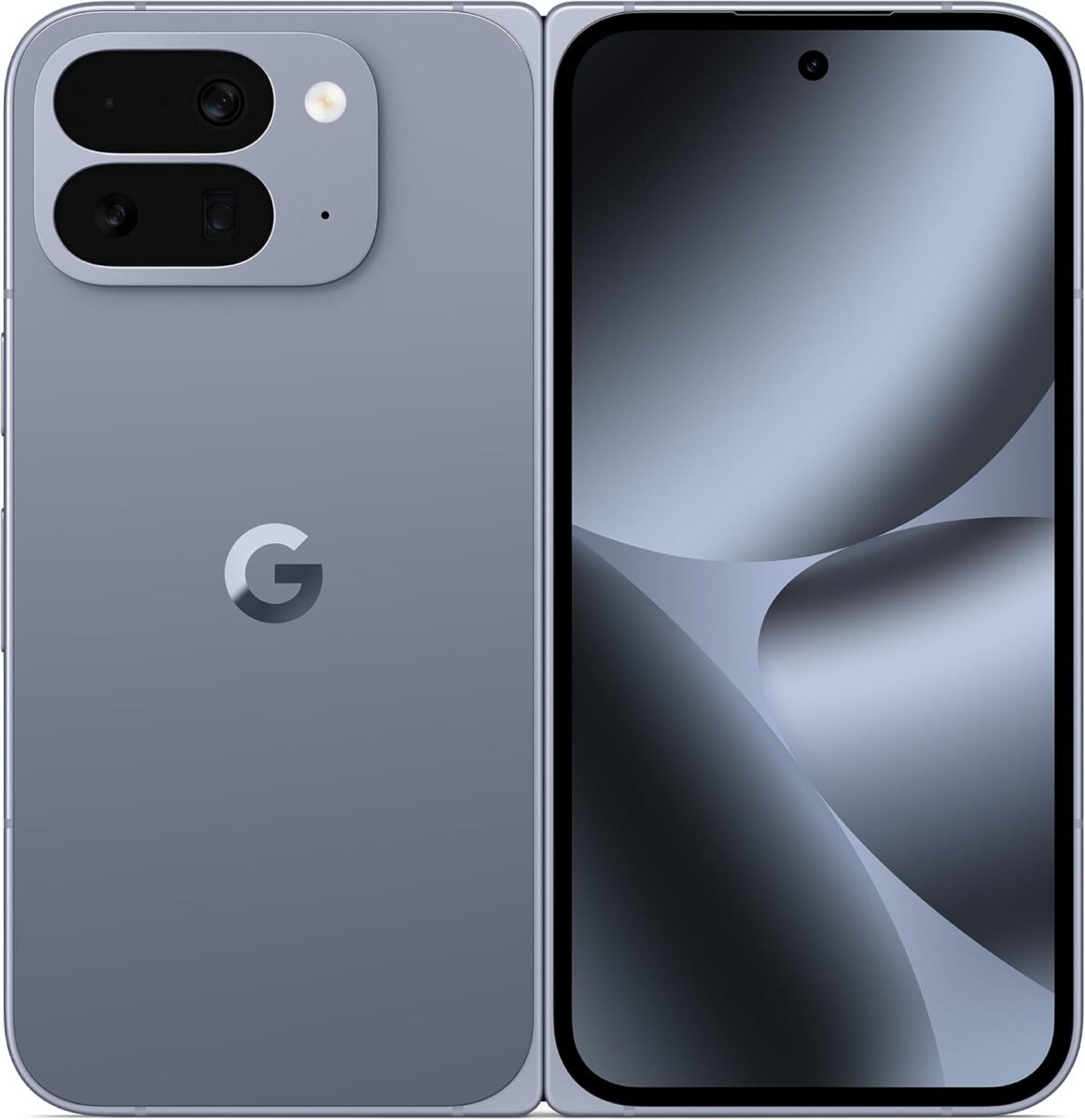

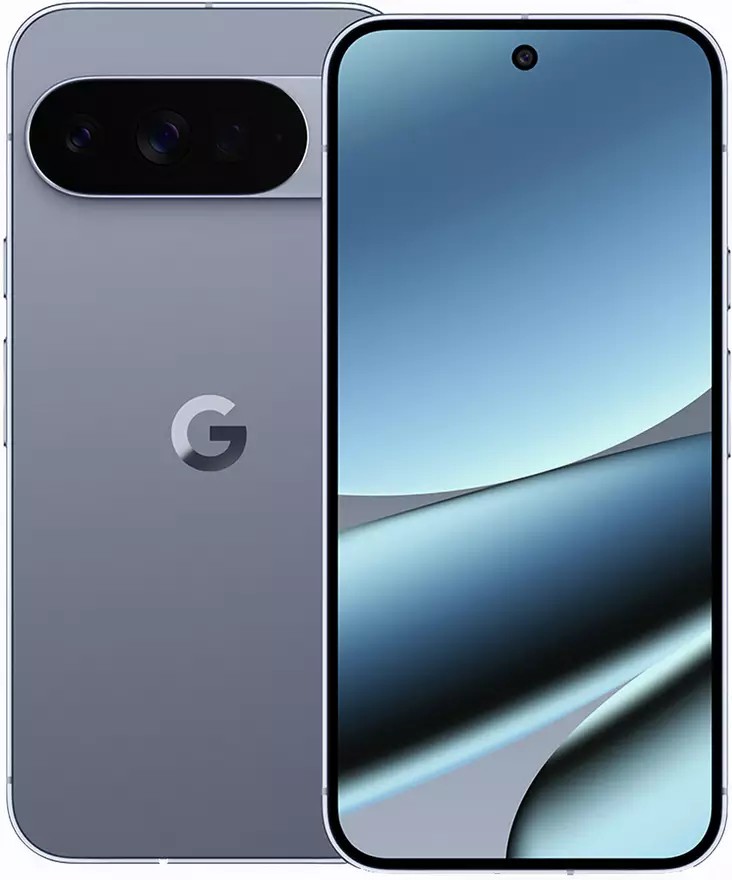

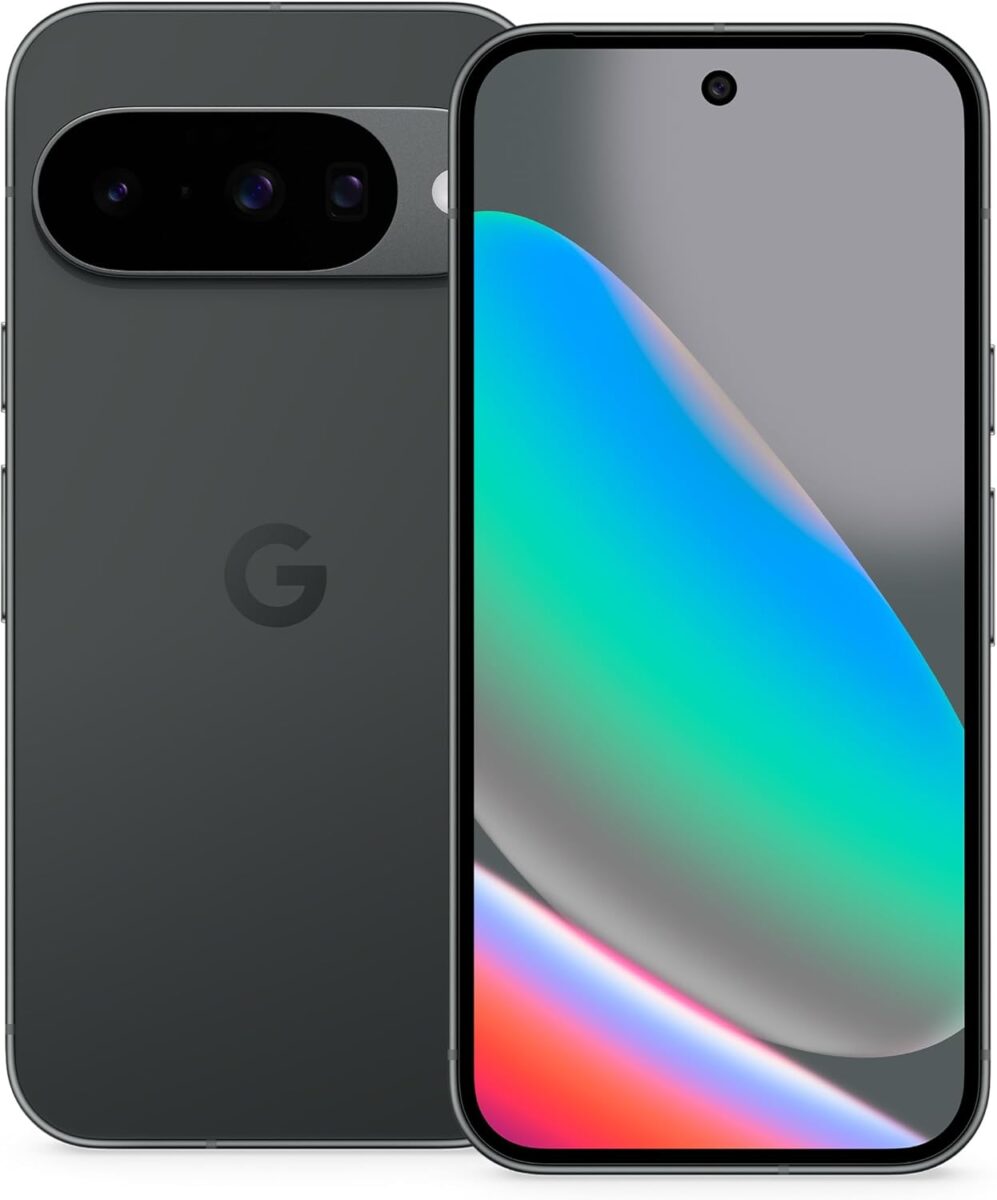
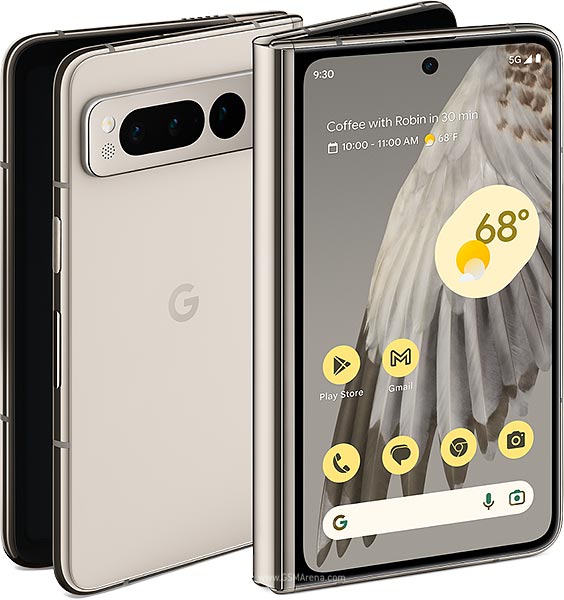
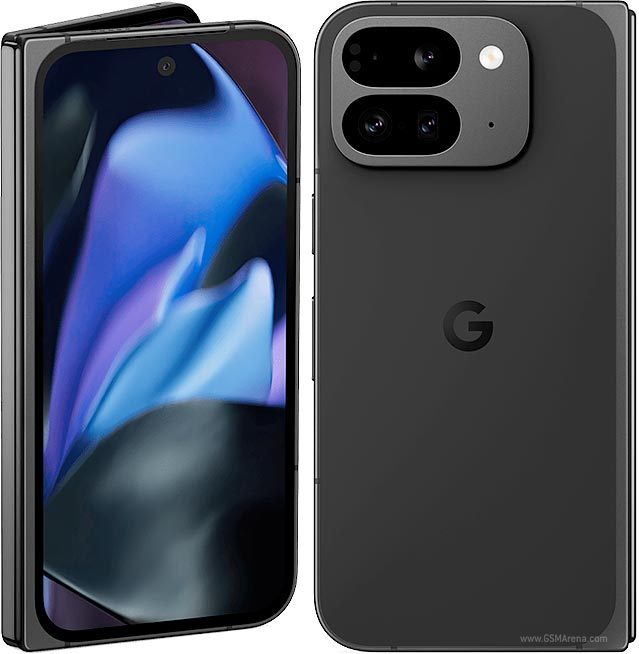
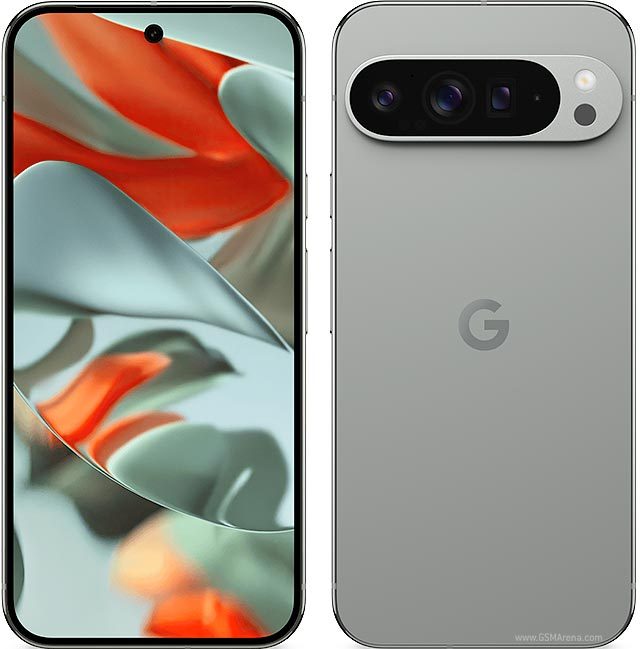
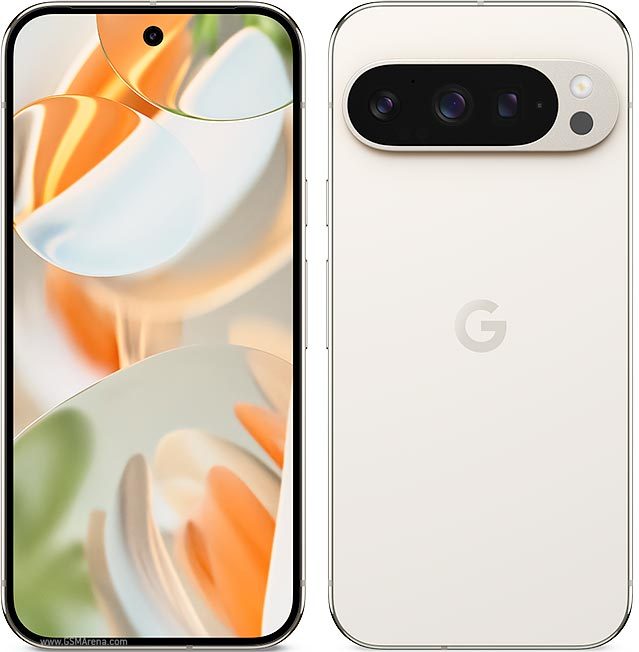
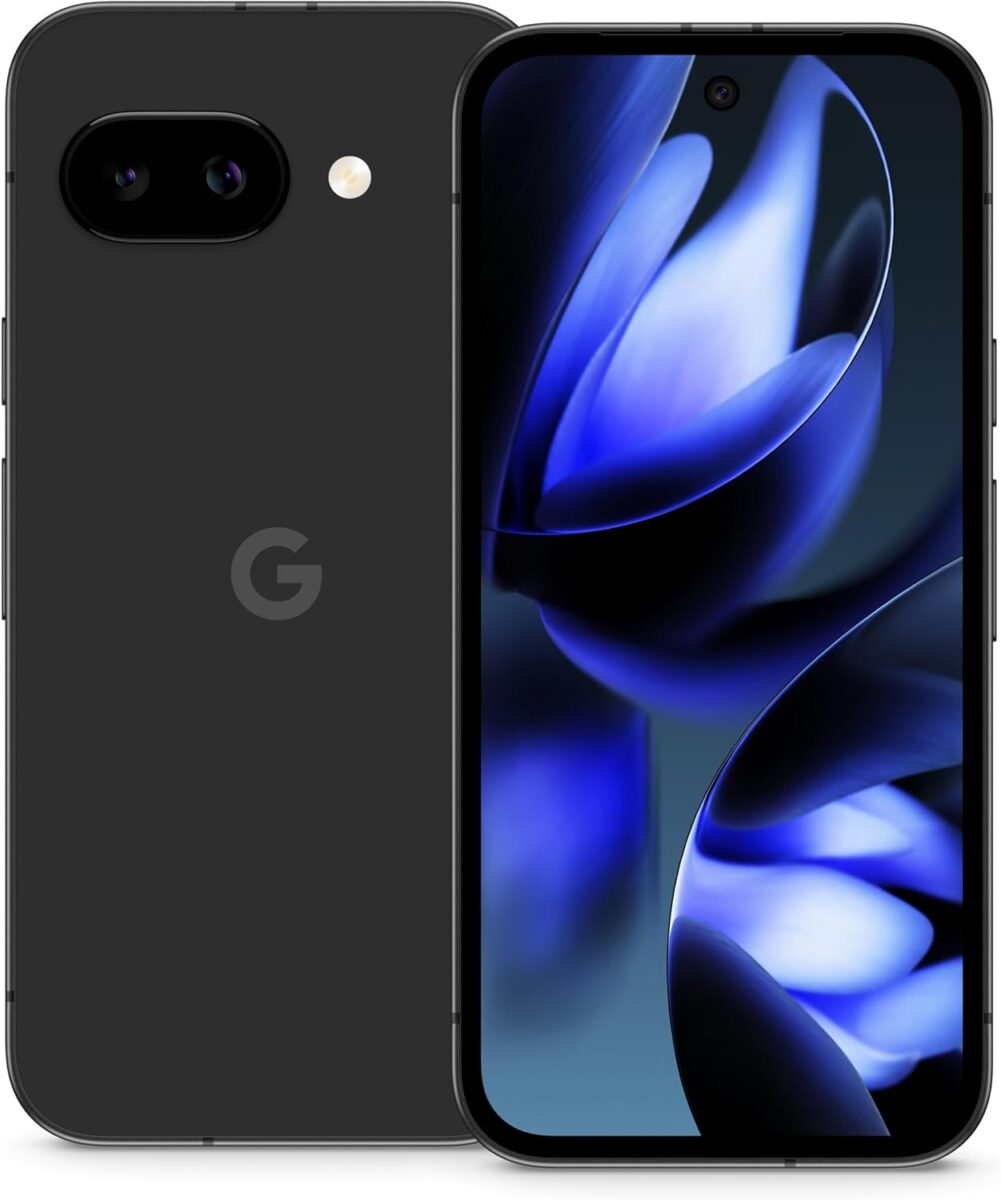

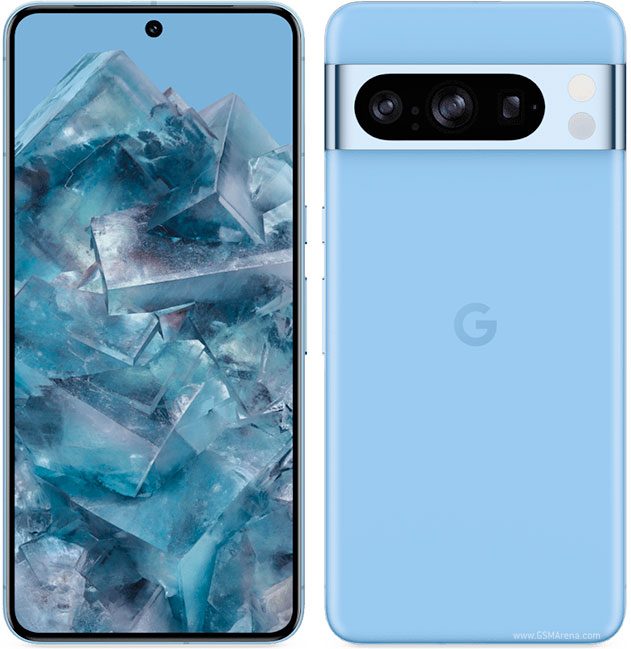
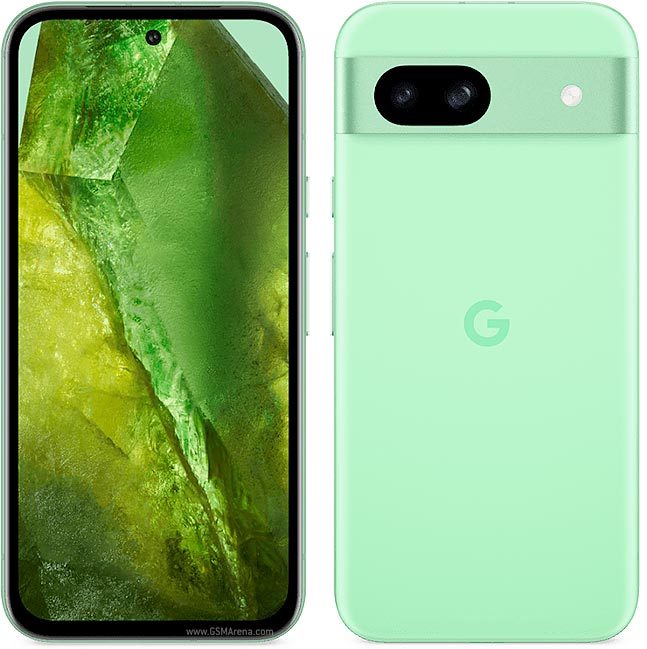
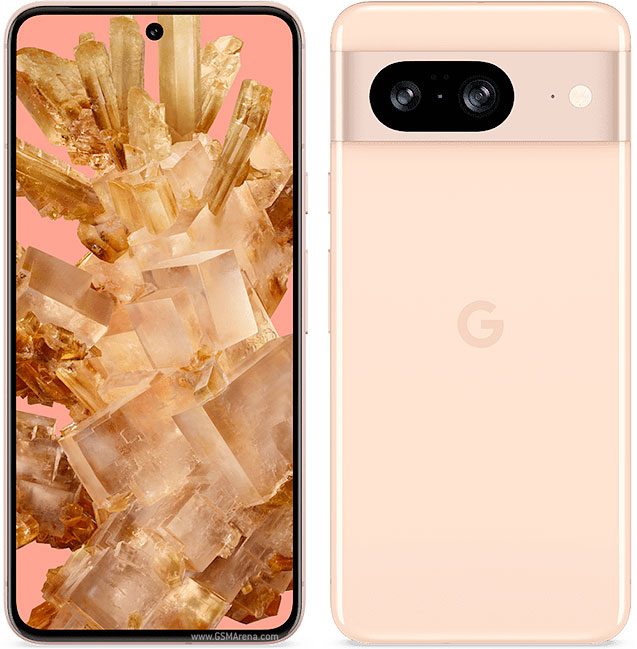
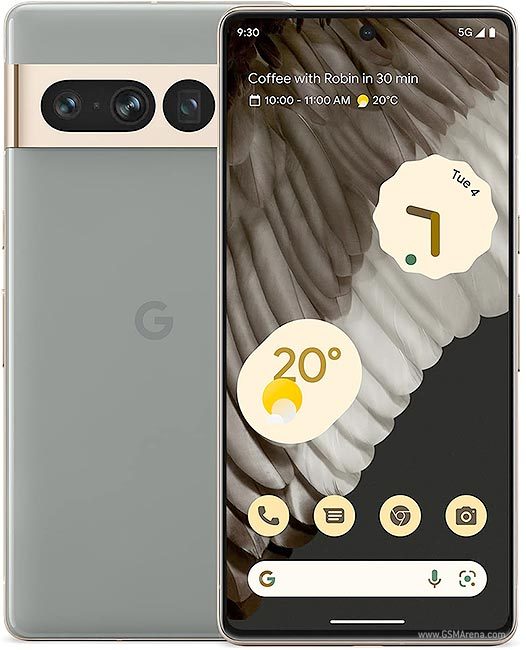
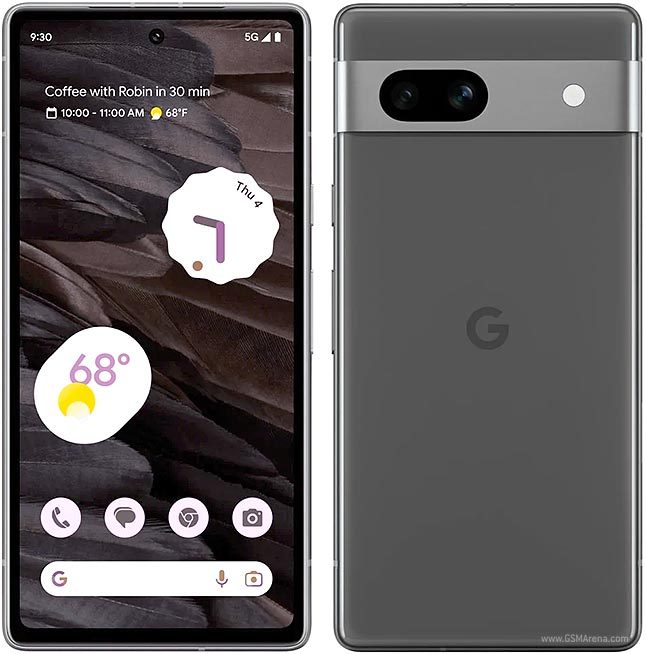
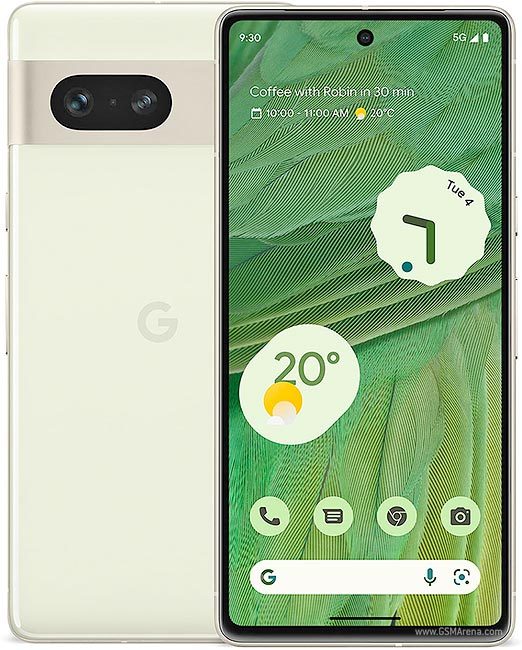
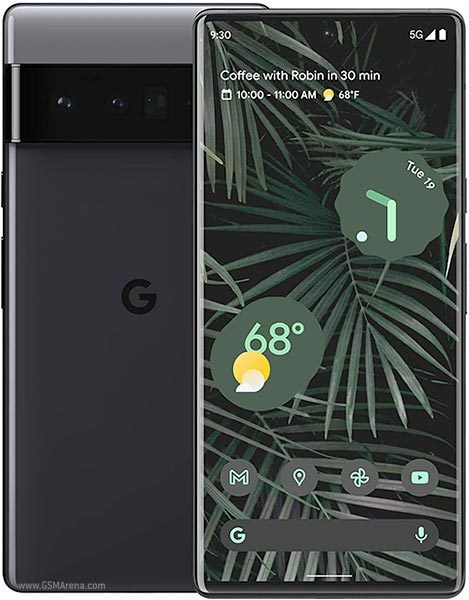
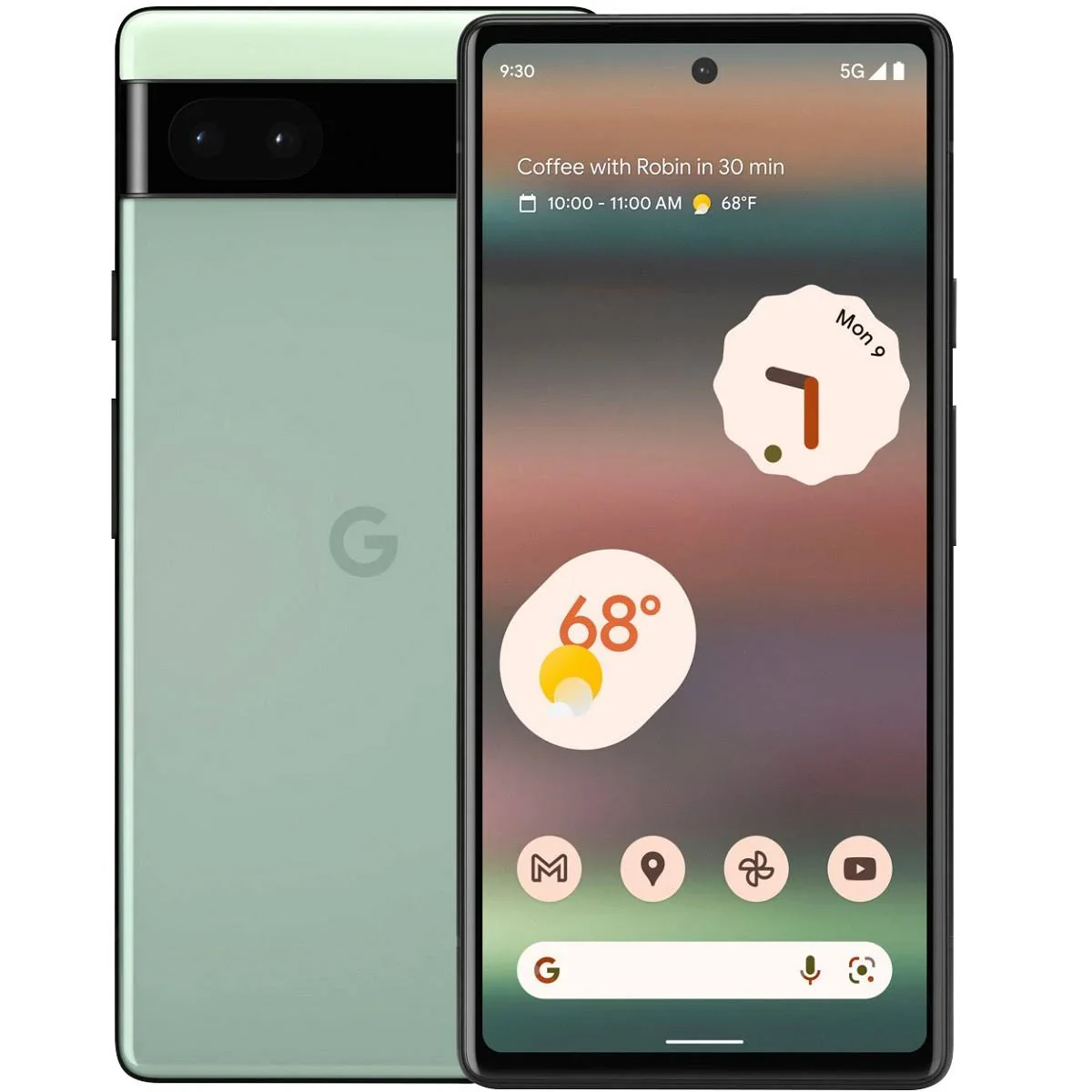

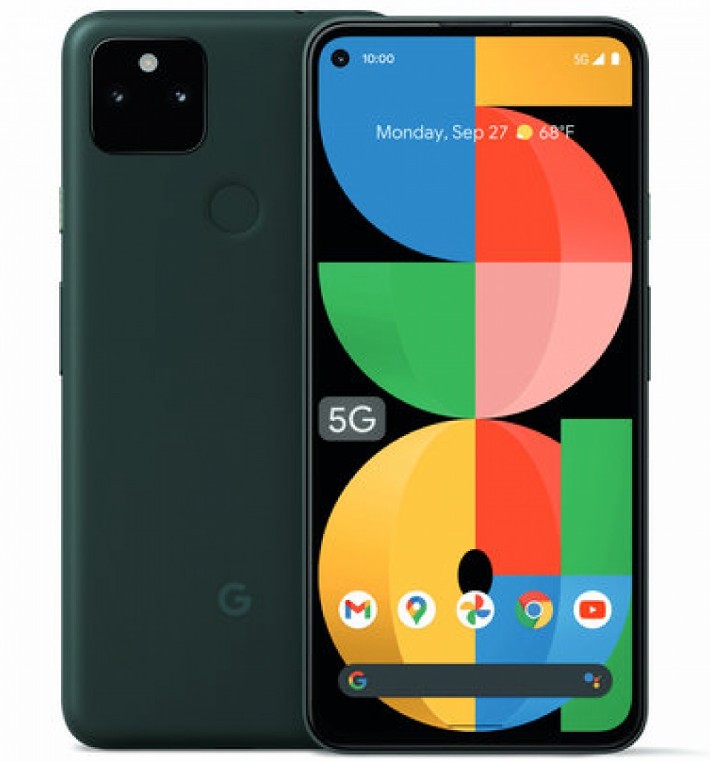
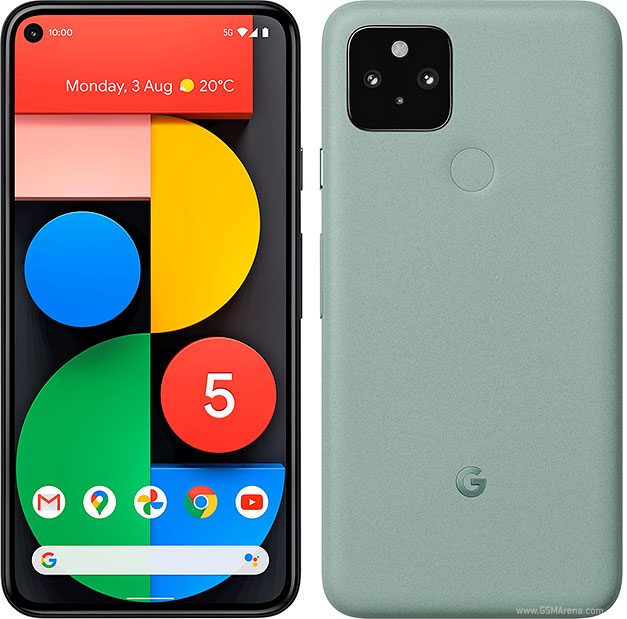
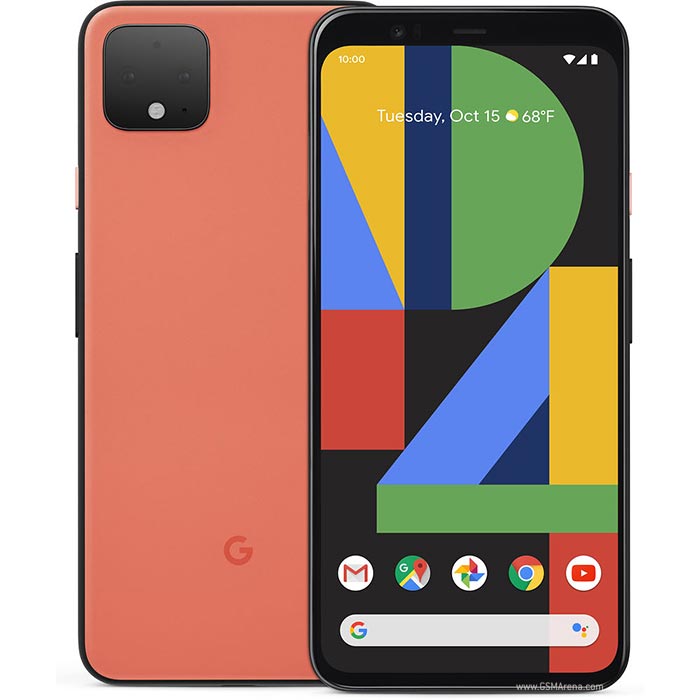
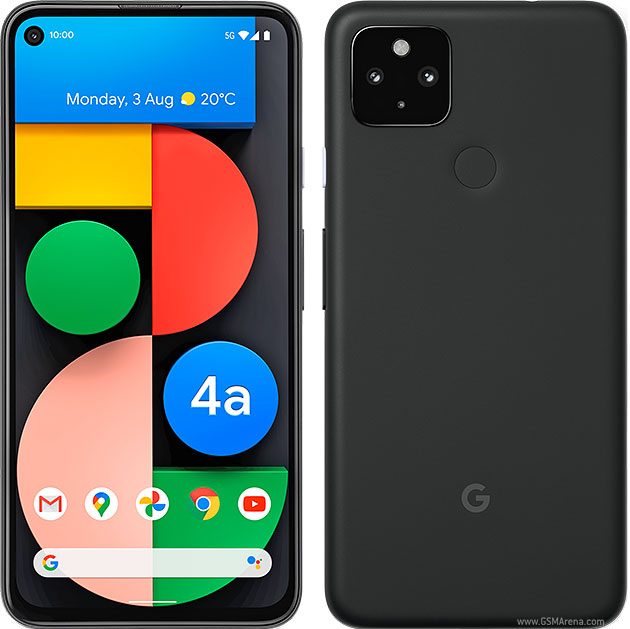
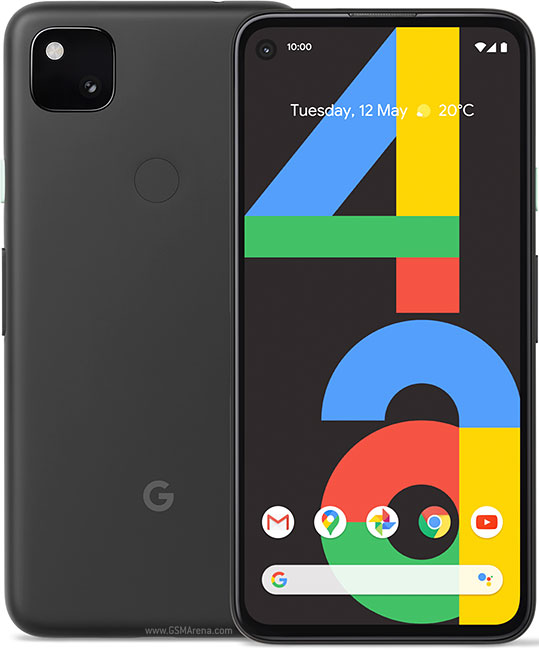
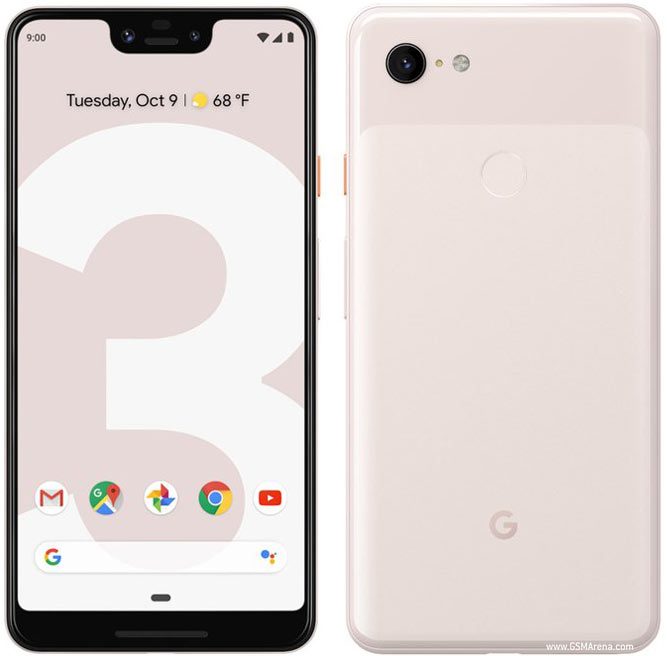
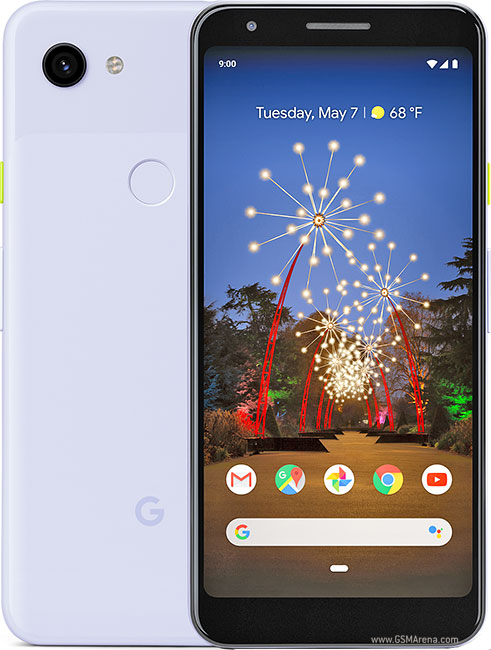
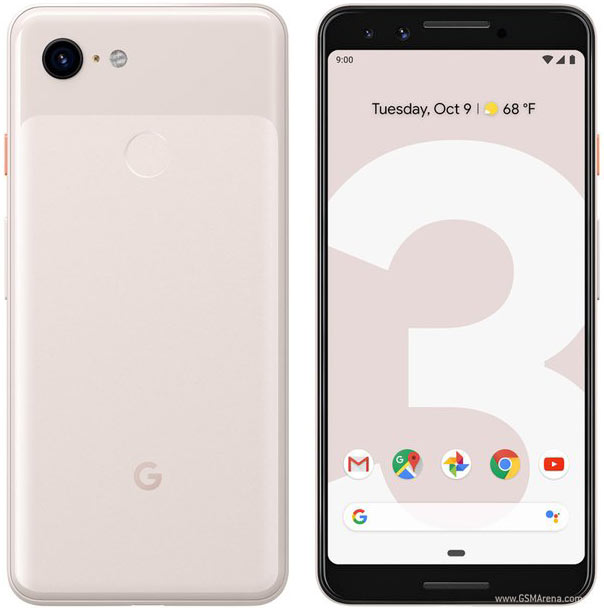
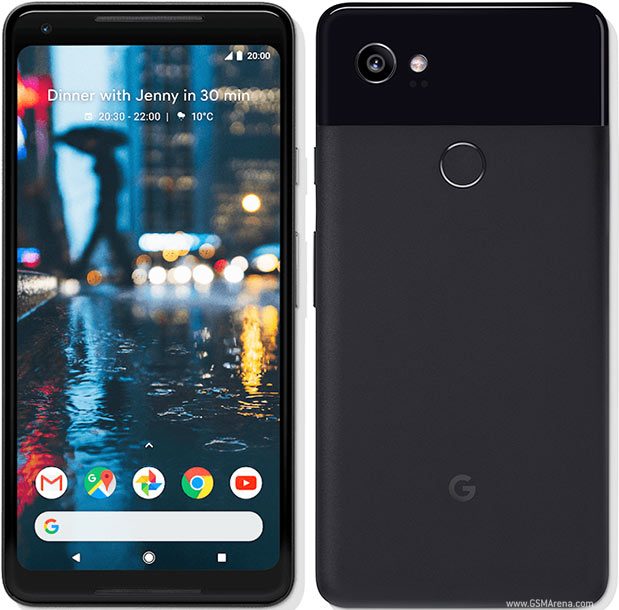
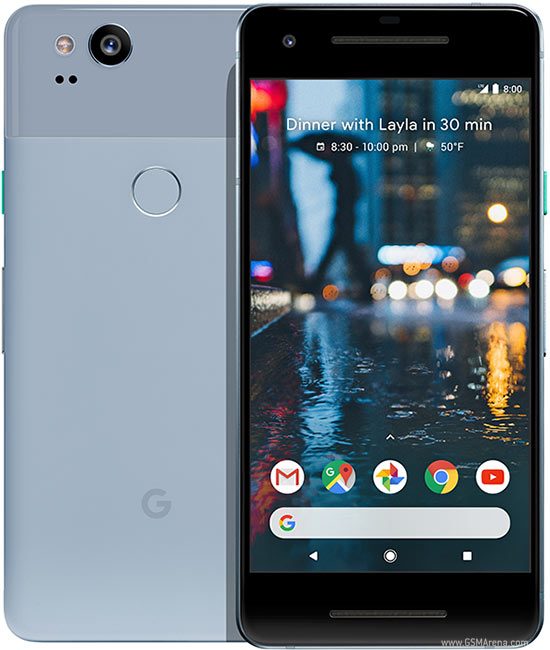
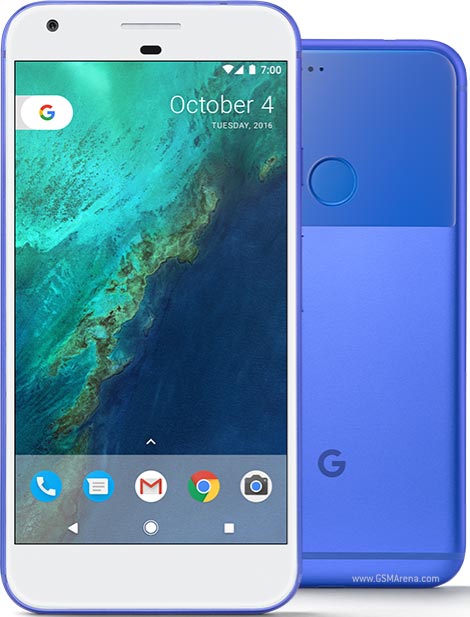
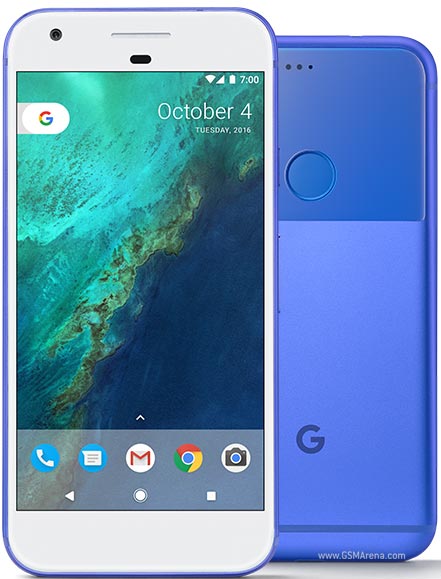
Google Pixel Charging Port Repair UK – Expert Fix From £55
Professional Google Pixel charging port repair with same-day service. USB-C port replacement from £55, most repairs complete in 60-90 minutes. Free diagnostics identify if cleaning solves your problem before charging for replacement. 12-month warranty included.
Your Pixel won’t charge properly. The cable only works at certain angles. Fast charging stopped working weeks ago. You’re stuck wiggling the cable just to get enough power for tomorrow.
These frustrating charging problems affect thousands of Pixel owners across the UK – and they’re rarely just “broken chargers.” Your Pixel’s USB-C port handles charging, data transfer, audio output, and accessories. When it fails, everything stops working properly.
At iExpert Repairs, we’ve diagnosed and repaired over 1000 Pixel charging issues in 2024 alone. For all other problems, including screen damage, water issues, or battery faults, explore our full range of Google Pixel repair services . More importantly, we fixed 38% of “broken” charging ports with free cleaning – saving those customers £55-95 in unnecessary replacements.
What you get with our Pixel charging port repair:
- Free diagnostics determining if cleaning or replacement needed
- Same-day repair completing in 60-90 minutes
- Complete USB-C port assembly (not partial fixes that fail quickly)
- Fast charging verification with multiple cables and chargers
- Full functionality testing: charging, data transfer, audio, accessories
- 12-month warranty covering parts and workmanship
Whether your Pixel 9 Pro stopped recognising cables, your Pixel 8’s fast charging quit working, or your Pixel 7 only charges at specific angles, we’ve diagnosed and fixed these exact problems hundreds of times.

Why Pixel USB-C Charging Ports Fail
Google Pixel phones use USB-C ports for everything – power delivery, data transfer, USB-C headphones, and accessory connections. This versatile port experiences more wear and environmental exposure than any other phone component.
Understanding why charging ports fail helps you recognise problems early and avoid damage that turns simple cleaning into expensive replacement.
Lint and Debris Accumulation – The #1 Cause
This is the most common problem – and the easiest to fix.
Every time you slide your Pixel into a pocket or bag, microscopic lint fibers catch on the USB-C port opening. Over months, these fibers compress into a dense plug blocking the port’s interior. Add dust, dirt particles, and pocket debris, and your port slowly fills with an insulating barrier preventing proper cable contact.How this feels: Your charging cable won’t insert fully into the port. Charging works but feels loose or requires specific cable angles. Fast charging stopped working but slow charging still functions (debris blocks some pins while allowing others to make partial contact).
The good news: Professional cleaning solves this problem completely. We use specialized tools removing all debris without damaging delicate port pins. Last month, we cleaned 34 Pixel charging ports that owners thought were broken – all worked perfectly after cleaning, zero cost.
What doesn’t work: Blowing into ports (moisture from breath causes corrosion), using metal objects like paperclips or needles (damages internal pins), or forcing cables harder (bends pins or damages port structure).
Connector Wear From Daily Cable Insertion
USB-C ports are rated for approximately 10,000 insertion cycles. If you charge your Pixel once daily, that’s 27+ years of use. Reality proves less forgiving – daily charging plus occasional daytime top-ups, connecting to computers, using USB-C accessories, and sometimes fumbling with cables in the dark accelerates wear significantly.
What wears out: The metal contact pins inside USB-C ports slowly lose tension from repeated cable insertion and removal. Port housing develops slight looseness allowing cables to shift. Internal springs weakening over time reduce contact pressure between cable and port pins.
How this feels: Cables feel loose when inserted. Charging cuts in and out with slight phone movement. You must position cables at specific angles for charging to work. Fast charging becomes unreliable while slow charging still functions (fast charging requires excellent pin contact, slow charging tolerates imperfect connections).
Typical timeline: Pixel 6 and 7 series (2-3 years old) frequently show connector wear symptoms. Pixel 8 series (1-2 years) occasionally develop wear with heavy charging frequency. Newer Pixel 9 series rarely show wear unless used abnormally heavily.
Liquid Damage and Internal Corrosion
Despite IP67/IP68 water resistance on newer Pixels, liquid damage remains a common charging port failure cause.
How it happens: Environmental seals around charging ports degrade over time, especially after phone drops that stress adhesive bonds. Moisture enters through compromised seals. Spills, rain exposure, or high humidity corrode internal port contacts. Liquid indicators inside ports show clear water exposure evidence during diagnosis.
Corrosion development: Even minor moisture causes oxidation on the 24 tiny pins inside USB-C ports. Corroded pins block electrical current preventing charging. Corrosion also blocks data transfer, audio output, and accessory recognition. Early-stage corrosion sometimes cleans successfully; advanced corrosion requires complete port replacement.
Salt water and chlorinated water accelerate corrosion dramatically compared to fresh water. A brief pool or beach exposure can cause severe damage requiring port replacement within days as corrosion spreads.
How this feels: Charging worked fine, then suddenly stopped after liquid exposure. Port shows discoloration or green/white corrosion visible with flashlight. Charging works intermittently as corrosion progresses. Sometimes the phone shows “moisture detected” warnings even when dry.
Physical Stress and Port Damage
Forcing charging cables at wrong angles, catching cables on objects while phone charges, or dropping phones while cables are connected causes structural damage to USB-C ports.
What breaks: The port housing cracks or separates from the logic board. Internal pins bend out of alignment. The port mounting points break, causing the entire assembly to move loosely inside the phone frame. In severe cases, the logic board sustains damage near the port connection requiring more extensive repair.
How this feels: The port looks visibly damaged or misaligned. Cables won’t insert properly. The entire port assembly moves when cables insert or remove. Charging works unreliably or not at all.
Prevention: Never use your phone while charging with short cables that stress the port. Avoid charging with phone in tight pockets or positions where cable bend creates strain. Use magnetic USB-C adapters for frequent connection/disconnection scenarios (though these reduce fast charging speeds).
Pixel Charging Problems We Diagnose and Repair
Intermittent Charging – Works Only at Specific Angles
The symptom: Your Pixel charges when you hold the cable at specific angles, but charging cuts out when you release pressure or adjust phone position. You’ve mastered the precise cable angle required, but any movement stops charging.
What’s actually happening: Debris partially fills the port, preventing full cable insertion. Some internal pins make contact while others don’t. Worn port pins lost enough tension that only specific cable angles create adequate pressure. Early-stage corrosion disrupts some pin connections while leaving others functional.
Professional diagnosis determines the actual cause – cleaning often solves debris-related intermittent charging, while worn pins or corrosion require port replacement.
Complete Charging Failure – Phone Won’t Charge At All
The symptom: Your Pixel doesn’t respond when connecting chargers. No charging indicator appears. Battery drains to zero with no way to recharge.
What’s actually happening: Complete debris blockage prevents any electrical contact. Severe corrosion destroyed all pin conductivity. Physical damage broke internal connections. Logic board damage near the charging port (often from liquid damage spreading beyond the port itself).
Critical diagnostic step: Before assuming port failure, we test with wireless charging (if your Pixel model supports it). If wireless charging works but cable charging fails, the problem definitely lies in the port. If both wireless and cable charging fail, the issue might be battery-related or involve logic board damage requiring different repair approaches.
Important: If your Pixel completely died and won’t charge, professional diagnostics determine the root cause. Replacing the charging port won’t help if the actual problem is battery failure or logic board damage. Accurate diagnosis prevents wasting money on wrong repairs.
Slow Charging Only – Fast Charging Stopped Working
The symptom: Your Pixel still charges, but takes 3-5 hours instead of the normal 90 minutes. The “charging rapidly” notification never appears. Fast charging worked perfectly until recently.
What’s actually happening: Partial debris blocks specific pins responsible for fast charging negotiation. Worn pins prevent the high-current contact required for fast charging while still maintaining basic charging contact. Early corrosion affects the power delivery pins while leaving basic charging pins functional. Cable or charger issues (we test this first before diagnosing port problems).
Why this matters: Fast charging requires excellent electrical contact across multiple pins. Basic “slow” charging tolerates imperfect connections. Your port might be partially failing – addressing it now with cleaning or replacement prevents complete failure later.
Pixel-specific consideration: Tensor-powered Pixels (6, 7, 8, 9 series) use adaptive charging that deliberately slows overnight charging to preserve battery health. This is normal, not a problem. Fast charging should still work during daytime when you need quick power. Professional diagnostics distinguish between normal adaptive charging behavior and actual port problems.
Data Transfer Failures and Accessory Recognition Issues
The symptom: Charging works fine, but your Pixel won’t connect to computers for file transfer. USB-C accessories stop working. USB-C headphones don’t produce audio. Android Auto fails to connect in your vehicle.
What’s actually happening: Different pins inside USB-C ports handle different functions. Debris or damage affecting data pins while leaving charging pins functional. Partial port failure where some pins work correctly while others failed.
Why charging works but data doesn’t: Charging uses specific pins for power delivery. Data transfer, accessories, and audio use different pins. Port problems often affect some pins while leaving others functional, creating confusing situations where charging works perfectly but everything else fails.
Professional diagnosis tests all port functions – charging at various speeds, data transfer with computers, accessory recognition, and audio output. This comprehensive testing identifies exactly which port functions failed, determining whether cleaning or replacement is necessary.
Our Professional Pixel Charging Port Repair Process
Step 1: Comprehensive Charging System Diagnostics (Always Free)
Every charging port repair begins with thorough diagnostics determining the actual problem. Many “broken” charging ports actually need cleaning or have unrelated issues.
What we test:
Port Physical Inspection:
- Examine port interior with magnification equipment
- Look for debris accumulation, visible corrosion, or physical damage
- Check for moisture indicators showing liquid exposure
- Assess structural integrity and pin alignment
Charging Functionality Testing:
- Test with multiple known-good cables and chargers (many charging problems actually stem from faulty cables)
- Measure charging speeds and current draw
- Verify fast charging negotiation and power delivery
- Test wireless charging if model supports it
Complete USB-C Function Testing:
- Data transfer capability with computers
- USB-C accessory recognition
- USB-C audio output (if supported by model)
- All port functions potentially affected
System-Level Diagnostics:
- Battery health assessment (bad batteries sometimes mimic charging port failures)
- Charging controller chip function
- Software settings potentially affecting charging
- Logic board inspection for damage near port area
Accurate diagnosis ensures you pay for the repair you actually need, not unnecessary replacements.
Step 2: Professional Cleaning Before Replacement
If diagnostics reveal debris as the problem, we clean ports using specialized non-conductive tools that safely remove all accumulated material without damaging delicate pins.
Our cleaning process:
- Use precision picks designed for electronics cleaning (never metal objects)
- Work under magnification ensuring complete debris removal
- Clean all 24 pins individually ensuring proper contact
- Remove any corrosion if present and cleanable
- Verify port cleanliness with inspection microscope
Post-cleaning testing:
- Verify full cable insertion depth
- Test charging at all supported speeds
- Confirm fast charging works reliably
- Test data transfer and accessory functions
- Ensure port feels solid without excessive looseness
If cleaning solves your problem – there’s no charge. We believe in earning your business through honest diagnostics, not charging for unnecessary services.
Step 3: Port Replacement When Necessary
When cleaning can’t solve the problem – worn pins, severe corrosion, or physical damage – professional port replacement becomes necessary.
What we replace:
- Complete USB-C port assembly including:
- All 24 contact pins
- Port housing and mounting structure
- Connector cables linking port to logic board
- Mounting brackets ensuring secure installation
Why complete replacement matters: Some repair shops attempt “pin repair” or partial fixes that fail quickly. We replace the entire port assembly ensuring reliable long-term function.
Our replacement process:
Safe Disassembly:
- Precision opening tools designed for sealed Pixel construction
- Careful disconnection of battery (prevents short circuits during repair)
- Protected workspace preventing electrostatic discharge damage to Tensor chips
- Methodical component removal following Google’s service protocols
Port Removal and Installation:
- Precise heating equipment for sealed adhesive softening
- Careful desoldering or connector release (varies by Pixel model)
- Clean all mounting surfaces ensuring proper new port seating
- Install new port assembly with correct alignment
- Secure all connections and mounting points
Quality Control During Installation:
- Pre-installation testing of new port (we test every component before installation)
- Verify proper seating and alignment
- Ensure all pins make correct logic board contact
- Apply appropriate adhesive maintaining environmental sealing
Step 4: Comprehensive Testing and Verification
After port installation, extensive testing verifies all functions work perfectly before returning your Pixel.
Charging Performance Testing:
- Test with multiple USB-C cables (different manufacturers)
- Verify charging recognition occurs immediately upon cable connection
- Measure charging speeds reaching manufacturer specifications
- Confirm fast charging/rapid charging works reliably
- Test charging works regardless of cable insertion orientation (USB-C is reversible)
Data and Accessory Testing:
- Connect to computer verifying data transfer and file access
- Test USB-C accessories (headphones if available, USB-C flash drives)
- Verify Android Auto connection if vehicle access available
- Confirm all port functions beyond charging work correctly
Durability and Integration Testing:
- Multiple cable insertion/removal cycles ensuring port feels solid
- Verify no loose movement or excessive play
- Test while charging under load (running apps, generating heat)
- Confirm wireless features still work (Wi-Fi, Bluetooth, NFC, cellular)
Pixel-Specific Feature Testing:
- Verify Tensor chip functions normally
- Test Adaptive Battery and charging optimization features
- Confirm Battery Share (reverse wireless charging) still works on models supporting it
- Check all Pixel-exclusive features remain functional
Only after passing all testing do we consider charging port repairs complete.
Step 5: 12-Month Warranty Protection
Every charging port repair includes comprehensive 12-month warranty covering component defects, installation issues, and functionality problems at no additional charge.
What’s covered:
- Port component failures or defects
- Charging speed problems related to repair
- Data transfer or accessory recognition issues
- Any installation-related problems
- Workmanship defects
What’s not covered:
- New damage from liquid exposure, drops, or accidents after repair
- Normal wear from continued use (though quality ports last years)
- Issues unrelated to charging port repair
How warranty works: If any charging-related problem develops, bring your Pixel back. We’ll diagnose and resolve the issue at no charge. No hassle, no questions.
Our warranty claim rate: Only 1.8% of our charging port repairs require warranty service – our quality control prevents most issues before completion.
Google Pixel Charging Port Repair Pricing
Transparent pricing including complete USB-C port assembly, professional installation, comprehensive testing, and 12-month warranty.
USB-C Port Replacement Pricing
| Pixel Model | Port Replacement Price |
|---|---|
| Pixel 9 Series (9, 9 Pro, 9 Pro XL, 9 Pro Fold) | £79-£99 |
| Pixel 8 Series (8, 8 Pro) | £65-£89 |
| Pixel 7 Series (7, 7 Pro, 7a) | £59-£75 |
| Pixel 6 Series (6, 6 Pro, 6a) | £59-£69 |
| Pixel 5 / 4a 5G | £59-£69 |
| Pixel 4 Series (4, 4 XL) | £59 |
| Pixel 3 Series (3, 3a, 3 XL, 3a XL) | £59 |
| Pixel 2 / Original Pixel | £59 |
All prices include complete USB-C port assembly, professional installation, comprehensive testing, and 12-month warranty
Why Professional Charging Port Repair Beats DIY
The Truth About DIY Pixel Charging Repairs
DIY kits and YouTube tutorials make charging port replacements look simple – but the reality is different. Most “easy fixes” end up creating more damage.
Common DIY mistakes we fix every week include:
- Logic board damage from overheating or misaligned soldering.
- Incomplete port swaps using the wrong connector or missing hardware.
- Broken cables or flex connectors inside the Pixel frame.
- Battery or adhesive damage from excessive heat during disassembly.
- No warranty – when it fails, you’re left paying twice.
That £15 eBay kit can quickly become a £200 repair once mistakes compound. Our professional service costs between £55-£95, is completed in under 90 minutes, and includes a 12-month warranty – far safer and far better value.
How to Prevent Pixel Charging Port Problems
A few small habits can make your charging port last years longer:
- Keep cables clean: Wipe connector ends to stop lint buildup.
- Avoid charging at angles: Strain on pins weakens the port.
- Use longer cables if you charge while using your phone.
- Unplug properly: Pull from the connector, not the cord.
- Avoid dusty areas: Sand or dust inside ports causes corrosion.
- Bonus tip: Wireless charging (available on Pixel 3 and newer) greatly reduces port wear. Use it overnight and save cable charging for fast daytime boosts.
When to Seek Professional Help
Don’t wait until your Pixel stops charging entirely. Bring it in if you notice:
- Charging only works at certain angles.
- The cable feels loose or doesn’t click in.
- Fast charging suddenly stops working.
- The port looks dirty, bent, or corroded.
Early repairs are cheaper – in many cases, we can clean or reflow the port without full replacement if caught early.
Same-Day & UK-Wide Repair Options
Walk-In Repairs
Visit our service centre for same-day charging port repairs – usually complete in 60–90 minutes. You can relax in our waiting area or return later the same day.
Mail-In Repairs (Nationwide)
Book online and send your Pixel via our free tracked postal service. Once received, our technicians complete the repair within 24-48 hours and send it back fully tested, insured, and under warranty.
Every repair – whether walk-in or mail-in – is handled by the same expert team, using premium-grade parts, and backed by our 12-month warranty.
Book Your Google Pixel Charging Port Repair Today
Get your Google Pixel charging properly again – safely, quickly, and professionally. Whether your phone struggles to charge, connects loosely, or has suffered liquid damage, our certified technicians can restore it to perfect working condition.
Book online at iExpert Repairs for expert Google Pixel charging port repair, free diagnostics, transparent pricing, and reliable nationwide service trusted by thousands of UK customers.
Looking for more? We also provide Google Pixel screen replacement, full Google Pixel repair services, pixel battery replacement, and specialist Google Pixel water damage repair for every model – from the Pixel 4 and 5 up to the latest Pixel 9 Pro.
We also handle mobile phone repairs, Samsung repairs and UK-wide tech repairs at our UK repair centre.
Questions About Pixel Charging Repair
How do I know if my Google Pixel charging port needs repair?
Signs your charging port may need professional attention include intermittent charging, charging only at certain angles, failure to fast charge, loose or wobbly ports, visible debris or corrosion, and devices not recognising USB-C accessories. Early detection is important - our certified technicians provide free diagnostics to pinpoint issues accurately.
Can I fix my Pixel charging port myself?
DIY repair attempts are risky. Incorrect handling can damage the logic board, battery, or surrounding components, often costing far more than professional repair. At iExpert Repairs, we complete charging port replacements safely and efficiently, typically within 60–90 minutes, using genuine or premium-grade components and providing a 12-month warranty.
How long does a Google Pixel charging port repair take?
Most charging port repairs are completed in under 90 minutes at our Southampton repair centre. For our UK-wide mail-in service, repairs are completed within 24-48 hours of receiving your device, with insured tracked delivery both ways.
Will repairing the charging port affect my Google Pixel warranty?
Professional repairs at iExpert Repairs do not void your warranty, as we use genuine or high-quality replacement parts and perform precise repairs without affecting unrelated parts. DIY attempts, however, often void warranties if damage occurs during the process.
Can you repair a Pixel that also has screen or water damage?
Yes! We specialise in full Google Pixel repair services, including Google Pixel screen replacement and Google Pixel water damage repair. Our technicians perform thorough diagnostics to ensure all issues are identified and repaired, restoring your Pixel to full functionality.
How much does a Google Pixel charging port repair cost?
Pricing for charging port replacement starts from £55, depending on the model. All repairs include professional installation, full functionality testing, and a 12-month warranty. Exact costs are provided after diagnostics, so you never pay for unnecessary work.
Can I continue using my phone while charging issues persist?
Using a damaged port can worsen the problem, causing intermittent charging, battery stress, or even logic board damage. We recommend booking a professional repair promptly to prevent further complications.
Do you offer mail-in service for Pixel charging port repairs?
Yes, our secure mail-in repair service covers all UK locations. We provide free secure packaging, tracked shipping, professional repair, and full 12-month warranty coverage - the same service quality as in-store repairs.