
UK’s Leading Google Pixel Screen Replacement Experts
At iExpert Repairs, we specialise in professional Google Pixel screen repair and replacement services trusted by thousands of customers across London and the UK. With thousands of successful Pixel screen replacements completed and verified 5-star reviews, we’re recognised as one of the most trusted repair centres for every model - from the Pixel 4 and 5 to the latest Pixel 9 Pro and Pixel 9.
Our certified technicians handle all types of Pixel screen damage - from cracked or shattered displays to unresponsive touchscreens and black screen issues. Every replacement uses premium-grade or genuine OLED panels that match original Google specifications, ensuring perfect colours, smooth touch response, and long-lasting durability.
Booking your repair is simple and free. Just select your model online to schedule an appointment. You can visit our repair centre for same-day Google Pixel screen repair or choose our UK-wide mail-in service with free tracked delivery both ways. Most screen repairs are completed the same day your device arrives.
Every repair includes expert installation, full functionality testing, and a 12-month warranty for complete peace of mind. Choose iExpert Repairs - your trusted Google Pixel screen replacement specialists delivering professional results, fair prices, and exceptional service nationwide.
Select Your Google Phone Model
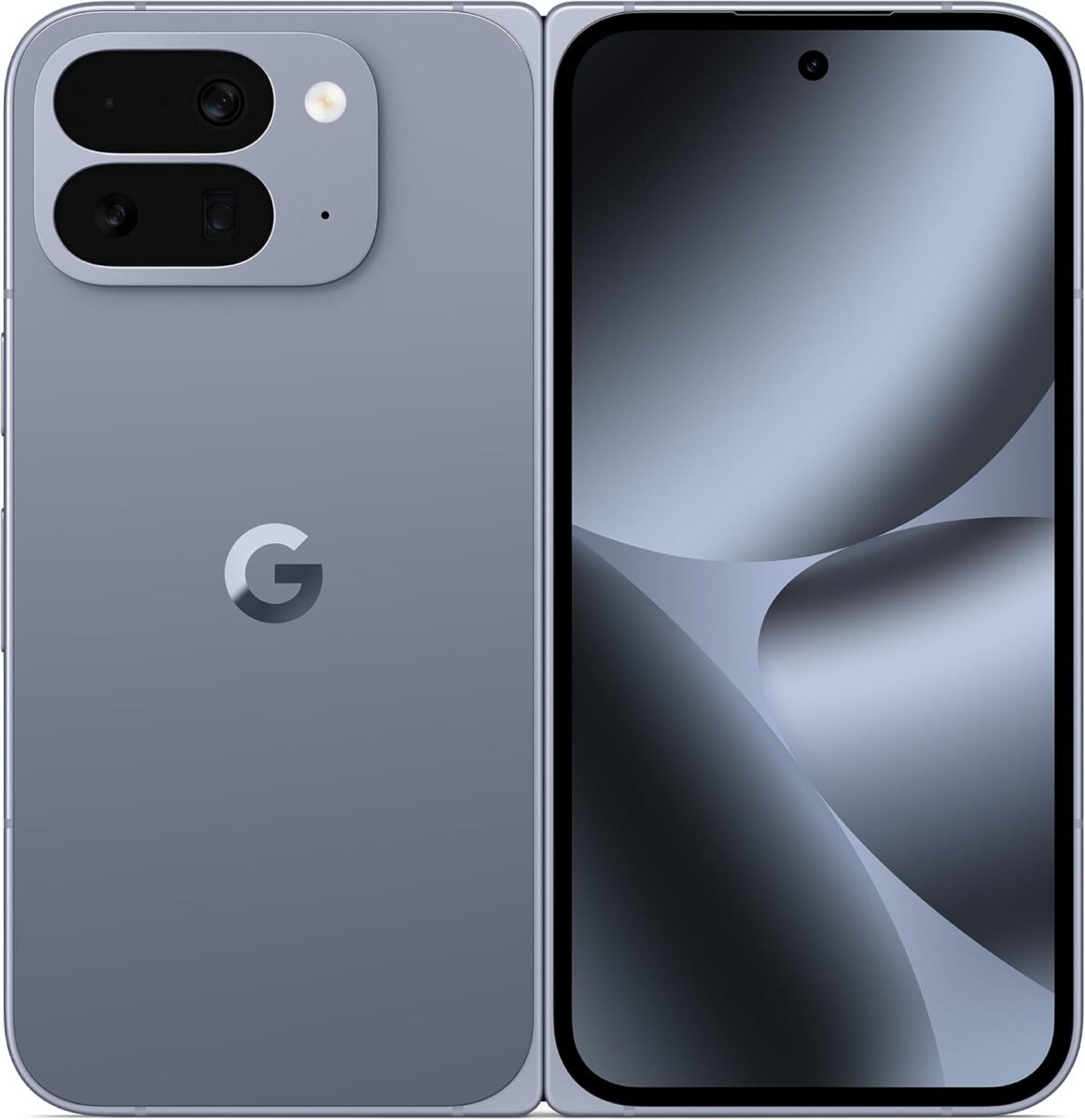

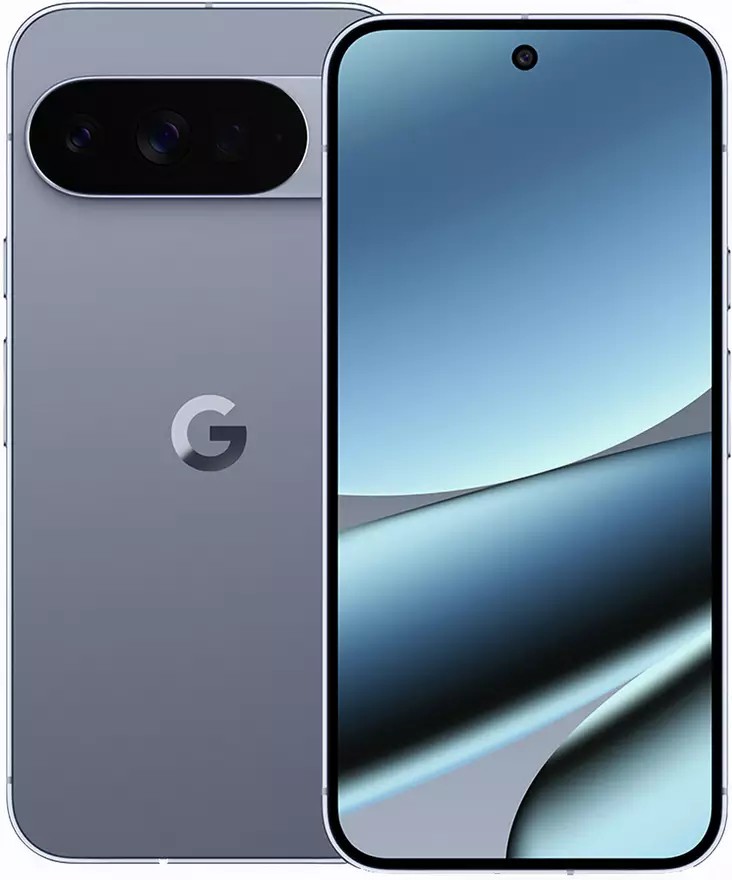

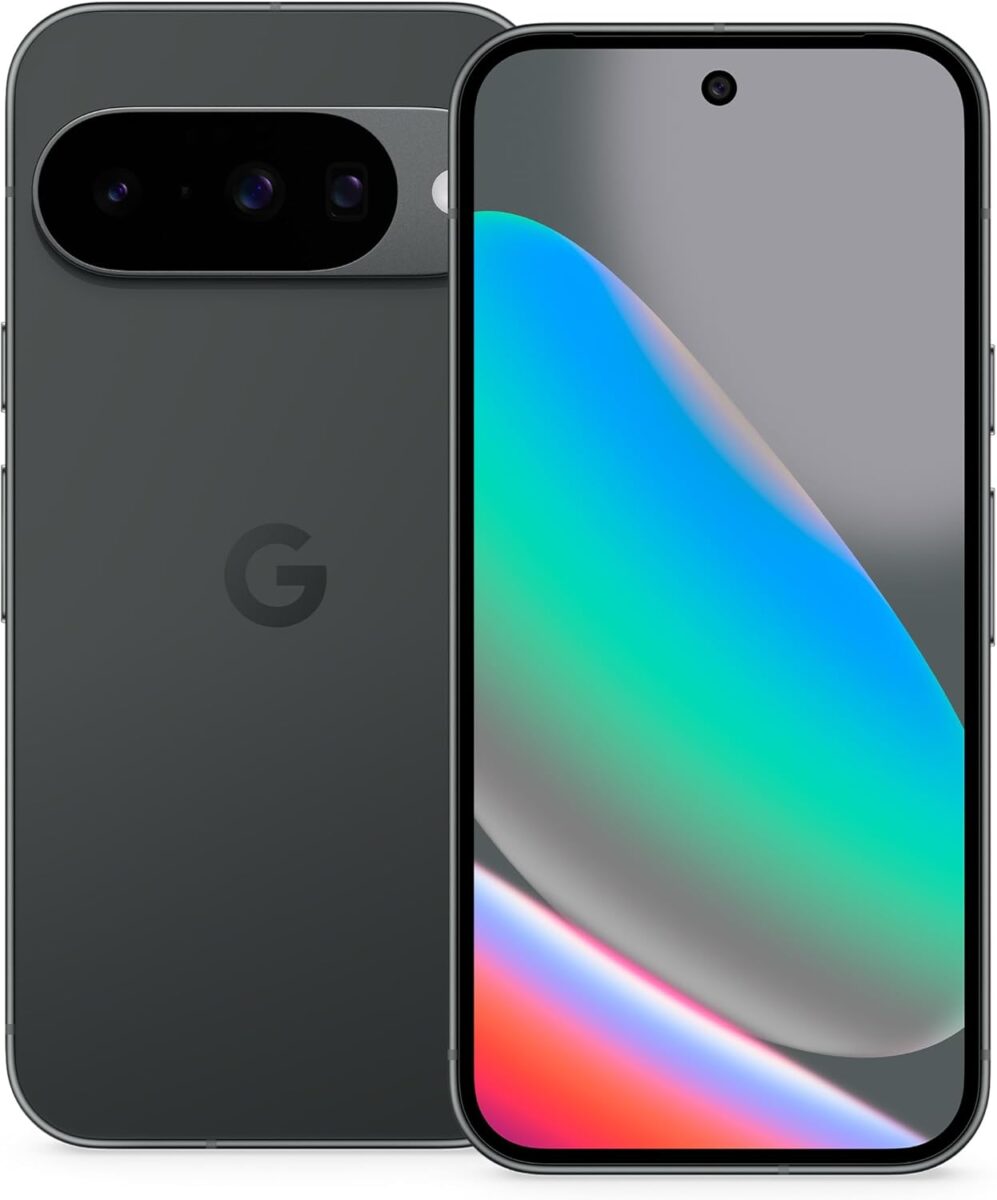
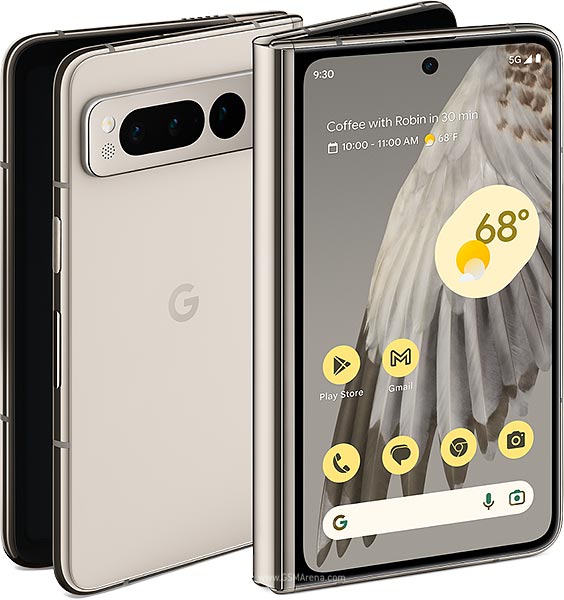
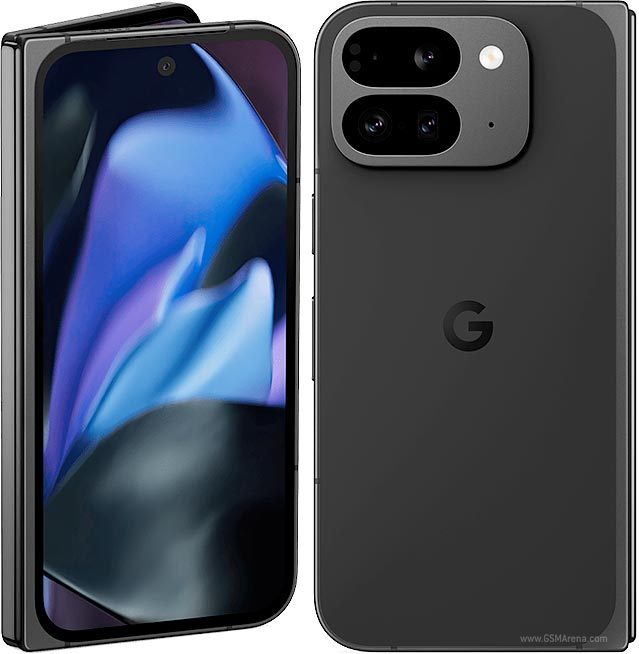
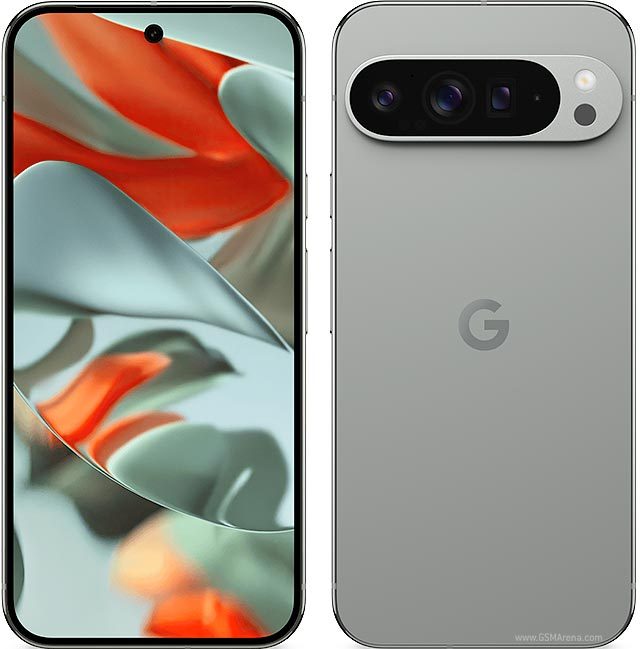
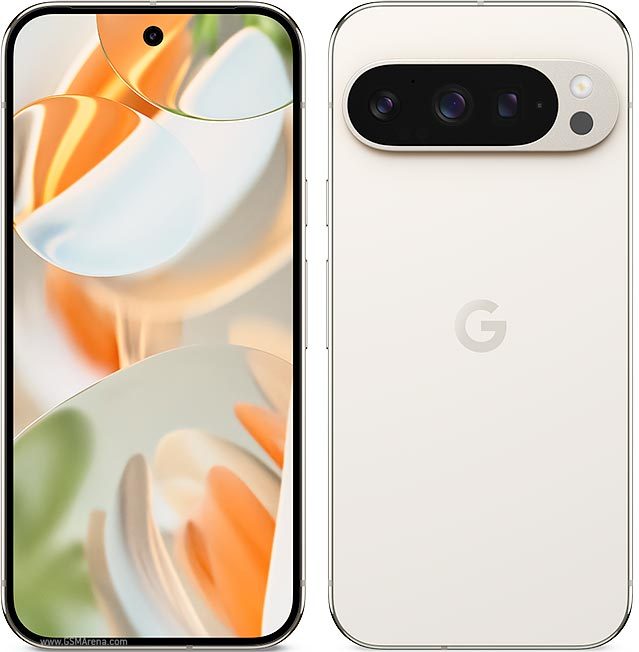
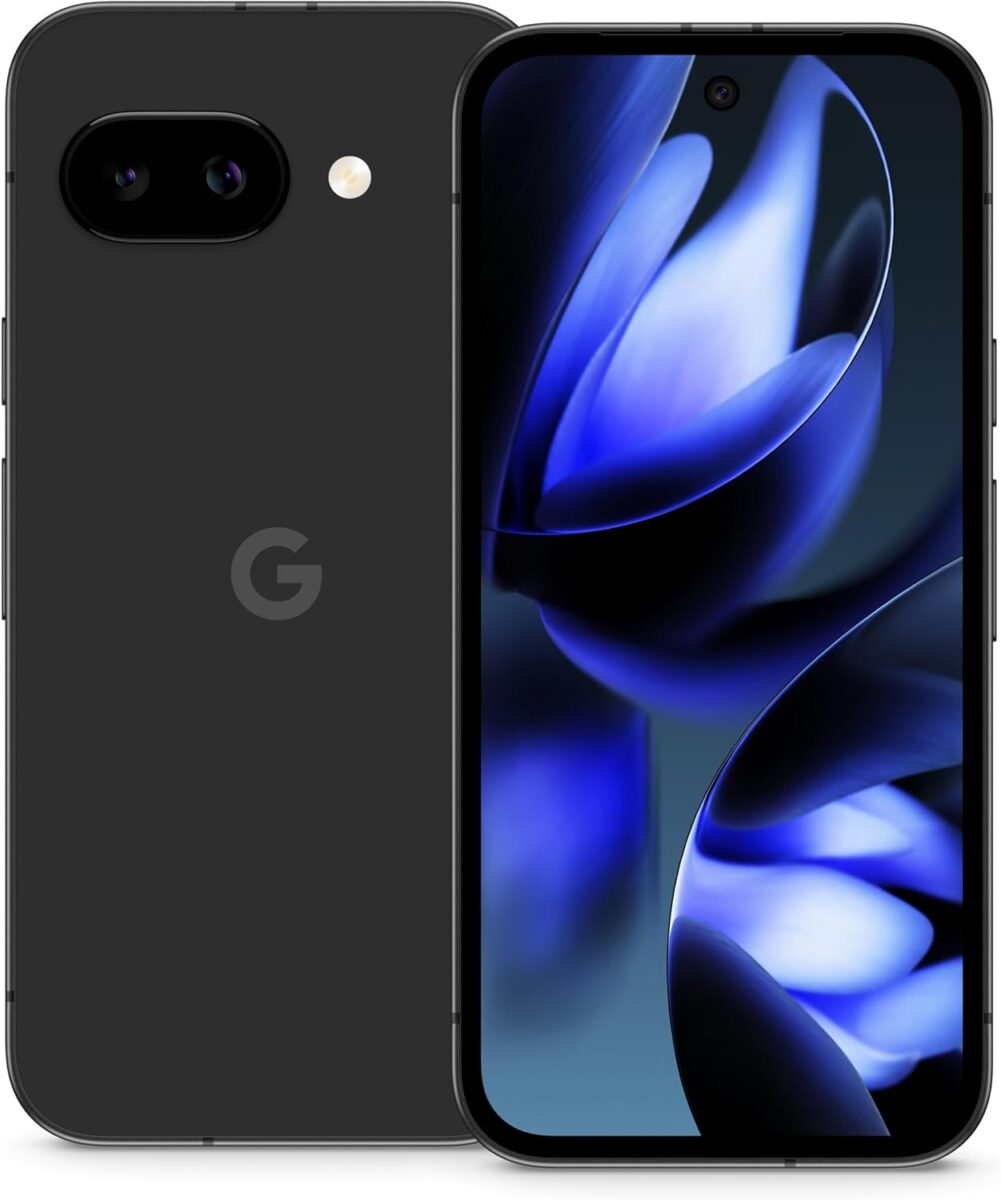

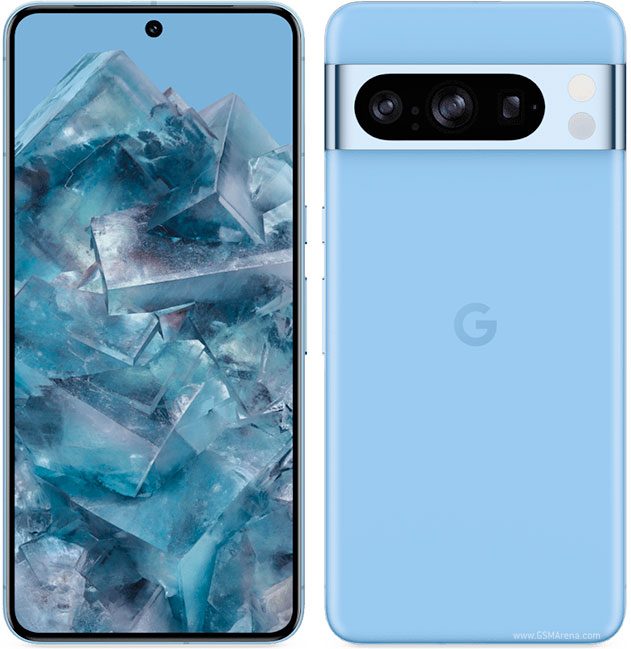
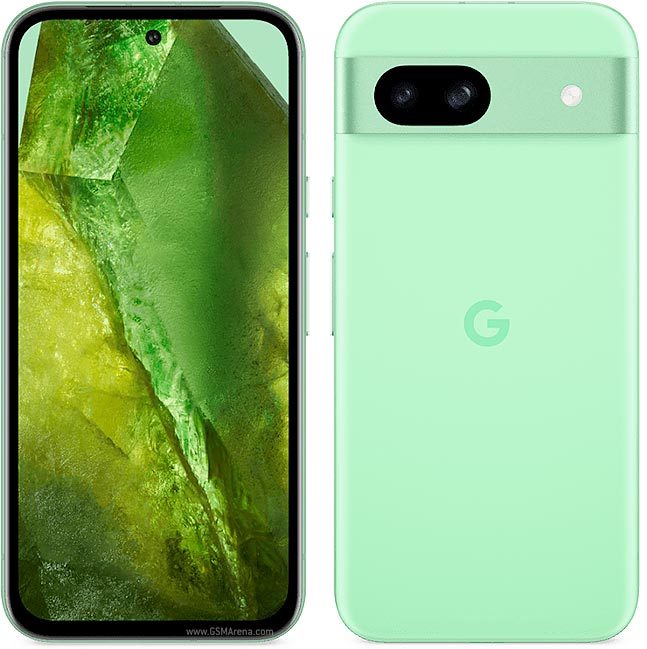
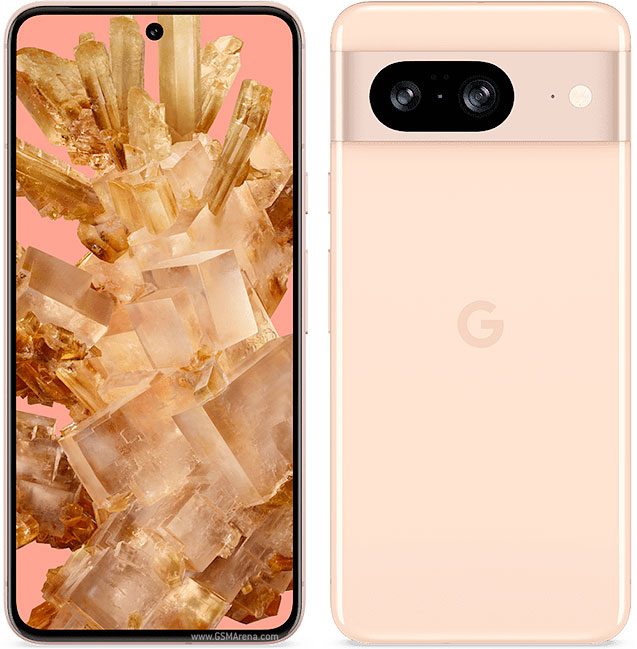
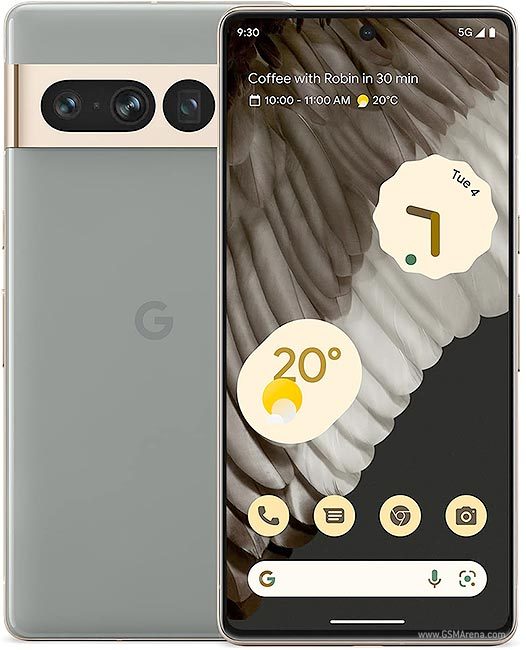
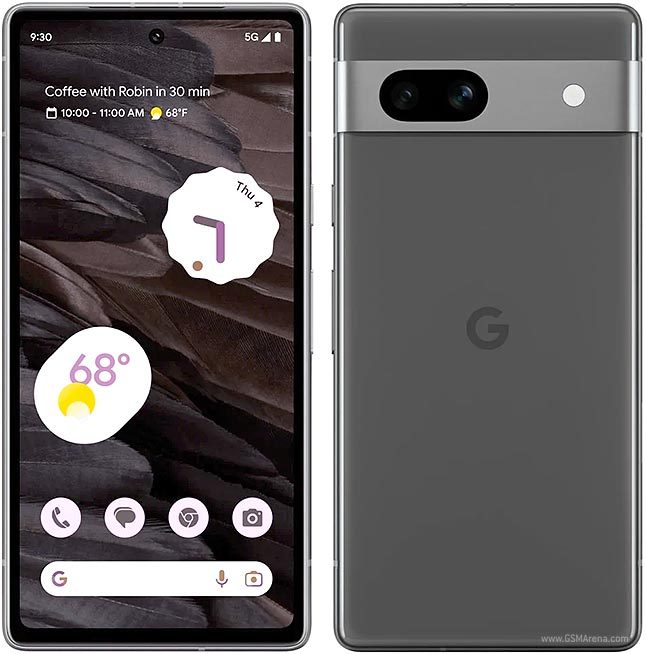
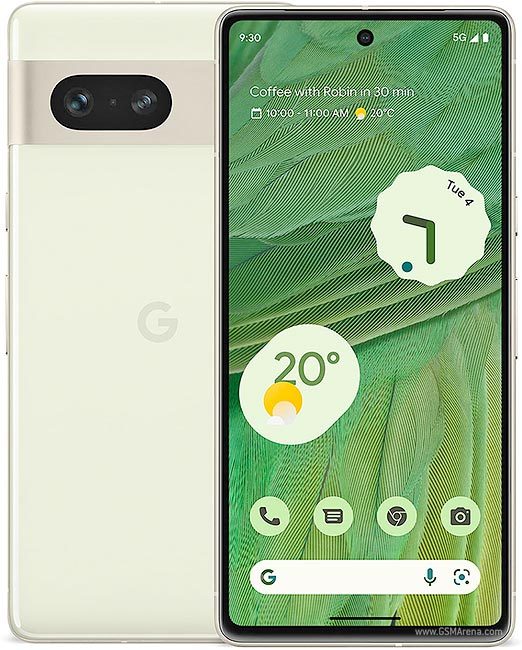
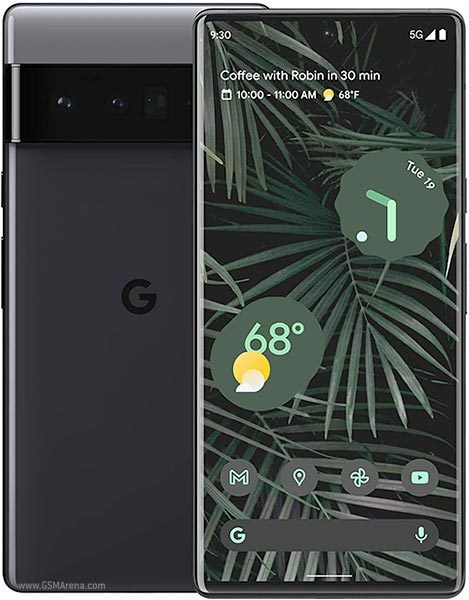
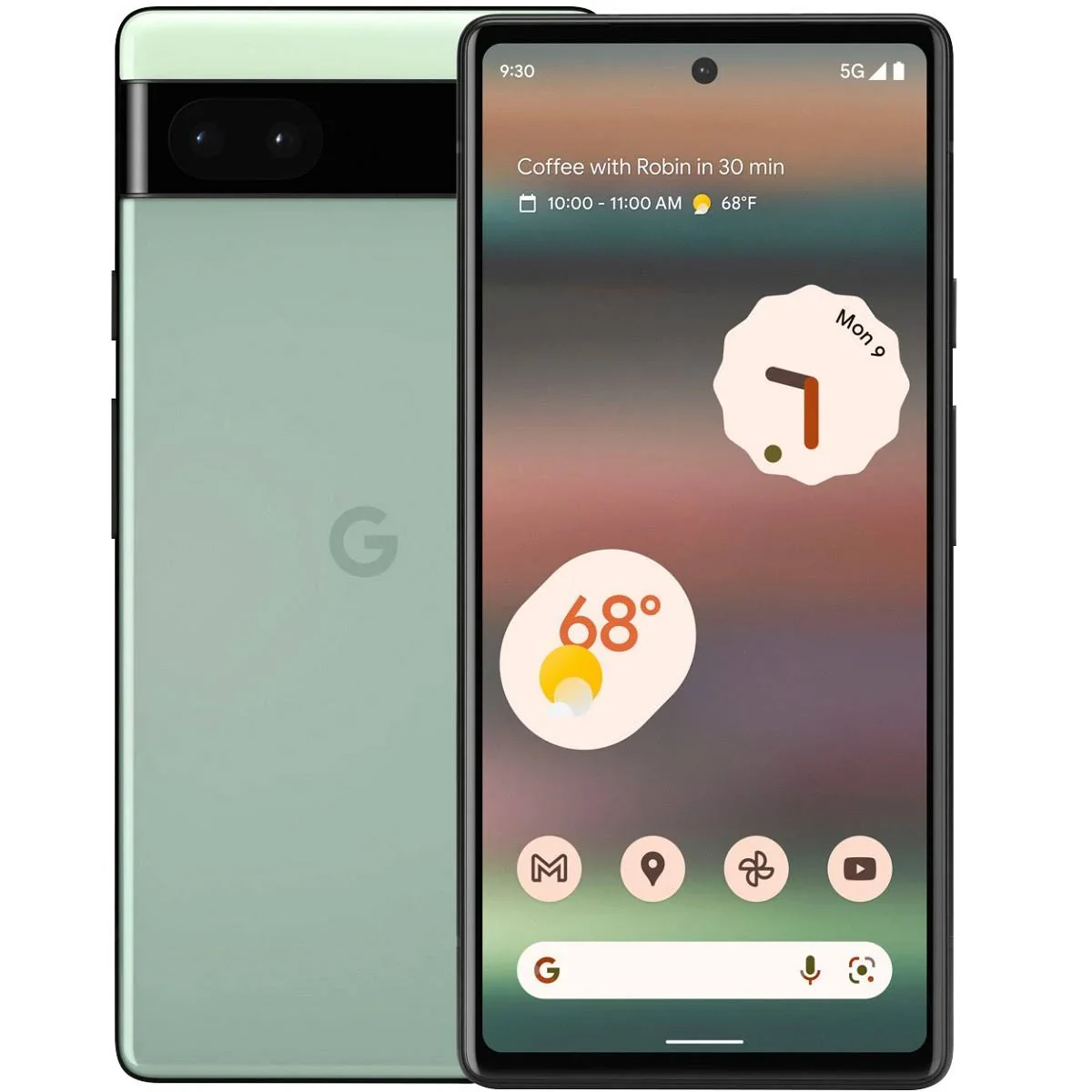

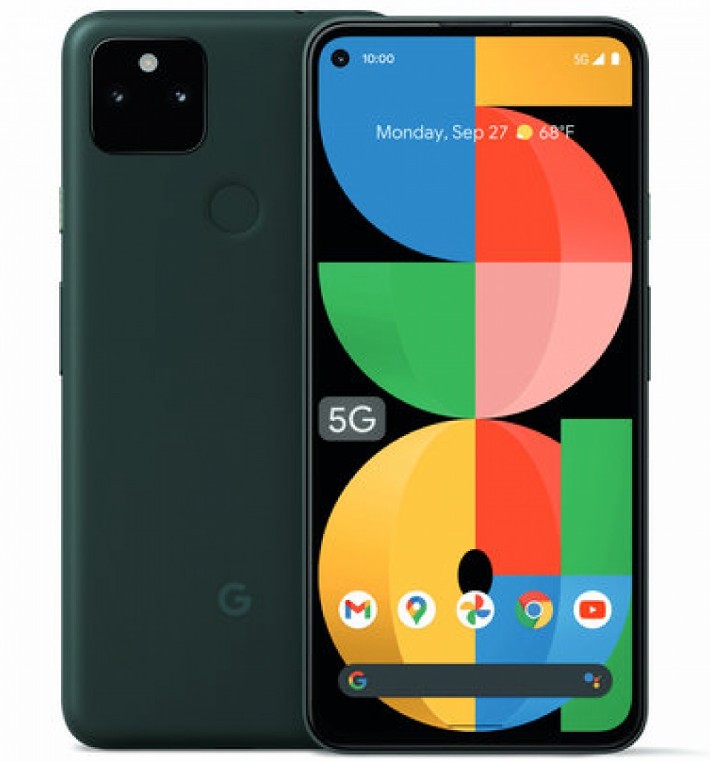
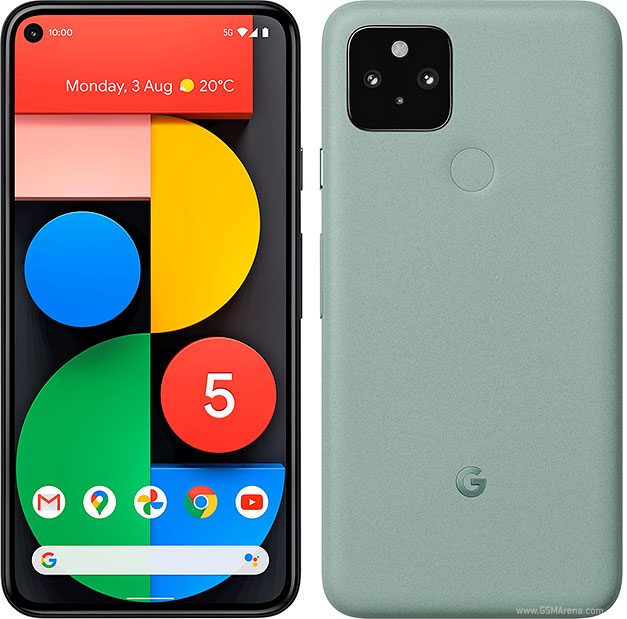
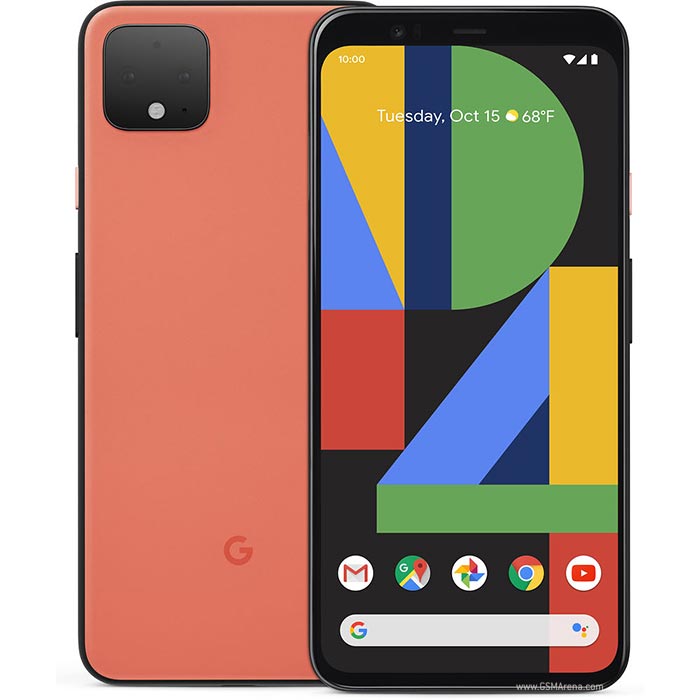
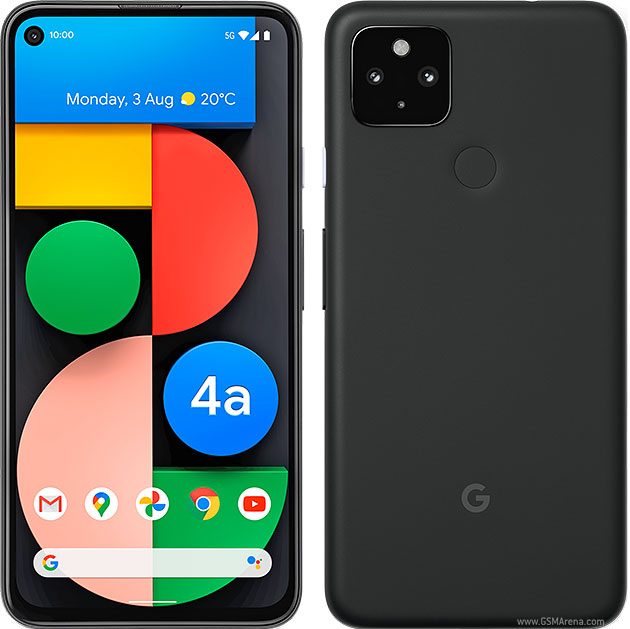
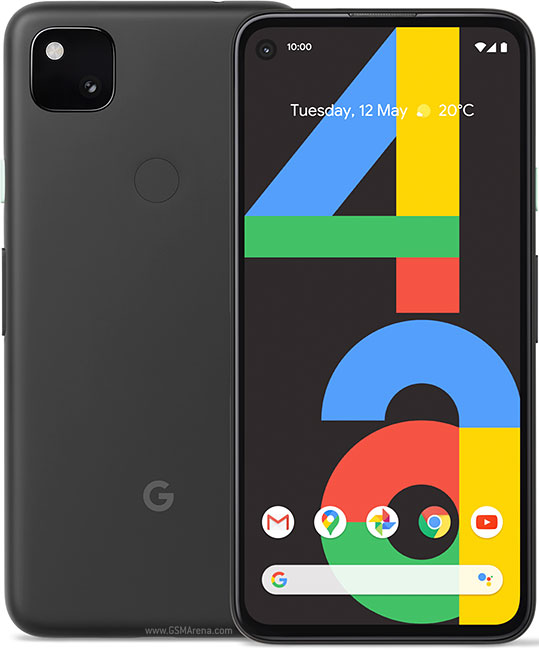
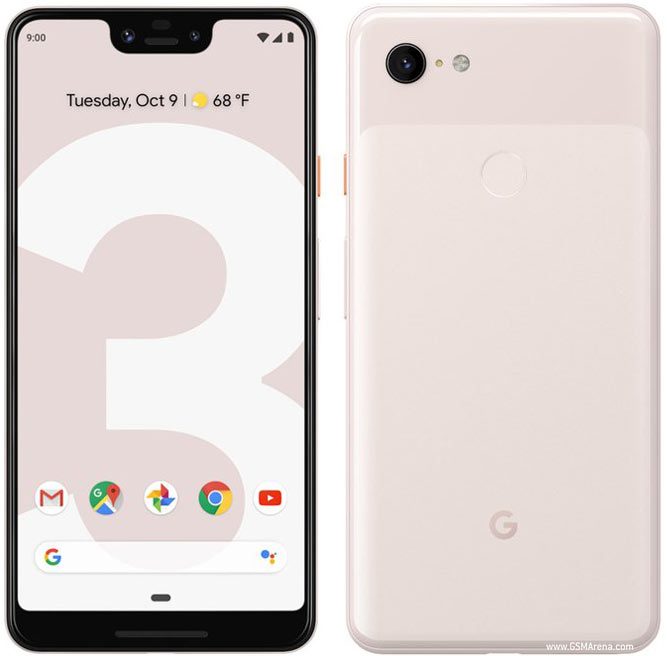
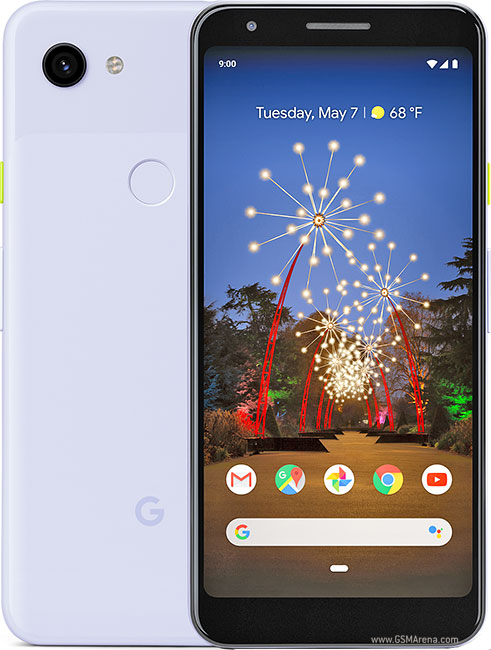
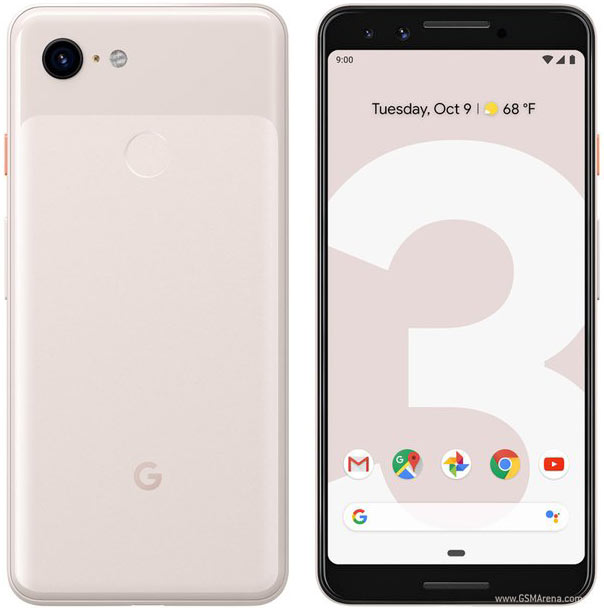
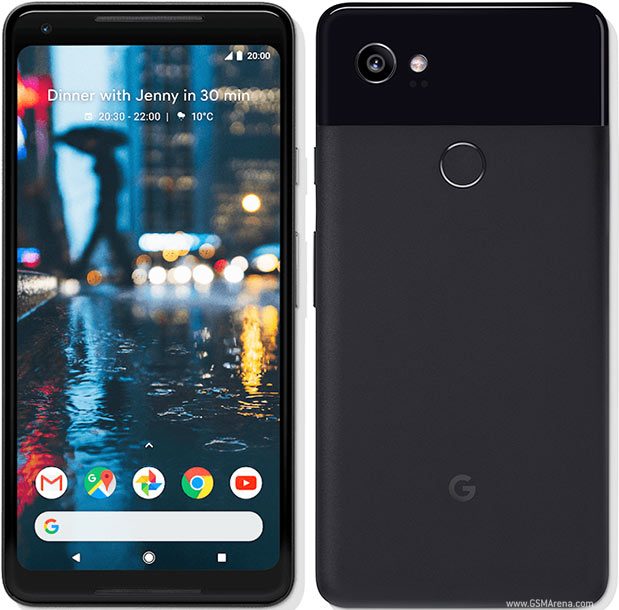
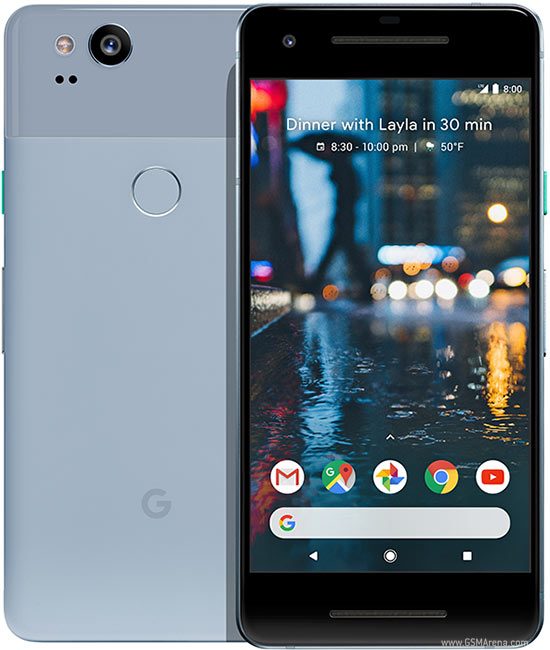
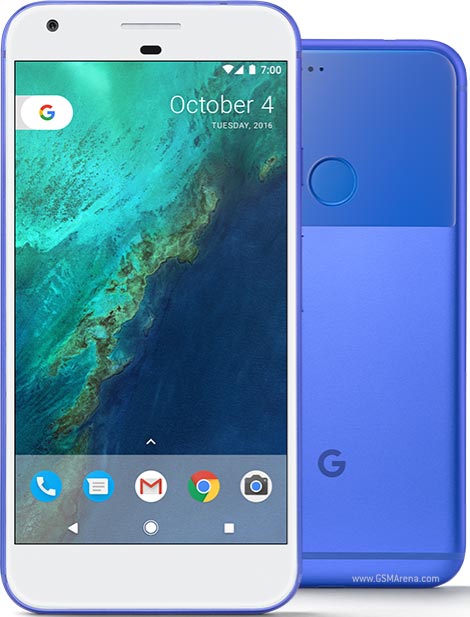
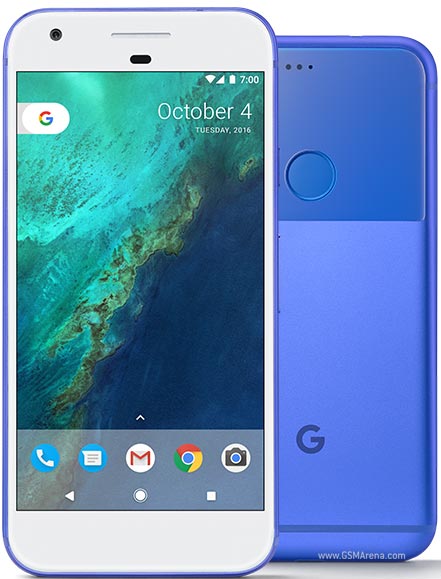
Google Pixel Screen Repair & Replacement – Professional Fix From £59
Dropped your Pixel and watched the screen shatter? That sickening moment when your Pixel 9 Pro hits the pavement, or your Pixel 8 slips from your hand onto concrete – we’ve heard these stories hundreds of times. The good news?
Most cracked Pixel screens can be professionally repaired within 90 minutes, restoring your display to perfect working condition while preserving every feature Google engineered into your device. For official guidance on your Pixel’s features and maintenance, see Google Pixel support.
Whether you’re dealing with a completely shattered Pixel display that’s unusable, spiderweb cracks spreading across your screen, dead zones where touch stops responding, or mysterious green tint issues affecting Pixel 5, 6 or 7 models, professional screen replacement solves these problems permanently.
Unlike DIY screen repairs that often break computational photography features or cause ongoing touch sensitivity issues, our specialised Pixel screen replacement maintains perfect integration with your phone’s Tensor chip, camera system, and all Google-exclusive features.
Same-day Pixel screen repair available – Most replacements completed in 90-120 minutes with genuine or high quality OLED displays, or choose convenient mail-in service covering all UK addresses. Every screen replacement includes professional installation protecting your Pixel’s advanced technology, comprehensive testing ensuring flawless touch response and display quality, and complete 12-month warranty. Get your Pixel screen fixed properly from £59.
Understanding Google Pixel Screen Damage – Why Immediate Repair Matters
Your Pixel’s display isn’t just glass and pixels – it’s an advanced OLED panel integrating with Google’s computational systems in ways generic Android phones don’t replicate. Understanding what happens when screens break helps you make informed decisions about repair timing and approach.
Why Pixel Screens Crack Despite Gorilla Glass Protection
Modern Pixels use Corning’s Gorilla Glass Victus or Victus 2 on premium models like the Pixel 8 Pro and Pixel 9 series. This strengthened glass resists scratches brilliantly and handles minor impacts, but physics ultimately wins against concrete, tile floors, and car park tarmac.
Screen damage typically follows predictable patterns. Corner impacts create spiderweb cracks radiating outward from the strike point – these often start small but spread across days or weeks as pocket pressure and temperature changes stress the compromised glass. Face-down drops onto rough surfaces cause shattering across the entire display, sometimes severe enough that glass fragments risk cutting fingers. Edge impacts on Pixel Pro models with curved displays often crack both the visible screen and the curved edge sections, requiring complete display assembly replacement rather than just front glass.
What surprises many Pixel owners is how quickly minor damage escalates. A small corner crack seems manageable initially, but moisture seeps through compromised seals, pocket lint works into cracks, and continued use spreads damage further. We regularly see customers who waited weeks or months to repair “minor” cracks, only to discover the delay allowed moisture to corrode internal components or spreading cracks to damage the underlying OLED panel. Early repair prevents £80 screen fixes from becoming £200+ repairs once internal damage occurs.
The Hidden Technology Inside Pixel Displays
Pixel screens integrate multiple sophisticated technologies working together seamlessly. Pixel phones use OLED screens for bright colours and perfect blacks. These displays are delicate – if the glass cracks, the touch layer underneath often gets damaged too, causing dead zones or ghost touches. This technology delivers the rich, punchy visuals Pixel displays are known for, with perfect contrast ratios and viewing angles.
Layered onto the OLED sits the digitizer – a touch-sensitive grid detecting finger position, pressure, and gestures. This isn’t simple touch detection – it’s sophisticated input processing enabling Google’s gesture navigation, precise text selection, and the responsive feel that makes Pixels pleasant to use. When screens crack, the digitizer often sustains damage even when the OLED beneath appears functional. You’ll notice dead zones where touch stops registering, phantom touches where the screen registers input without contact, or delayed response making the phone frustrating to operate.
Pixel 8 Pro and 9 Pro screens automatically adjust refresh rates for smoother scrolling and better battery life. We use replacement screens that keep these premium features working just like the original.
Why Pixel Screens Require Specialised Replacement Expertise
Many generic repair shops don’t understand how tightly Pixel screens work with the camera and Google’s software. A poor-quality screen can break features like Night Sight, Magic Eraser, or adaptive brightness. That’s why our Pixel-trained technicians use only compatible OLED parts that keep every feature working perfectly.
Computational photography breaks frequently after amateur screen replacement. Night Sight stops producing the stunning low-light results Pixels are famous for. Magic Eraser functionality becomes unreliable or stops working entirely. Photo quality degrades noticeably even though the camera hardware remains unchanged. Why? Because Pixel computational photography depends on perfect integration between camera sensors, the Tensor chip processing images, the display showing results, and Android software coordinating everything. Improper screen replacement interrupts these connections, degrading the camera quality that likely influenced your decision to buy a Pixel.
Touch sensitivity problems plague cheap screen replacements. The digitizer might work, but response feels sluggish compared to before damage. Gesture navigation misses swipes. Typing becomes frustrating with missed characters. These issues stem from inferior replacement digitizers lacking the specifications Google engineered into original displays, or improper calibration failing to tune touch sensitivity correctly.
Adaptive brightness stops working properly after many DIY repairs. Your Pixel’s ambient light sensor sits near the front camera, and screen replacement requires careful sensor preservation. Damaged sensors or blocked sensor windows leave you with displays that never adjust brightness automatically, staying too dim outdoors or blindingly bright in darkness. Professional replacement protects these sensors and verifies their function.
Pixel Screen Problems We Fix – Complete Display Solutions
Shattered and Cracked Screens
The most obvious damage – visible cracks ranging from small corner chips to completely shattered displays where glass fragments risk injury. Even “minor” cracks require prompt attention preventing moisture damage and crack spreading.
Pixel 9 Pro XL and Pixel 8 Pro feature large 6.7-6.8″ displays providing expansive viewing but increasing vulnerability to damage. These premium OLED panels cost more to replace but deliver the exceptional quality Google designed into flagship models. Cracked displays on these devices need professional replacement with genuine OLED technology maintaining resolution, refresh rates, and color accuracy.
Smaller Pixel 9, Pixel 8, and Pixel 7 models with 6.0-6.3″ displays still use premium OLED technology requiring careful replacement. Their more compact size makes one-handed use easier but doesn’t reduce damage risk when drops occur.
Touch Sensitivity and Dead Zone Issues
Sometimes screens look perfect but touch response fails in specific areas. Dead zones – screen regions not registering touch input – make typing impossible, prevent swiping notifications, or block access to navigation buttons. These problems indicate digitizer damage requiring complete display assembly replacement.
Phantom touches represent another digitizer failure where screens register touches that never occurred. Your Pixel opens apps randomly, types gibberish, or navigates without input. This extremely frustrating problem stems from digitizer damage creating false signals, requiring professional display replacement.
Delayed touch response makes Pixels feel sluggish even when processors operate normally. Taps register seconds late, swipes don’t follow fingers smoothly, or gestures fail to register. This indicates digitizer issues, poor connection between display and logic board, or incompatible replacement screens from previous amateur repairs.
Display Quality Degradation
Not all screen damage shows as cracks. Internal OLED panel damage creates various visual problems requiring display replacement:
- Black spots or shadows appear when OLED pixels die permanently. Unlike LCD displays with backlight bleeding, OLED damage creates defined black areas where pixels can’t illuminate. These spots typically expand over time as adjacent pixels fail.
- Lines across the display – horizontal or vertical colored lines, flickering bands, or static patterns – indicate OLED panel failure or connector issues. Sometimes these problems follow impacts that didn’t crack glass but damaged internal components.
- Color accuracy problems manifest as displays looking washed out, overly saturated, or tinted toward specific colors. While software can cause color shifts, physical display damage also creates permanent color distortion.
- Brightness inconsistency shows as bright or dark patches across screens, flickering during brightness changes, or displays that never achieve full brightness. These symptoms indicate OLED panel degradation requiring replacement.
The Infamous Pixel Green Tint Issue
Pixel 5, Pixel 6, and Pixel 7 series developed a reputation for green tint problems – displays showing greenish color cast, particularly at low brightness levels. This issue follows a fascinating pattern revealing the importance of proper diagnosis.
Many green tint cases actually stem from software problems rather than hardware damage. Google released Android updates addressing green tint through improved color calibration and display driver optimizations. Before recommending expensive screen replacement, professional diagnosis determines whether software updates resolve the problem. We’ve saved customers hundreds of pounds by identifying software-fixable green tint rather than unnecessarily replacing displays.
However, physical green tint from OLED panel degradation or manufacturing defects does occur. This hardware-based green tint persists across software updates and factory resets, requiring display replacement. Professional diagnosis distinguishes between these scenarios, preventing unnecessary screen replacement when software fixes would work, or preventing endless software troubleshooting when hardware replacement is actually needed.
Screen Replacement After Water Damage
Water exposure frequently damages displays even on IP67/IP68 rated Pixels. Moisture seeps through compromised seals around screens, particularly if devices previously suffered drops weakening adhesive. Corrosion develops on display connectors, water spots appear beneath screens, or displays stop functioning entirely.
Water-damaged displays need more than simple screen replacement. Professional repair includes thorough internal cleaning removing all moisture and corrosion, connector inspection and cleaning, replacement of compromised adhesive seals preventing future moisture entry, and complete functionality testing ensuring no hidden damage remains. This comprehensive approach prevents replacing screens only to have lingering corrosion cause new failures weeks later.
Our Professional Pixel Screen Replacement Process
Comprehensive Pre-Repair Diagnosis
Every screen repair begins with detailed assessment examining the full extent of damage. Obviously cracked screens still require diagnostic testing determining whether damage extends beyond visible issues.
We test touch response across the entire display surface identifying dead zones, examine OLED panel function checking for lines, spots, or color issues beyond obvious cracks, inspect connections between display and logic board, test ambient light sensors ensuring automatic brightness functions, verify camera functionality (front camera sits near displays and can sustain damage from impacts), and check for moisture intrusion that might indicate additional internal damage requiring attention.
We follow Google’s repair standards from start to finish – from safe screen removal and precise fitting to waterproof sealing and calibration. Every Pixel is fully tested before return to guarantee perfect results.
Discussing Your Screen Replacement Options
After diagnosis, we explain findings clearly and discuss replacement options. Not every Pixel owner needs identical screen replacement:
- Genuine OEM displays sourced from authorised suppliers match Google’s exact specifications. These displays integrate perfectly with Pixel hardware, support full functionality including adaptive refresh rates on Pro models, and provide guaranteed compatibility. OEM screens cost more but ensure the identical display experience Google engineered.
- Premium aftermarket displays manufactured to meet or exceed Google’s specifications offer excellent quality at lower cost. These displays use genuine OLED technology, support proper resolution and color accuracy, and integrate correctly with Pixel systems. Our 12-month warranty proves our confidence in these components – we only use premium aftermarket screens meeting strict quality standards.
- We never use budget LCD screens as “cheap alternatives” for Pixel repairs. LCD technology cannot match OLED’s visual quality, doesn’t support Pixel display features, and destroys the viewing experience that makes Pixels enjoyable to use. If you only want the cheapest possible repair regardless of quality, we respectfully suggest looking elsewhere – we won’t compromise Pixel functionality with inferior technology.
- For certain older Pixel models where genuine parts are unavailable or cost-prohibitive, we discuss refurbished OEM displays that have been professionally restored. These offer genuine Google components at reduced cost.
Professional Screen Removal and Installation
Pixel display replacement requires careful technique protecting internal components during screen removal. Modern Pixels use strong adhesive sealing displays against their frames, requiring precise heat application softening adhesive without damaging temperature-sensitive components like batteries.
We use calibrated heating equipment maintaining safe temperatures, specialized tools designed for sealed smartphone construction, and methodical disassembly procedures following Google’s service protocols. This approach prevents the common damage DIY repairs cause – bent frames from prying too aggressively, battery damage from excessive heat, connector damage from improper removal, or logic board damage from electrostatic discharge.
New display installation involves more than just fitting glass into frames. We apply fresh adhesive seals creating water-resistant bonds matching factory specifications, clean all contact surfaces ensuring proper adhesion, verify connector seating, and inspect alignment before final assembly. This attention ensures new displays integrate properly with Pixel frames, maintaining structural integrity and environmental sealing.
Display Calibration and System Integration
After physical installation, software calibration ensures new displays function perfectly with your Pixel’s Tensor processor and Android software. This step separates professional repair from amateur attempts.
We calibrate touch sensitivity and response across the entire display surface, configure color profiles matching Google’s specifications, enable and test adaptive refresh rate functionality on Pixel 8 Pro and 9 Pro models, verify ambient light sensor function for automatic brightness, and confirm proper communication between display and Tensor chip.
This calibration maintains the cohesive experience Google engineered. Your repaired Pixel feels identical to how it operated before damage – smooth touch response, accurate colors, and all features functioning correctly.
Comprehensive Post-Repair Testing
Before returning your Pixel, we conduct extensive testing verifying all functions potentially affected by screen replacement:
- Display quality testing examines color accuracy across brightness ranges, checks for dead pixels or display anomalies, verifies uniform brightness without patches, confirms blacks appear truly black (OLED technology), and tests viewing angles ensuring consistent quality.
- Touch functionality testing validates response across the entire surface, tests multi-touch with multiple simultaneous inputs, verifies gesture navigation with swipes, pinch, and other gestures, checks typing accuracy and response speed, and confirms no phantom touches or false inputs occur.
- Feature integration testing verifies computational photography features work correctly, confirms Call Screen, Live Translate, and other Pixel-exclusive features function properly, tests adaptive brightness and color accuracy, validates fingerprint sensor function (on-screen sensors integrate with displays), and ensures all apps and systems recognize the display correctly.
- Environmental testing includes charging while operating (generates heat stressing displays), running graphics-intensive apps testing display performance under load, and verifying no weird behavior during temperature changes or various brightness levels.
- Only after passing every test do we consider screen replacements complete. This thoroughness ensures you receive a fully functional Pixel, not just a phone with new glass that might develop problems later.
Google Pixel Screen Replacement Pricing – All Models
Transparent pricing including professional installation, comprehensive testing, and 12-month warranty. Same-day service available for most models.
| Google Pixel Series | Screen Replacement Type | Estimated Price Range |
|---|---|---|
| Pixel 9 Series | Pixel 9 Pro XL Screen Replacement | £249 – £399 |
| Pixel 9 Pro Screen Replacement | £229 – £349 | |
| Pixel 9 Screen Replacement | £199 – £299 | |
| Pixel 8 Series | Pixel 8 Pro Screen Replacement | £139 – £299 |
| Pixel 8 Screen Replacement | £139 – £279 | |
| Pixel 7 Series | Pixel 7 Pro Screen Replacement | £129 – £299 |
| Pixel 7 / 7a Screen Replacement | £129 – £249 | |
| Pixel 6 Series | Pixel 6 Pro Screen Replacement | £119 – £269 |
| Pixel 6 / 6a Screen Replacement | £119 – £219 | |
| Pixel 5 & Earlier | Pixel 5 / 4a 5G Screen Replacement | £69 – £129 |
| Pixel 4 / 4 XL Screen Replacement | £69 – £129 | |
| Pixel 3 / 3a Screen Replacement | £69 – £129 |
All prices include genuine or high quality OLED display technology (no inferior LCD substitutes), professional installation and calibration, comprehensive testing of all functions, fresh adhesive seals, and complete 12-month warranty coverage.
Why Professional Pixel Screen Repair Outperforms DIY Replacement
The DIY Screen Repair Temptation
YouTube tutorials and £40 replacement screen kits make DIY Pixel screen repair look straightforward. Watching someone replace a screen in 15 minutes creates false confidence – if they can do it, surely you can too?
The reality proves far more complicated. Professional Pixel screen replacement requires specialised equipment you probably don’t own: calibrated heating tools maintaining precise temperatures, specialized opening tools designed for sealed construction, anti-static work surfaces preventing electrostatic discharge, and testing equipment verifying proper display function.
DIY attempts frequently create new problems beyond the original screen damage. We repair dozens of Pixels annually where initial DIY screen replacement seemed successful, only for problems to emerge days or weeks later.
Common DIY repair failures include:
- Computational photography degradation – Night Sight produces poor results, Magic Eraser stops working reliably, and overall camera quality deteriorates noticeably. Owners often don’t immediately connect camera problems to screen replacement performed weeks earlier, assuming coincidental camera failure rather than repair-related integration issues.
- Touch sensitivity problems persist or worsen. The replacement screen works, but response feels slightly off. Typing seems less accurate. Gesture navigation misses swipes occasionally. These subtle issues make Pixels frustrating to use despite technically functional screens.
- Adaptive refresh rates stop working on Pro models. The screen displays content, but you’ve lost the battery efficiency and smooth performance from adaptive 1-120Hz refresh. Your Pixel now drains battery faster while potentially feeling less responsive.
- Adhesive failures cause screens to separate from frames, allowing dust and moisture inside. Amateur repairs often skip proper adhesive application or use inferior adhesive that doesn’t create water-resistant seals. Screens lift at corners, gaps appear around edges, or moisture damage occurs during routine environmental exposure.
- Battery damage from improper heating during screen removal. Batteries are temperature-sensitive – excessive heat during amateur screen removal can damage cells causing rapid degradation, percentage reading inaccuracy, or safety issues. That “successful” DIY screen repair might have compromised battery lifespan you won’t discover until months later when premature battery death seems unrelated.
- Broken connectors from inexperienced handling. Pixel internal connectors are tiny and fragile. Forcing connections, using incorrect removal techniques, or failing to lift connector latches breaks these critical links. Suddenly your front camera doesn’t work, or the proximity sensor fails, or touch stops functioning in specific regions.
The Hidden Cost of DIY Screen Replacement
That £40 screen kit seems economical compared to professional repair pricing, but consider the actual costs:
- The £40 kit price assumes successful installation. One mistake – damaged battery, broken connector, stripped screw – turns budget repair into expensive disaster. Professional repair fixes your original screen damage plus the additional damage from DIY attempts, easily doubling costs.
- Your time has value. Will you complete screen replacement in 15 minutes like the YouTube video, or struggle for hours as complications emerge? Consider your hourly value – does saving £100 justify four hours of frustration and risk?
- DIY repairs void any remaining manufacturer warranty. If your Pixel is within Google’s warranty period or you purchased extended coverage, DIY repairs eliminate this protection. Professional repair maintains warranty validity for non-damaged components.
- No warranty on DIY work means problems that develop days or weeks later require purchasing another screen kit and attempting repair again, or paying professionals to fix both the original damage and DIY-created issues.
- The emotional cost of destroying your own phone shouldn’t be overlooked. That stomach-dropping moment when you accidentally tear a flex cable or crack your new replacement screen during installation creates stress money can’t easily quantify.
Protecting Your Pixel Screen – Prevention Strategies
Physical Protection That Actually Works
Quality screen protectors won’t prevent cracks from serious drops, but they do protect against scratches and can absorb some impact energy. Tempered glass protectors work best for Pixels – plastic film protectors scratch easily and feel less responsive.
For Pixel 8 Pro and 9 Pro with curved displays, ensure screen protectors specifically designed for these models. Generic flat protectors leave curved edges exposed, defeating protection purpose while creating annoying touch sensitivity dead zones at screen edges.
Cases provide far more protection than screen protectors alone. Slim cases offer minimal bulk while protecting from minor impacts and preventing direct screen contact when phones sit face-down. Rugged cases with raised bezels around screens prevent glass contacting surfaces during face-down drops – critical protection for clumsy moments.
Usage Habits Preventing Screen Damage
Secure pockets prevent most drops. Shallow pockets allow Pixels to escape during sitting or movement. Ensure your phone sits deep enough that normal activity won’t dislodge it.
One-handed usage increases drop risk significantly. Using Pixels with both hands or at least supporting phones with second hand while tapping with first dramatically reduces drops. If one-handed use is essential, smaller Pixel models offer better grip security than large Pro XL variants.
Avoid phone use on hard surfaces where drops cause maximum damage. Using Pixels over carpeted floors, grass, or beds provides cushioning if drops occur. Pavement, tile, and concrete show no mercy to falling phones. Remove phones from pockets before sitting in vehicles or tight spaces. The twisting and pressure during sitting frequently forces phones from pockets, leading to parking lot pavement impacts.
When to Repair vs Replace Your Pixel
Screen damage doesn’t always justify complete device replacement, but sometimes replacement makes more financial sense than repair.
Repair makes sense when:
- Your Pixel is less than 3-4 years old and receives Android updates
- The device otherwise functions perfectly
- Screen replacement costs less than 50% of replacement phone value
- You’re happy with Pixel performance and features
- Storage, battery, and other components work well
Replacement might make more sense when:
- Your Pixel is 4+ years old and no longer receives Android updates
- Multiple components need expensive repair beyond just the screen
- Screen replacement costs approach or exceed used replacement phone value
- You’ve been considering upgrading to newer Pixel features
- Battery already shows significant degradation requiring replacement soon
For Pixel 6, 7, 8, and 9 series devices still receiving updates, screen repair almost always makes financial sense. These Tensor-powered Pixels offer excellent performance for years – replacing just the screen for £100-300 versus £500-900 for replacement phones saves significantly.
Older Pixel 5, 4, and 3 series devices require individual evaluation. If everything besides the screen works great and you’re happy with performance, affordable screen repair extends useful life. If multiple issues exist or you were already considering upgrades, replacement might be better timing.
For more than just screen issues, iExpert Repairs also offers pixel battery replacement, Google Pixel charging repair, and full Google Pixel repair service across the UK. From quick battery replacements to expert camera and charging fixes, we keep every Pixel model running like new. Book your repair online or visit us in-store for trusted, same-day service.
We also handle mobile phone repairs, Samsung repairs and UK-wide tech repairs at our UK repair centre.
FAQs About Google Screen Replacement
How much does a Google Pixel screen repair cost in the UK?
The cost of a Google Pixel screen repair in the UK typically ranges from £89 to £399, depending on the model. For example, a Pixel 6a or Pixel 7 screen replacement costs less than a Pixel 8 Pro or Pixel 9 Pro OLED display. At iExpert Repairs, we use premium-grade or genuine screens and offer transparent pricing for every model with no hidden fees.
Can a cracked Google Pixel screen be replaced without affecting display quality?
Yes - when fitted with genuine or premium OLED parts, your Google Pixel screen will look and perform exactly like new. Our expert technicians ensure colour accuracy, touch sensitivity, and brightness are perfectly restored to original standards. Every screen replacement undergoes full functionality testing before return.
How long does a Google Pixel screen replacement take?
Most Google Pixel screen replacements are completed the same day your device arrives at our service centre. In-store repairs are often ready within 1–2 hours, while UK mail-in repairs are dispatched with free tracked next-day return delivery once completed.
Is my data safe during a Google Pixel screen repair?
Absolutely. Screen repairs do not affect your internal data, photos, or apps. Our team only works on the display assembly, leaving your software and storage untouched. We always handle every Pixel with care and confidentiality.
Do you use original Google Pixel screens for replacement?
Yes - we use genuine or premium-grade OLED and AMOLED panels that match Google’s original display quality. Each screen replacement maintains true colours, smooth touch response, and long-term durability equivalent to the factory display.
Can I post my Google Pixel for screen repair from anywhere in the UK?
Yes. We provide a UK-wide mail-in repair service with free tracked return delivery. Simply book your Google Pixel screen repair online, send your phone securely, and we’ll return it fully repaired - often within 24–48 hours.
What warranty do you provide on Google Pixel screen replacements?
Every Google Pixel screen repair from iExpert Repairs includes a 12-month warranty covering both parts and labour. This guarantees peace of mind and long-term protection against any manufacturing or fitting faults.
How do I book a Google Pixel screen repair near me?
Booking is quick and free. Visit our Google Pixel Screen Repair page, select your model (Pixel 4, 5, 6, 7, 8, or 9 series), and choose in-store repair or UK-wide mail-in service. No appointment is needed for same-day repairs at our centre.